Why Manual Takeoffs Are Holding You Back
Let’s be honest—manual takeoffs are a slog. Estimators spend significant time tracing, measuring, and recalibrating. This can lead to rushed work, errors, and incomplete estimates when deadlines close in.
This isn’t a small problem. A McKinsey study found that preconstruction inefficiencies cost $1.6 trillion annually in the construction industry. Missed bids, thinner margins, and burnt-out teams are just a few symptoms of an outdated process. Yet, most teams are still stuck with Bluebeam, Excel, and manual workflows.
So, what’s the fix? Enter AI-powered takeoff tools, which are designed to eliminate the grind and significantly reduce the time spent on takeoffs.
How AI-Powered Takeoff Tools Work
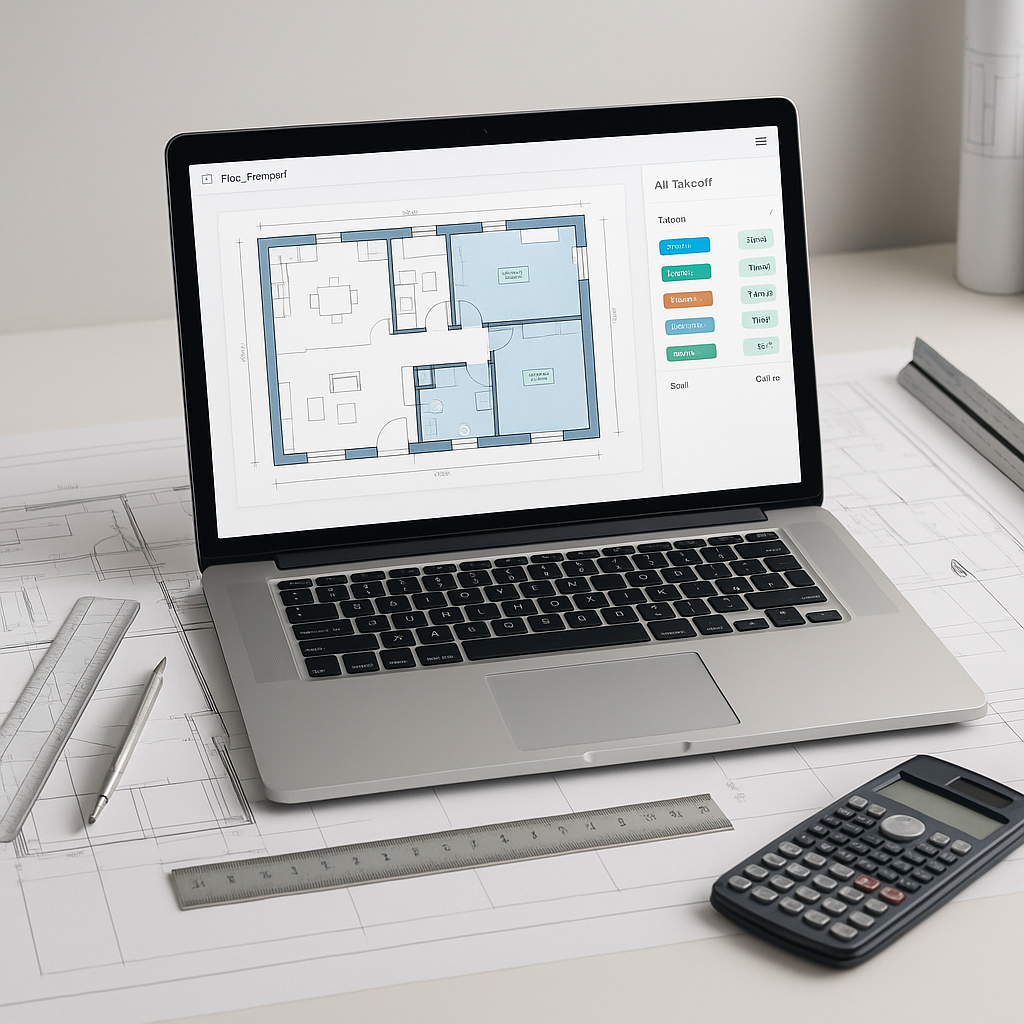
Here’s the simple version: you upload your PDFs or drawings into the platform, and the AI does the heavy lifting. It scans the documents, identifies key elements like walls, doors, and windows, and extracts quantities.
The AI also flags areas of uncertainty for your review. You can override or adjust these spots manually, ensuring accuracy while still saving time. It’s not about replacing your judgment; it’s about clearing the repetitive work off your plate.
Why Speed Alone Isn’t Enough
You might be thinking: “Sure, it’s fast, but is it accurate?” Fair question. The answer depends on how good your inputs are. AI tools excel with clear, properly formatted drawings and BOQs. But even when the inputs are messy—think merged cells or hand-drawn sketches—the AI adapts. It’s trained to recognize patterns and improve with every project you complete.
And let’s not forget: human oversight is still part of the equation. You review the AI’s work, make adjustments, and ensure it aligns with your expertise. Think of it as a junior estimator that learns from your feedback.
The ROI of AI Takeoffs
Illustrative example — Let’s consider a scenario where a team spends a significant number of hours on manual takeoffs. By adopting AI-powered tools, the time required for takeoffs could be drastically reduced, freeing up resources for other critical tasks. Even with the cost of an AI tool subscription, the overall savings in labor and efficiency could provide a substantial return on investment.
What to Watch Out For
AI-powered takeoffs sound great, but they’re not magic. Here are some common mistakes and how to avoid them:
- Garbage In, Garbage Out: If your drawings are outdated or incomplete, the AI can only do so much. Always start with clean, up-to-date files.
- Skipping the Review Process: AI is accurate, but it’s not perfect. Always double-check flagged areas and make adjustments as needed.
- Failing to Train Your Team: Even the best tools are useless if your team doesn’t know how to use them. Allocate time for training and onboarding.
The Bottom Line
Manual takeoffs are a bottleneck you can’t afford anymore. AI-powered tools don’t just save time—they let your team focus on the tasks that actually win projects. If you’re tired of wasting hours on repetitive work, it’s time to let AI do the heavy lifting.


