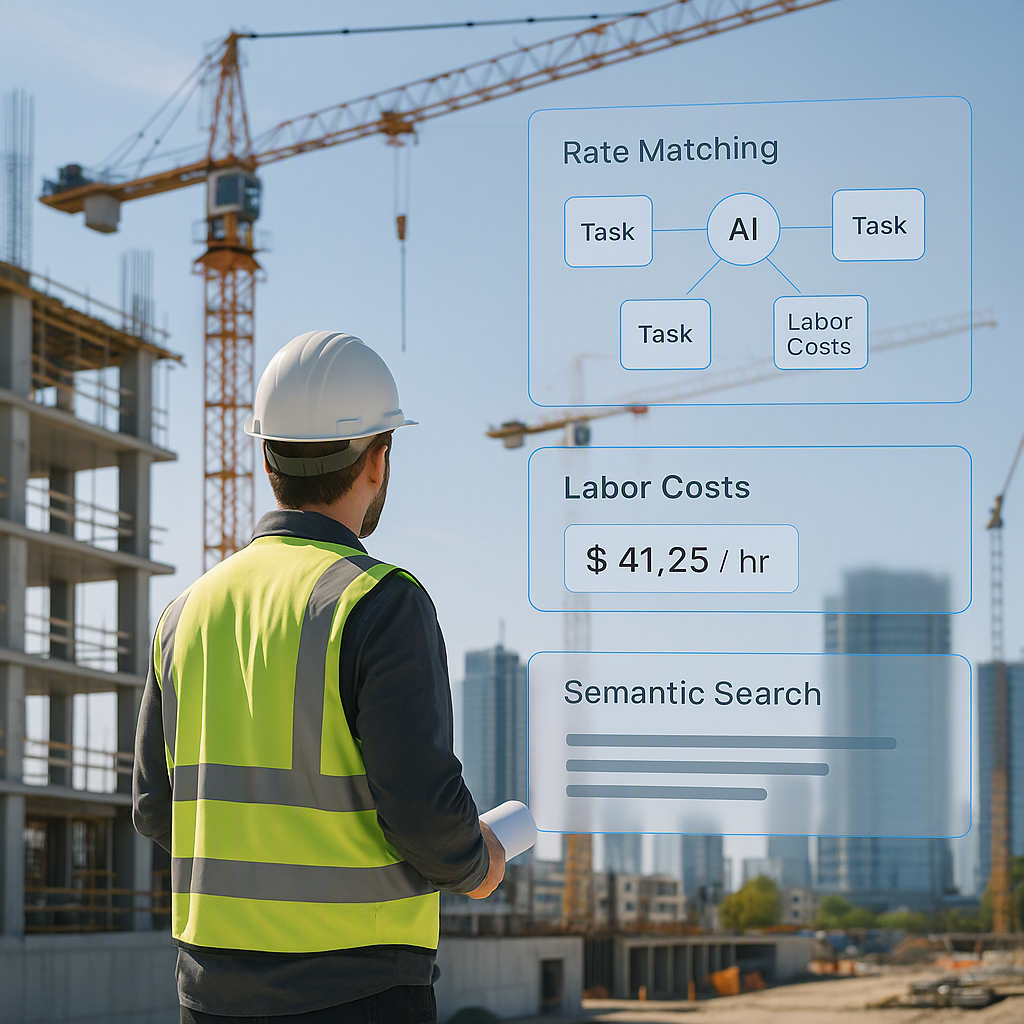
The Pain of Manual Rate Matching
Ever spent hours flipping through rate books trying to find the labor cost for a specific task? You're not alone. For most estimators, rate lookup is a quiet but frustrating time sink in preconstruction workflows. Whether it's a massive catalog like CPWD DSR or a regional RSMeans guide, the process is slow, error-prone, and eats into your team's productivity.
The worst part? Even if you find the rate, you're often left second-guessing if it's accurate for your location, project type, or scope. For large bids, this problem compounds fast.
Why AI Rate Matching Is a Game Changer
AI-powered rate matching tools solve this bottleneck by automating the lookup process. Here's how it works:
-
Semantic Search Across Massive Catalogs: Instead of flipping pages, you type what you're looking for. For example: "Labor rate for installing pre-stressed concrete girders." The AI scans thousands of catalog items and returns the match in seconds.
-
Location-Specific Adjustments: The system adjusts rates based on location, inflation, and even project-specific factors like material choices. No more guessing if the catalog rate applies to your bid.
-
Custom Catalog Integration: If your firm uses custom rates, you can upload them directly. The AI integrates these seamlessly and learns from repeated use to improve accuracy over time.
Practical Benefits of AI Rate Matching
AI tools streamline workflows by automating repetitive tasks, reducing manual errors, and enabling faster decision-making. While AI won't replace your expertise, it amplifies it by handling the grunt work, so you can focus on high-value decisions like markup percentages and bid strategy.
How to Start Using AI for Rate Matching
Want to try this yourself? Here's a simple process:
-
Upload Your BOQ: Tools let you upload Excel, CSV, or even ODS files. The system auto-detects merged cells, section headers, and hierarchies.
-
Run Rate Queries: Type in specific items or tasks, and let the AI return matches. For edge cases, you can review manually.
-
Refine and Repeat: Use the tool across multiple projects to train it further. Most systems show significant improvements with repeated use.
Common Mistakes and How to Avoid Them
- Relying Solely on Default Catalogs: Always upload custom rates if you have them—regional factors matter more than you think.
- Skipping Human Oversight: AI is highly efficient, but no system is perfect. Always review outputs for critical items.
- Underestimating Learning Curves: While these tools are intuitive, training your team properly ensures faster adoption and fewer errors.
Final Thoughts
If you're tired of wasting hours on rate lookup, AI-powered tools offer a practical solution. They don’t just save time—they reduce errors, improve accuracy, and free your estimators to focus on what really matters: winning work.


