The Takeoff Problem No Estimator Can Ignore
Every estimator knows the drill. You get a flat PDF drawing set, maybe hundreds of pages deep. Now it’s on you (and your team, if you're lucky) to extract quantities: wall lengths, door counts, room areas. If you’re working manually, it’s a slog. Manual takeoffs aren’t just slow; they’re prone to errors. Miss a line, misread a scale, or skip a revision, and you’re in trouble. Either your bid is too high (you lose the job) or too low (you win and lose money).
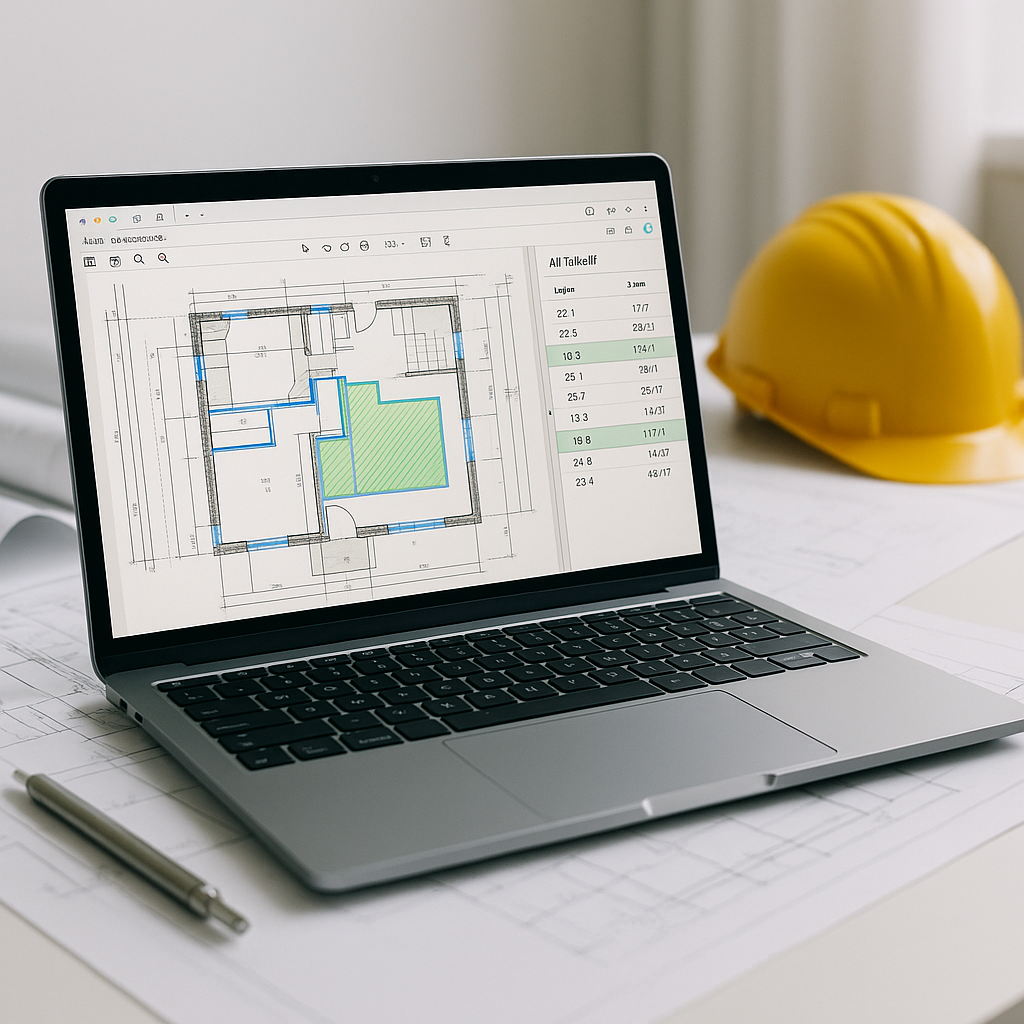
This is where AI-powered takeoffs come in. Tools can extract quantities directly from PDF drawings in a fraction of the time it takes manually. For many contractors, this means significantly reducing the time spent on takeoffs and moving on to pricing much faster.
How AI Takeoff Works (And Why It’s a Game-Changer)
AI takeoff tools aren’t magic, but they’re close. Here’s how they work:
- Upload Your Drawings: Drag and drop your PDF or drawing set into the platform. No need to mess with file formats or conversions.
- AI Reads the Drawings: The AI scans the drawings for key elements—walls, windows, areas, etc. It can even handle multi-page sets and revisions.
- Auto-Extract Quantities: Room areas, wall lengths, door/window counts—it pulls them all. You get a breakdown quickly, ready for review.
- Flagging for Review: Not every extraction is perfect, so the tool flags uncertain areas for manual review. It’s a safety net, not a blind trust system.
Illustrative example — A contractor working on a mid-sized project could save significant time by automating takeoffs, reallocating that time to higher-value tasks like bid strategy or subcontractor negotiations.
The Obvious Objection: “But AI Can’t Think Like an Estimator”
I hear this all the time. “Sure, AI is fast, but it doesn’t understand the nuances of construction.” And you know what? That’s partially true. AI doesn’t replace your expertise; it amplifies it. You’re still the one making judgment calls, deciding on markup, and negotiating with subs. The AI just takes the grunt work off your plate.
Think of it like using an excavator instead of a shovel. You could do it manually, but why would you?
Common Mistakes AI Takeoff Can Help Avoid
- Missed Revisions: Revision sets are a nightmare to track manually. AI tools can compare drawing versions and highlight changes automatically.
- Scale Errors: Calibrating scales on PDFs is tedious. AI tools do this automatically, reducing risk.
- Incomplete Quantities: Forgetting a room or miscounting windows can skew estimates. AI flags gaps for review.
Conclusion: Why This Matters
If you’re still doing manual takeoffs, you’re wasting time and money. AI-powered tools don’t just speed up the process—they free you to focus on what really matters: winning bids and maximizing margins.


