The Problem: Manual Takeoffs Are a Bottleneck
If you've ever done manual drawing takeoffs, you know the drill. Estimators spend significant time flipping through PDFs, measuring wall lengths, counting fixtures, and recalculating quantities for revisions. By the end, you're juggling spreadsheets, trying to keep everything consistent. It's exhausting—and worse, it’s error-prone.
Now multiply that effort across multiple projects a year, each with hundreds of pages of drawings. Suddenly, your team is bleeding time and struggling to meet deadlines. And let’s not pretend mistakes don’t happen—miscount a door or mislabel a room and you’re adding hours of rework.
This isn’t sustainable, especially when preconstruction teams are being asked to do more with fewer resources. That’s where AI-powered takeoffs come in.
How AI Takeoffs Work
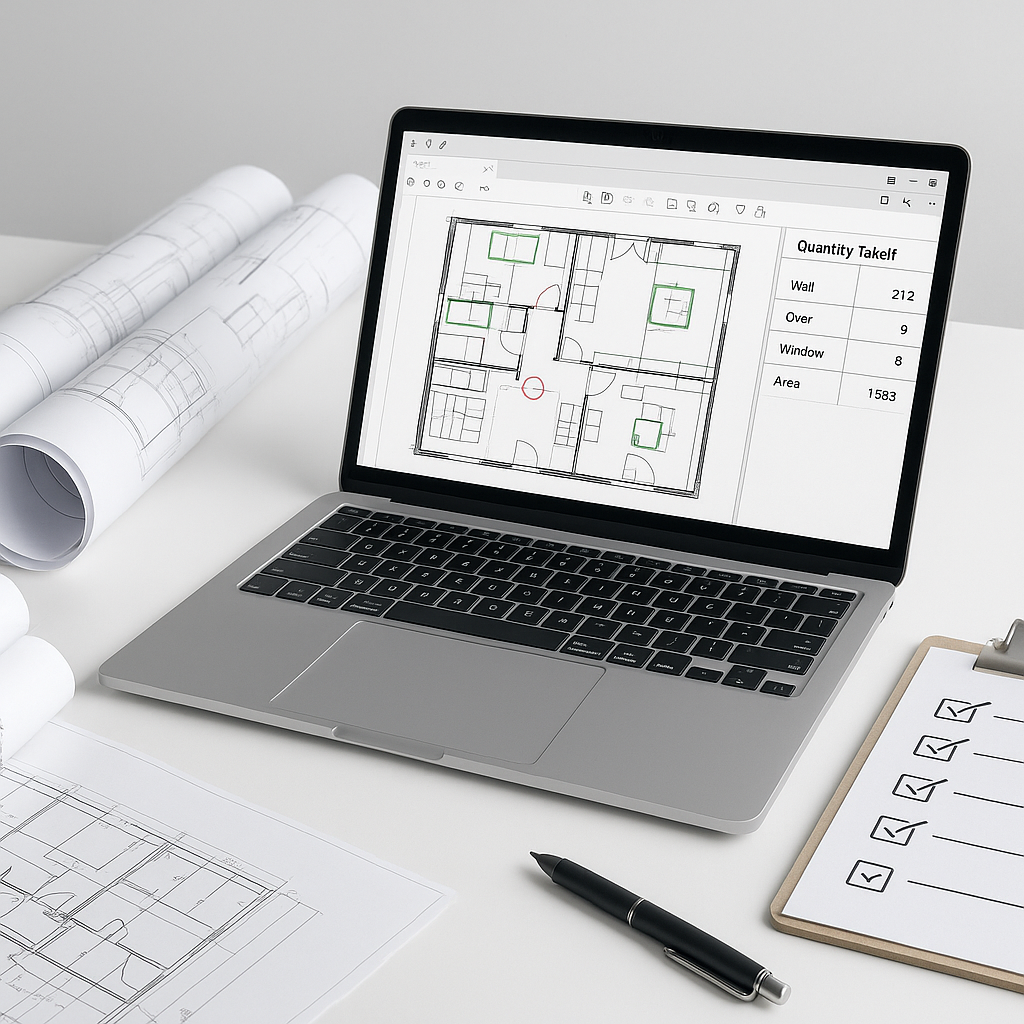
AI tools handle the repetitive tasks of takeoffs. You upload the drawing set—PDFs, DWGs, or other formats—and the system’s Vision AI extracts quantities automatically. Room areas, wall lengths, door counts, and other measurements are flagged for review if needed. It’s fast, accurate, and repeatable.
Illustrative example — Imagine a team working on a high-rise bid. Instead of spending weeks manually measuring, they use AI to generate quantities in minutes. This allows them to focus on refining their bid strategy rather than getting bogged down in measurements.
Why It Matters
Speed isn’t just about meeting deadlines—it’s about creating capacity. With AI handling takeoffs, your team can focus on higher-value tasks like negotiating subcontractor bids, refining cost factors, or analyzing margin impacts.
And accuracy? AI reduces the likelihood of takeoff discrepancies. While human oversight is still essential, the system’s ability to flag uncertain measurements ensures critical quantities are reviewed.
Common Objections to AI Takeoffs
“But AI doesn’t understand construction.”
True. AI doesn’t know the difference between a structural beam and a decorative column unless you teach it. But that’s the point—it’s a tool, not a replacement. You’re still the expert making judgment calls; the AI just speeds up the repetitive work.
“What if the drawings are messy or incomplete?”
Good question. AI tools excel with clean inputs, but they can handle imperfect data too. Low-confidence measurements are flagged for manual review, ensuring no critical quantities slip through the cracks.
“Isn’t this just another thing to learn?”
Most AI platforms are designed for ease of use. Training typically takes a short amount of time. And once your team is up and running, the time savings more than justify the effort.
What to Watch For
- Input Quality: Garbage in, garbage out. Ensure your drawings are complete and legible.
- Confidence Scores: Don’t skip the flagged items—review them carefully.
- Integration: Make sure the tool exports to your existing stack (Excel, Procore, etc.) seamlessly.
The Bottom Line
Manual takeoffs are a productivity challenge—and in today’s market, that’s not acceptable. AI-powered tools deliver faster, more accurate results while freeing up your team’s time for critical decisions. By adopting these tools, you can streamline your preconstruction process and improve overall efficiency.


