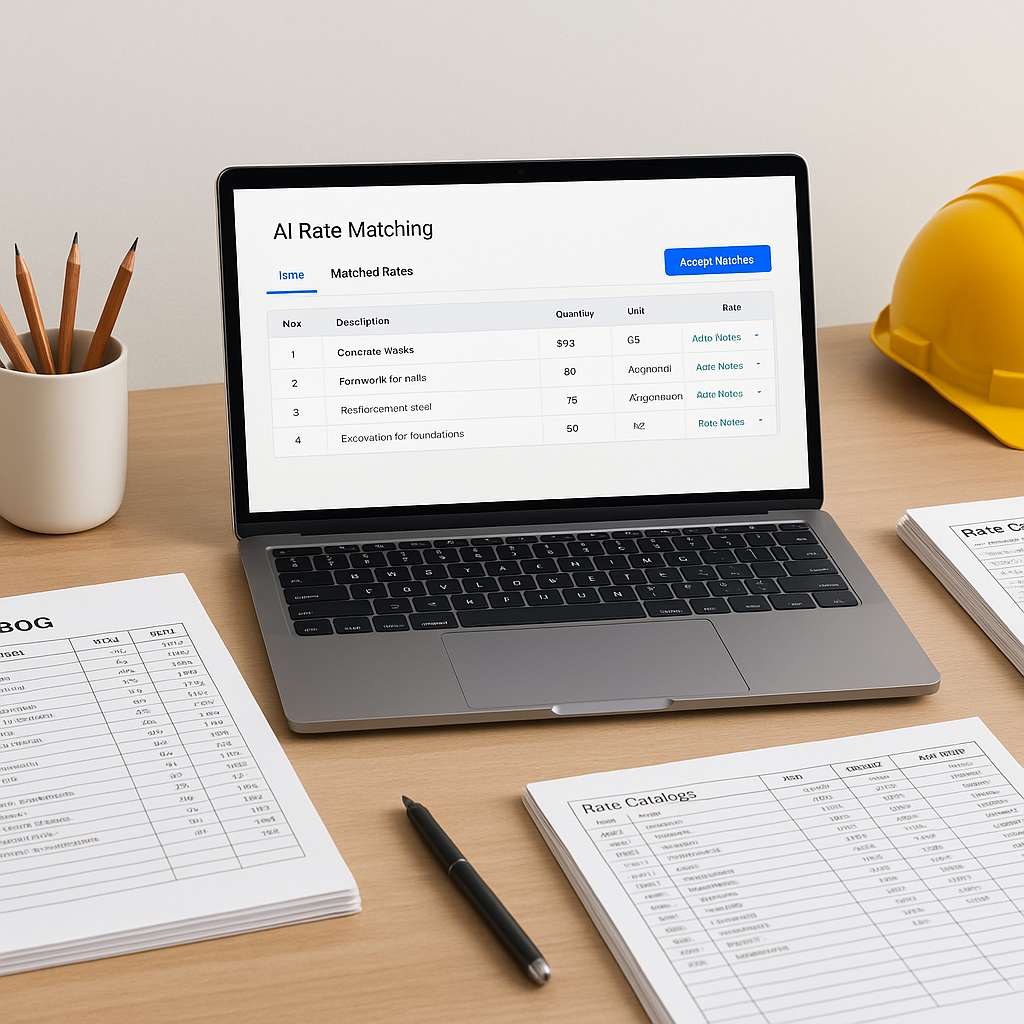
Manual Rate Matching: Why It’s a Problem
Let’s be honest. Flipping through 2,000-page rate books (like RSMeans or CPWD DSR) to match items in your BOQ is tedious. It takes hours, and no matter how careful you are, human error creeps in. Missed items, wrong rates, or inconsistent applications can cost contractors money, either by underbidding or padding too much.
For example, pricing a BOQ with hundreds of line items can be a painstaking process. Matching each item to the correct SOR (Schedule of Rates) manually is like playing a game of "Where’s Waldo," except Waldo is hiding in a sea of technical jargon. And when you add custom rates or non-standard materials, the process slows even further.
But what’s the alternative? AI-powered rate matching. And it works better than most people think.
How AI Rate Matching Works (Without the Hype)
AI-powered rate matching isn’t magic—it’s semantic search at its best. Here’s how it works:
- You upload your BOQ. Platforms can parse Excel, CSV, or even PDFs. AI detects section headers, hierarchies, and merged cells automatically, reducing the need for manual cleanup.
- AI matches BOQ items to SOR catalogs. Using natural language processing (NLP), the system finds the closest match for each BOQ line item. For instance, if your BOQ says "10mm dia TMT bars," the AI will match it to the relevant CPWD or RSMeans rate for "Steel reinforcement, 10mm diameter."
- Custom catalogs are included. Got your own rates for proprietary materials or region-specific adjustments? Upload them once, and the AI incorporates them into future projects.
- Results in seconds. Instead of spending hours cross-referencing a BOQ, you get a fully matched file in a fraction of the time.
This isn’t just about saving time. It’s about eliminating the risk of errors that come with manual work. One wrong rate can skew an entire estimate, especially on large projects.
Objection: “AI Doesn’t Understand My Projects”
This is a common concern. Can AI really handle the nuances of your BOQ? The short answer: it depends on the platform.
Some tools rely purely on keyword matching, which can lead to inaccuracies. But advanced platforms use context-aware algorithms. For example, if your BOQ says "brickwork in cement mortar (1:6)," the AI understands this as a composite activity and matches it accordingly—not as separate "brickwork" and "cement mortar" items.
The key is feedback. Every time you accept or reject a suggested rate, the system learns and improves. Over time, the AI adapts to your preferences and becomes more accurate.
Common Mistakes When Using AI Rate Matching
Even the best AI tools need proper input to deliver accurate results. Here’s what to watch for:
- Poorly formatted BOQs. If your BOQ has inconsistent headers or merged cells, the AI might misinterpret it. Clean up your file before uploading.
- Unverified custom rates. Double-check any custom rates you upload. If they’re outdated or incorrect, the AI will propagate those errors.
- Skipping manual review. No tool is 100% perfect. Always review the matched file before finalizing your estimate. Look for mismatches or flagged items.
The Bottom Line
Rate matching is one of the most time-consuming parts of preconstruction estimation. AI tools are changing the game by cutting the process from hours to minutes while improving accuracy. If you’re still relying on manual lookups, you’re leaving both time and efficiency on the table.


