Why Are Preconstruction Directors Stuck in Manual Mode?
Preconstruction estimation is the bottleneck no one wants to talk about. It’s slow, manual, and error-prone. A typical bid process involves flipping through thousands of rate items, tracing drawings line by line, and rebuilding spreadsheets for every what-if scenario. Even small mistakes—like a missed scope item or outdated inflation factor—can cost hundreds of thousands on larger bids.
A Real-World Breakdown
Let’s get specific. Take a general contractor chasing a $150M mixed-use development. The team spends 40 hours on manual takeoffs, another 12 hours searching rate books, and then 6 hours leveling subcontractor quotes. That’s 58 hours per bid. Multiply that by five GMP pursuits a year, and you’re burning almost 300 hours annually on repetitive grunt work.
Now, consider the potential for human error. A missed inflation adjustment on a concrete rate might lead to underpricing by 10%. On a $150M job, that’s a $15M mistake. Even smaller errors—like forgetting a contingency for rework—can eat into profit margins.
Here’s the kicker: AI tools can cut this workload by 90%. EstimateNext, for example, reduces takeoff time from 40 hours to 10 minutes and rate matching from 12 hours to seconds. That’s not a nice-to-have—it’s transformative.
The AI Takeoff Advantage
Manual drawing takeoffs are painfully slow. You calibrate scales, trace lengths, and double-check measurements across dozens of drawings. It’s a two-day process for two estimators—and that’s assuming no revisions come in at the last minute.
How AI Speeds Up Takeoffs
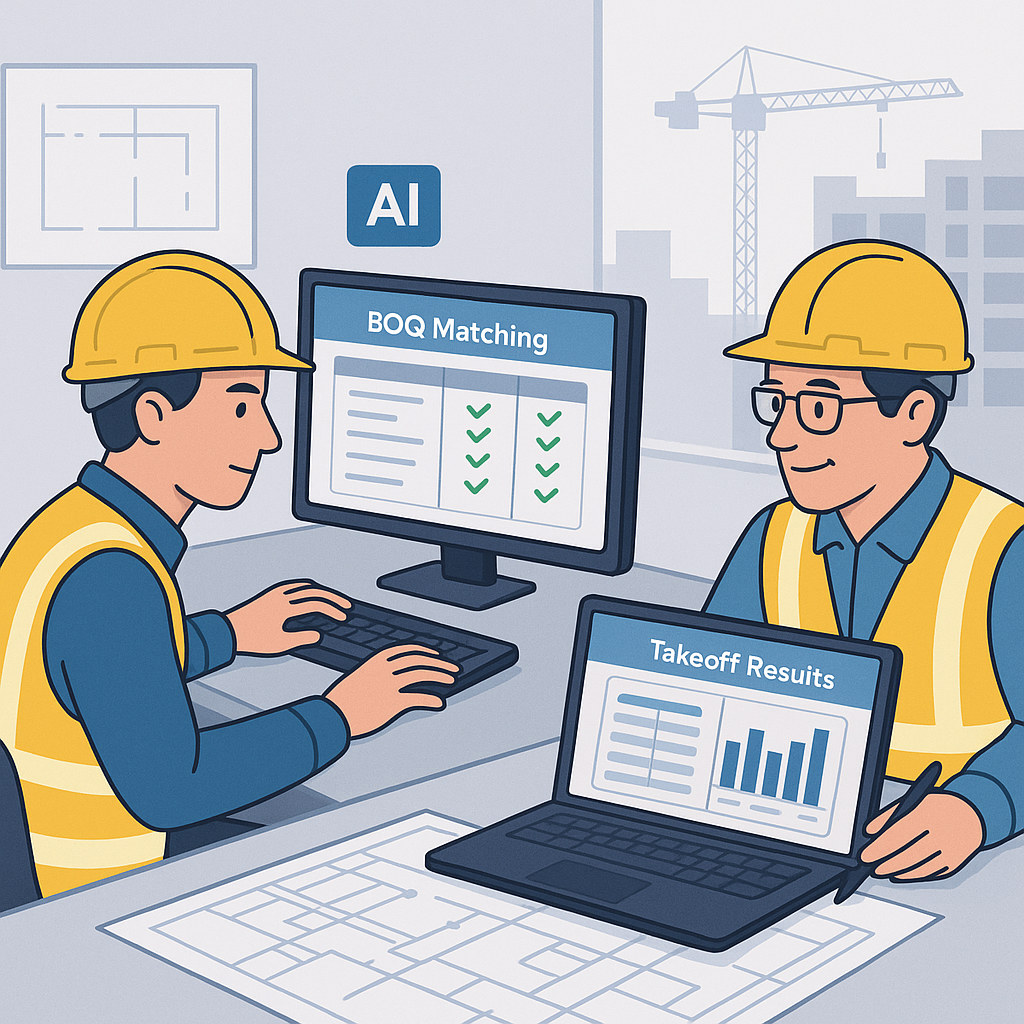
AI-powered tools like EstimateNext’s Vision AI flip this on its head. Upload a PDF set, and in 10 minutes, you get quantities for walls, floors, beams, and doors. The system even flags low-confidence lines so you can double-check before committing.
In one case study, a mid-sized GC saved 120 hours on a high-rise bid by using Vision AI. That’s two weeks of labor costs avoided, freeing up the estimator team to work on additional bids in parallel. If your team generates an average profit of $100,000 per winning bid, those extra hours could directly translate into another $100,000 added to your bottom line.
Actionable Steps
- Standardize Drawing Formats: AI tools work best with clean input data. Ensure your design partners deliver drawings with clear scale bars and consistent layers.
- Set Verification Protocols: Train your team to validate AI-generated outputs using confidence scoring—a feature that flags items that may require human review.
- Pilot AI on Smaller Jobs: Start with a $5M-$10M project to test the waters before rolling AI out across larger bids.
What’s the Catch?
AI isn’t perfect. It needs clean input data to deliver accurate results. If your drawings are messy or missing scale bars, you’ll need to remeasure those areas. Additionally, AI tools may struggle with non-standard designs or unique architectural features. But even with manual overrides, the time savings are undeniable.
Rate Matching: From Hours to Seconds
Let’s talk rate lookup. Flipping through CPWD DSR or RSMeans PDFs takes hours per estimate. You search for one item, cross-check labor rates, and then repeat for 500 more BOQ lines. It’s tedious and prone to human error.
The AI Approach
AI changes this equation. EstimateNext’s semantic search engine matches rates across 78,000+ SOR items in seconds. Type “pre-stressed concrete girder,” and you’ll get the labor, material, and equipment breakdown instantly. The AI even suggests inflation adjustments based on catalog year.
Case Study: Rate Matching ROI
One civil contractor in Florida used EstimateNext for a highway overpass bid and reported saving 10 hours on rate lookup alone. The AI flagged outdated labor rates, ensuring the bid was competitive without underpricing. The result? A winning bid and $4.2M in revenue.
Actionable Steps
- Upload Custom Rate Catalogs: Many AI tools allow users to integrate their own rate books for niche materials or finishes.
- Audit AI Suggestions: Use the built-in audit trail to cross-check how the AI arrived at its recommendations.
- Train Estimators on Inflation Factors: Leverage AI’s inflation adjustment capabilities to ensure your bids reflect current market conditions.
Subcontractor Quote Leveling Made Simple
Normalizing subcontractor quotes should not take six hours. But when you’re comparing seven bids with different scopes, inclusions, and exclusions, it does. Factor in the occasional missing line item, and you’re stuck in Excel hell.
AI-Powered Leveling
EstimateNext’s AI-powered leveling tool fixes this. Upload your sub bids, and the system normalizes scope, ranks L1/L2/L3, and highlights discrepancies—all in 30 minutes. You still make the final call, but now you’re working from structured data instead of gut feel.
Case Study: Faster Leveling
A commercial GC in Chicago used AI leveling for a retail project with 10 subcontractor bids. The system flagged a missing HVAC scope item in two bids, saving the team from awarding an incomplete contract. This avoided a $250,000 change order downstream.
Actionable Steps
- Standardize Bid Templates: Ensure all subcontractors use consistent formats to minimize discrepancies.
- Set Scope Priorities: Use AI to identify critical inclusions/exclusions in sub bids.
- Review AI Outputs: Double-check flagged discrepancies before finalizing awards.
Real ROI: The Numbers
Let’s do the math. A GC director earns around $130/hour. Saving 40 hours per estimate translates to $5,200 saved per bid. Multiply that by five GMP pursuits a year, and you’re looking at $26,000 saved annually. For a $99/month tool, that’s a 52X ROI.
For subcontractors, the math gets even better. Faster quotes mean responding to 50% more bids. If you typically win 8 bids/year at $200K each, you’re adding $800K-$1.6M in incremental revenue. That’s game-changing.
FAQ
Q: How accurate are AI-powered estimates? Highly accurate, but not perfect. Human oversight is still essential, especially for messy input data. Confidence scoring helps flag potential errors.
Q: Can AI tools handle custom rate catalogs? Yes. EstimateNext allows you to upload custom materials or finishes, which the AI integrates for future use.
Q: Does AI work for smaller projects? Absolutely. AI scales for any project size, from a $1M renovation to a $1B rail bridge.
Q: How long does it take to train a team on AI tools? Most platforms, including EstimateNext, are intuitive. Training typically takes under two weeks.
Q: What happens if the AI misses something? Confidence scoring flags low-certainty items so your team can review them manually. AI is a productivity tool, not a replacement for human judgment.
Decision Framework: Is AI Right for Your Team?
| Criteria | Manual Process | AI Tools | Verdict |
|---|---|---|---|
| Time Per Estimate | 40-60 hours | 2-4 hours | AI wins |
| Accuracy | Prone to error | Confidence scoring | AI wins |
| Initial Cost | Free tools | $99+/month | Depends on ROI |
| Training Time | None | 1-2 weeks | Slight edge to manual |
| Scalability | Fixed capacity | Unlimited bids | AI wins |
Call to Action
If you’re tired of wasting 40 hours per estimate, it’s time to try AI-powered preconstruction tools. Get started free →


