Why Manual Takeoffs Are a Problem
Let’s face it—manual takeoffs are a grind. Whether you’re a general contractor chasing GMP pursuits or a subcontractor scrambling to meet bid deadlines, the process devours hours of your time. Flipping through drawings, measuring areas, counting fixtures—it’s tedious, repetitive, and prone to errors. No estimator looks forward to this part of the job.
The Time Sink
Manual takeoffs aren’t just frustrating—they’re a massive time sink. A detailed takeoff for a 20-page drawing set can easily take 40 hours. That’s an entire week of labor spent on a single bid. And when you consider that most construction firms win only 20% of the bids they submit, it means 80% of that labor cost is wasted. For small businesses, this inefficiency can be the difference between profitability and financial trouble.
Mistakes Are Inevitable
Human fatigue is a real issue. Late-night sessions to hit a bid deadline often lead to errors—miscounted fixtures, overlooked areas, or inaccurate measurements. These mistakes can cost you the job or, worse, lead to underpricing that eats into your profit margins.
Concrete Example: A subcontractor in Florida miscounted the number of fixtures in a school renovation project due to manual errors. The oversight cost them $25,000 in unforeseen labor and materials. Mistakes like this are painfully common.
Enter AI Takeoff Tools
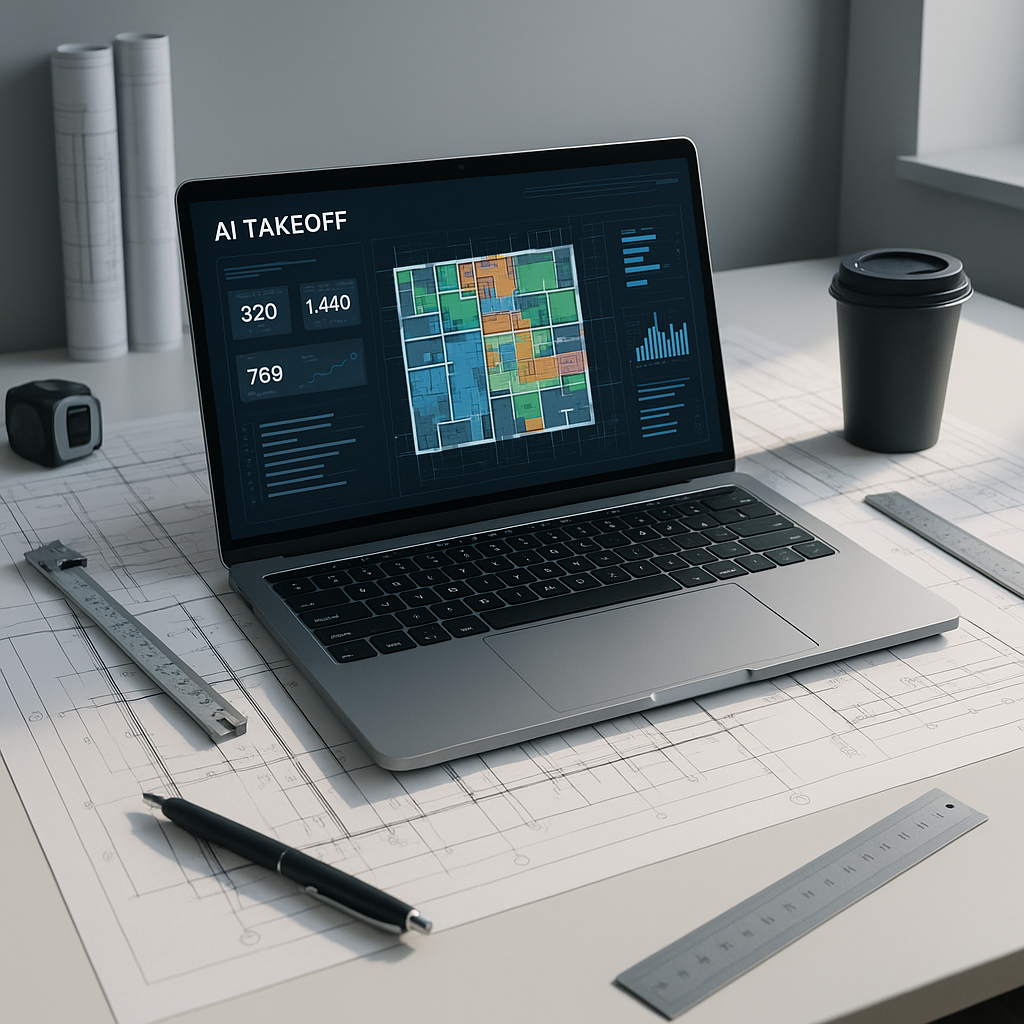
AI-powered takeoff tools are here to fix these inefficiencies. Tools like EstimateNext allow you to upload your drawings, and the software extracts quantities automatically. Room areas, wall lengths, door/window counts—it’s all handled in minutes.
The Speed Advantage
Let’s break it down: a 10-page drawing set that would traditionally take 10 hours to measure manually is completed in under 10 minutes with AI. That’s a 60X speed improvement. Now multiply that across multiple bids per month, and the time savings become staggering.
Concrete Data: A mid-sized contractor in California reported saving over 120 hours a month after switching to AI-powered takeoff tools for their bids. The freed-up time allowed their team to focus on improving bid strategies and client relationships, resulting in a 15% increase in bid wins over six months.
Accuracy and Error Detection
Accuracy is another game-changer. AI tools often include confidence scoring and error detection features. If something doesn’t look right—say, an unusually high quantity for a specific material—you’re immediately alerted. This allows you to manually review and override as necessary, reducing the risk of costly mistakes.
Free Doesn’t Mean Useless
It’s natural to be skeptical about free software. Isn’t free stuff usually watered down? Not in this case. EstimateNext’s free tier offers robust functionality, including Vision AI for takeoffs, semantic rate matching across 78,000+ SOR (Schedule of Rates) items, and exportable reports.
Real-World Case Study
A regional GC in Texas used EstimateNext’s free version to streamline their bidding process. Over the course of a year, they cut their bid preparation time by 30%, enabling them to pursue 20% more projects. The result? A direct revenue boost, all without spending a dime upfront.
The ROI of Speed
Speed isn’t just a luxury—it’s a competitive advantage. In today’s market, tighter timelines mean fiercer competition. If your team is stuck in the old manual workflow, you’re already falling behind. AI tools help level the playing field.
Example Scenario
Imagine pricing a 200,000-square-foot facility. Manually, you’d need two estimators working full days to complete the takeoff. With AI, the process is done before lunch. That saved time can be reinvested into refining your margins, value-engineering your bid, or even tackling additional projects.
Financial Impact
Consider this: if an estimator costs $50/hour, and AI saves 30 hours per bid, that’s $1,500 saved per project. Multiply that across 10 bids per month, and you’re looking at $15,000 in monthly savings—money that can be reinvested elsewhere.
What If You’re Not Ready for Full AI?
Not every firm is ready to make a complete transition to AI tools, and that’s okay. Tools like EstimateNext are designed to integrate seamlessly with your existing workflows. You can use them alongside established platforms like Bluebeam, Procore, or even Excel.
Customization Options
Got custom rates? AI tools let you upload your own catalogs, ensuring your estimates reflect actual costs. This flexibility means you don’t have to overhaul your entire process—you can augment it with AI to make it more efficient.
Practical Tip
Start small. Use AI for specific tasks like area measurement or fixture counting while maintaining your manual methods for other parts of the process. Once your team gets comfortable, you can gradually expand its use.
Comparison Table: Manual vs. AI Takeoffs
| Feature | Manual Takeoffs | AI Takeoffs |
|---|---|---|
| Time per 10-page set | ~10 hours | ~10 minutes |
| Accuracy | Prone to human error | Near-perfect with detection |
| Scalability | Limited by labor capacity | Easily scalable |
| Cost per bid | High labor cost | Minimal software cost |
| Integration | Requires manual input | Seamless export to tools |
Call to Action
Don’t let manual takeoffs cost you time and money. EstimateNext’s free AI-powered tools can accelerate your estimates, improve accuracy, and free up your team to focus on winning more bids. Get started free →


