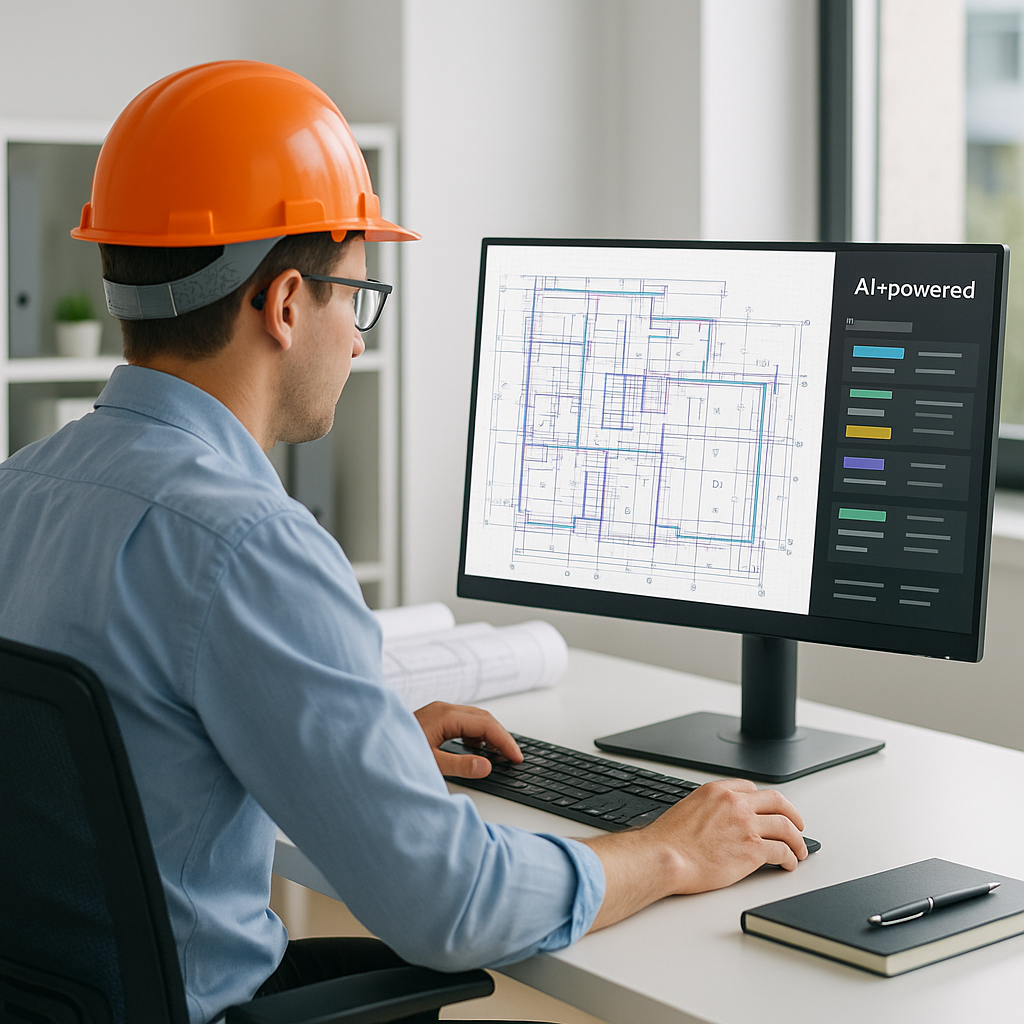
From 40 Hours to 10 Minutes: How AI Takeoffs Are Reshaping Preconstruction
Manual drawing takeoffs are the bane of every estimator's existence. They’re tedious, time-consuming, and prone to costly errors. If you’ve ever spent two full workdays measuring lengths, counting fixtures, and recalibrating scales in PDF drawings, you know exactly what I mean.
But what if you could do the same work in 10 minutes? That’s not science fiction—it’s happening right now with AI-powered tools like EstimateNext. Let’s break it down.
The Pain of Manual Takeoffs
Estimators spend an average of 40 hours on quantity takeoffs for medium-to-large projects. That’s a full workweek of labor per bid, often involving:
- PDF Markups: Highlighting and measuring elements like walls, doors, and windows.
- Redundant Effort: Re-measuring when architects send revisions or updates.
- Error Risk: Miscounting fixtures or wrong measurements, which can throw off the entire estimate.
For smaller teams, this workload leads to burnout. For larger firms, it’s a bottleneck that delays bid submissions and eats into preconstruction budgets. Either way, it’s an inefficiency that the industry has tolerated for far too long.
Real Example: The Cost of Errors
According to PlanSwift, errors in manual takeoffs can cost companies up to 10% of a project’s total budget. For a $10 million project, that’s $1 million at stake due to miscalculations. A single missed or miscounted element—like underestimating the number of steel beams—can cascade into material shortages, project delays, or even broken contracts.
How AI Takes Over the Grunt Work
AI-powered takeoff tools like EstimateNext use Vision AI to automate the process. Here’s how it works:
- Upload Drawings: You start by uploading your PDF or CAD files.
- AI Extraction: The software scans the drawings and extracts quantities like areas, lengths, and counts. It can even identify specific elements like beams, columns, and fixtures.
- Confidence Scoring: Any low-confidence measurements are flagged for review, allowing estimators to manually verify critical items.
- Revisions Made Easy: When updated drawings arrive, the AI compares changes and automatically recalibrates quantities.
Case Study: High-Rise Construction
A mid-sized general contractor recently used EstimateNext for a high-rise bid. What would’ve taken two estimators 120 hours was completed in 10 minutes. The GC saved two full weeks of labor costs and submitted the bid ahead of schedule. According to their team, “It’s like hiring an extra estimator without the overhead.”
Not only did they meet their deadline, but they also had time to refine other aspects of the bid, ultimately winning the project. The labor cost savings alone amounted to over $15,000.
Why Speed Matters
Preconstruction directors often juggle 5-8 GMP (Guaranteed Maximum Price) pursuits at a time, each with tight deadlines. When you’re spending up to 40 hours per bid just on takeoffs, that eats into time you could use for:
- Subcontractor Coordination: Reviewing and normalizing sub bids.
- Bid Strategy: Deciding on margins, contingencies, and markups.
- What-If Scenarios: Testing alternative materials or design changes.
AI doesn’t just save time—it creates bandwidth for high-value tasks that improve bid competitiveness. In McKinsey’s 2023 report on AI in construction, early adopters saw average cost savings of 10-20% per project. That’s not trivial; it’s the difference between winning and losing a bid.
The Competitive Advantage
Consider this: If your team can complete takeoffs in 10 minutes while competitors take two days, you can respond to more bids—potentially increasing your pipeline by 50%. Over time, this compounds into higher revenue and market share.
The Obvious Objection: “AI Can’t Think Like an Estimator”
You might be thinking, “Sure, AI is fast, but it doesn’t understand construction nuances.” That’s partially true, but it’s also missing the point. AI doesn’t replace your expertise—it amplifies it.
What AI Can and Can’t Do
| Task | AI Capability | Human Expertise Required |
|---|---|---|
| Measuring quantities | High | Low |
| Identifying complex patterns | Moderate | Moderate to High |
| Negotiating with subs | None | High |
| Adjusting for project risks | None | High |
| Revising for design intent | Moderate | High |
AI excels at grunt work: takeoffs, rate matching, and adjustments for revisions. You’re still the one making judgment calls, negotiating with subs, and deciding on markup. Think of AI as your assistant—not your replacement.
How to Get Started with AI Takeoffs
If you’re new to AI estimation tools, here’s a simple roadmap:
- Start Small: Test the tool on a smaller project to validate its accuracy.
- Pair Junior Estimators with AI: Allow them to handle the initial setup while senior staff review flagged items.
- Integrate with Your Workflow: Tools like EstimateNext export directly into platforms like Procore or Excel, so you don’t have to rebuild your workflow.
- Iterate: AI tools improve with use. By the third project, they become significantly smarter thanks to feedback loops.
Pro Tip: Training Matters
Most AI platforms offer onboarding support or tutorials. Taking a few hours to train your team can significantly improve adoption rates and ROI.
Call to Action
If you’re tired of wasting 40 hours per bid on manual takeoffs, AI tools like EstimateNext can help. Get started free →


