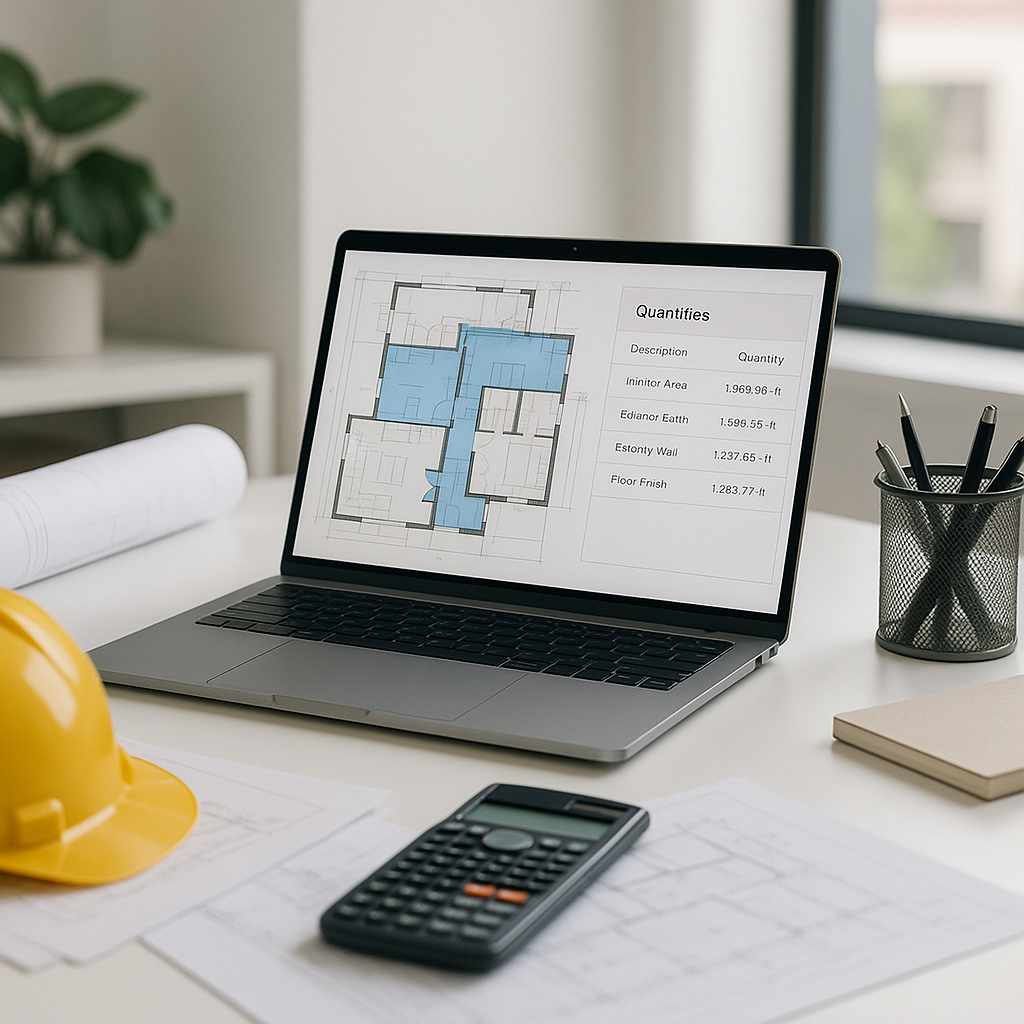
Why Manual Takeoffs Are a Time-Intensive Process
Estimators often spend significant time measuring drawings manually. A typical project can require extensive hours of work—estimators meticulously reviewing PDFs, tracing lengths and areas. This process is repetitive, prone to errors, and takes up valuable time that could be spent on higher-value tasks.
How AI Drawing Takeoff Works
AI-powered tools can streamline the takeoff process significantly. Here’s how it works:
- Upload the Drawings: You feed the platform your PDF or CAD files. The AI scans every page.
- Auto-Detect Quantities: The system identifies areas, lengths, and counts based on calibration settings. For example, a 1:100 scale plan is calibrated once, and all measurements adjust accordingly.
- Generate QTO: Quantities are categorized (e.g., walls, floors, openings) and tagged for review. Items requiring manual verification can be flagged.
- Export to BOQ: The quantities sync directly into your bill of quantities, ready for rate application.
What’s the Catch?
You might be thinking, “Sure, AI speeds things up, but it can’t think like an estimator.” True. AI doesn’t replace your expertise—it amplifies it. You’ll still handle exceptions, negotiate with subcontractors, and decide on markup. But it eliminates the repetitive tasks.
Another concern is accuracy. AI tools depend on quality inputs. Poorly scanned PDFs or inconsistent scales can lead to errors. That’s why manual overrides are built into many systems. If something looks off, you can remeasure and adjust.
Practical Example: Large-Scale Project Takeoff
Illustrative example — Imagine working on a large infrastructure project with hundreds of sheets of drawings. Without AI, you’d assign multiple estimators for weeks to measure elements like concrete columns, beams, and decks. With AI, that same work could be completed in a fraction of the time. The AI identifies structural components and quantities directly from the drawings, highlights discrepancies for review, and allows for manual adjustments where needed. This approach saves time, reduces errors, and improves bid accuracy.
Common Mistakes to Avoid
- Skipping Calibration: Always calibrate scales on the first drawing. A single mistake can throw off an entire QTO.
- Ignoring Flags for Review: Review flagged items to avoid costly errors.
- Overlooking Revision Sets: Use tools that track drawing revisions. Missing a change can derail your bid.
- Underutilizing Export Features: Don’t just stop at QTO; sync outputs directly into BOQ templates for faster rate application.


