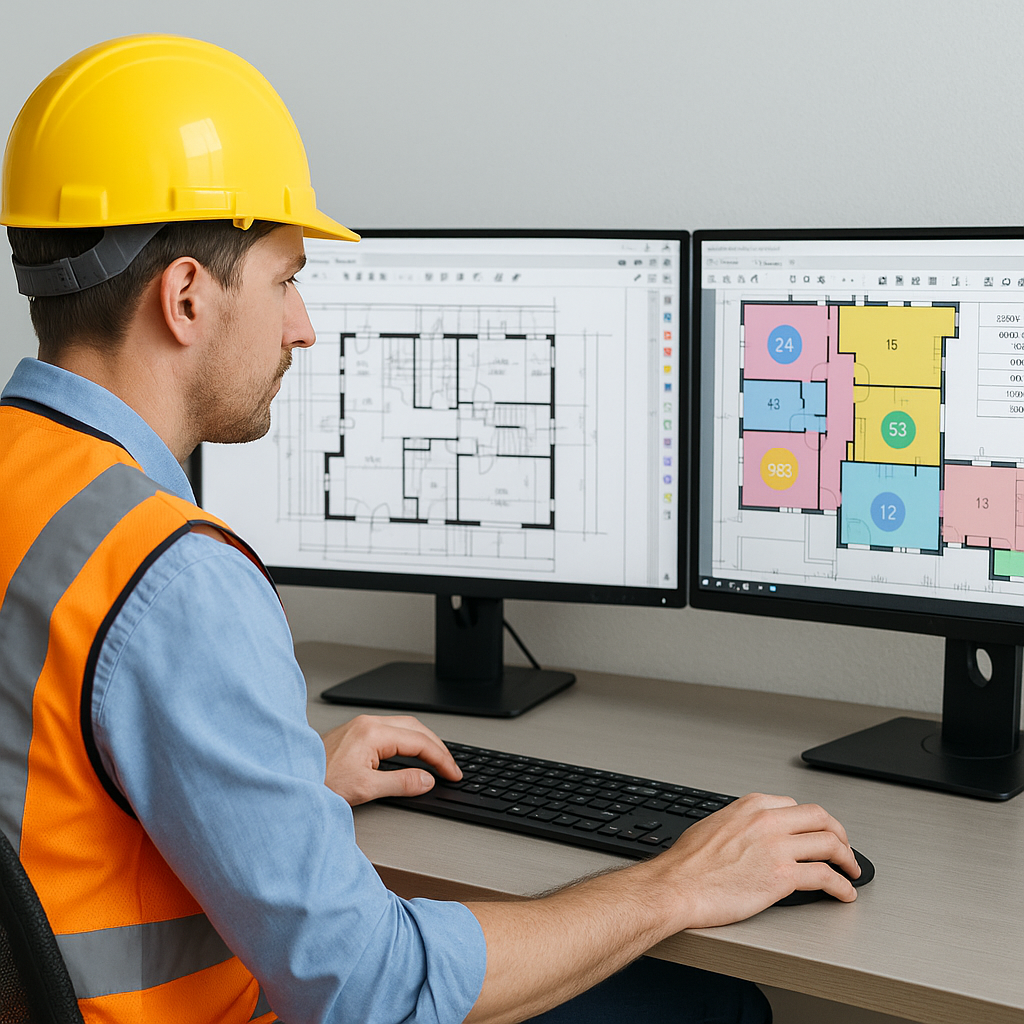
The Takeoff Bottleneck: Why It's Challenging
Preconstruction often involves manual quantity takeoff, which can be a time-consuming and error-prone process. Extracting room areas, wall lengths, and doorway counts from multiple PDF drawings requires significant effort. This tedious process can lead to missed line items, resulting in either unexpected costs or losing bids to competitors.
Vision AI: Your New Estimator's Assistant
AI-powered tools are transforming the preconstruction process by automating repetitive tasks. Here's how these tools typically work:
- Upload Your Drawings: Users can upload PDF drawing sets into the system. Many tools automatically calibrate and define scales, reducing manual setup.
- Automated Quantity Extraction: AI scans the drawings to extract quantities such as areas, lengths, and counts for various elements like rooms, walls, doors, and windows.
- Flagging Low-Confidence Areas: The system highlights areas where the extraction may need review, allowing users to double-check and ensure accuracy.
- Audit Trail: Adjustments made by users are logged, providing a clear record of changes for accountability.
Benefits of AI in Preconstruction
AI tools are designed to handle the repetitive aspects of takeoff, enabling estimators to focus on higher-value tasks such as analyzing data, making strategic decisions, and refining bids. This augmentation of human expertise can lead to improved efficiency and accuracy in the estimation process.
Common Mistakes to Avoid with AI Takeoff Tools
- Relying Solely on AI: Always review flagged areas to ensure accuracy.
- Skipping Training: Spending time on training can improve both accuracy and user adoption.
- Ignoring Customization: Customizing the tool with your rate catalogs and project-specific specifications ensures the output aligns with your actual costs.
The Bottom Line
AI-powered tools can significantly streamline the preconstruction takeoff process, reducing manual effort and improving accuracy. By automating repetitive tasks, these tools enable construction professionals to focus on strategic decision-making and bid optimization. If you're looking to enhance efficiency in your preconstruction workflows, exploring AI solutions could be a valuable step forward.


