The Problem: Manual Takeoff is a Time Sink
Let’s start with the obvious: manual drawing takeoffs are painfully slow. If you’re a general contractor estimating a mid-sized commercial building, you’re probably spending significant time tracing PDFs and calculating quantities. And that’s just one pursuit.
Why does it take so long? Because tools like Bluebeam require you to define every measurement manually. You’ll calibrate scales, trace walls, count fixtures, and double-check drawings line by line. Miss one detail, and it could sink your bid—or worse, your margin.
Now multiply that by multiple projects a month. That’s a lot of hours spent on something AI can handle much faster.
The AI Solution: Vision AI for Takeoffs
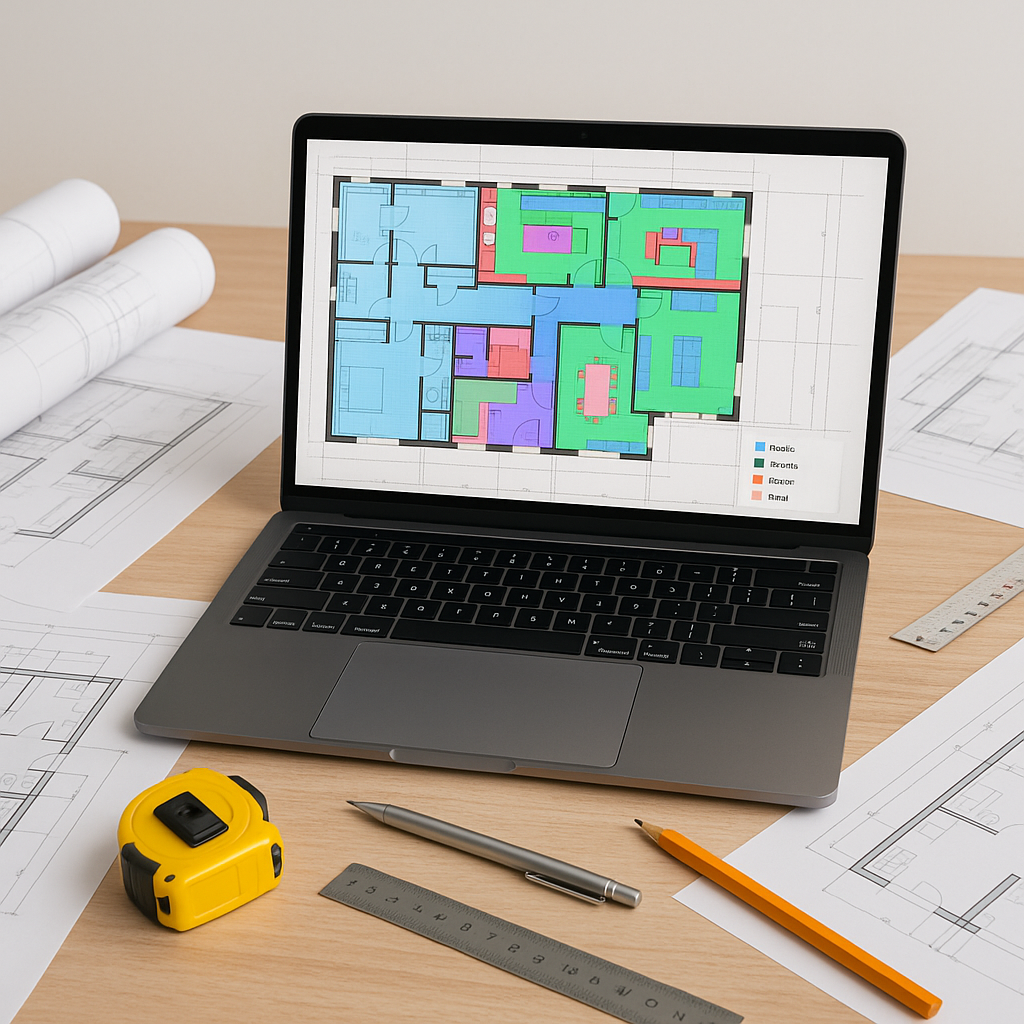
AI-powered tools tackle this bottleneck head-on. Their Vision AI reads PDF drawings and extracts quantities automatically. Room areas, wall lengths, door counts—it can pick up all of it without the manual tracing.
Illustrative example — Let’s say you upload a set of floor plan PDFs for an office build. Within minutes, Vision AI generates the quantities for:
- Flooring: Total square footage, broken down by material type.
- Walls: Linear footage for drywall installation.
- Fixtures: Counted doors, windows, and HVAC vents.
It even flags low-confidence results so you can review anything the AI isn’t sure about. Think of it as the junior estimator you don’t have to hire.
What About Accuracy?
You might be thinking, “Sure, it’s fast, but can AI really match the precision of manual methods?” Fair question. AI tools are designed to reduce discrepancies by automating repetitive tasks and minimizing human error. However, no system is perfect.
That’s why human oversight matters. Vision AI includes manual override options so you can tweak quantities and catch edge cases. It’s not about replacing estimators—it’s about freeing them to focus on higher-value tasks.
Real ROI: Saving Time and Money
Illustrative example — Consider the time saved by automating takeoffs. If an estimator spends dozens of hours on a manual takeoff, AI could reduce that significantly, allowing the team to focus on more strategic tasks. Over multiple projects, this time savings can translate into substantial cost efficiencies.
Common Questions About AI Takeoffs
Q: Can AI handle complex drawings?
A: Yes, most platforms can process multi-page PDFs with varying scales and symbols. Low-confidence results are flagged for manual review.
Q: What happens if the AI misses something?
A: That’s why manual overrides exist. You can adjust measurements and add missing items directly in the tool.
Q: Can I integrate AI tools with my current software?
A: Absolutely. Many AI tools export estimates to Excel, Procore, and other popular platforms.
Q: Is training required?
A: Learning curves are minimal. Most users report getting up to speed quickly.
Watch Out for These Mistakes
- Over-reliance on AI: Always review flagged results and edge cases.
- Ignoring input quality: Poorly scanned PDFs or incomplete drawings can affect accuracy.
- Skipping integrations: Use export features to streamline workflows with existing tools like Procore.
Conclusion: AI Is the New Estimation Apprentice
Manual takeoffs are a bottleneck that costs time, money, and sanity. AI-powered tools don’t just speed things up—they let your team focus on strategic tasks that actually win bids.
If you’re tired of wasting hours on takeoffs, consider exploring AI-powered solutions to streamline your workflow.


