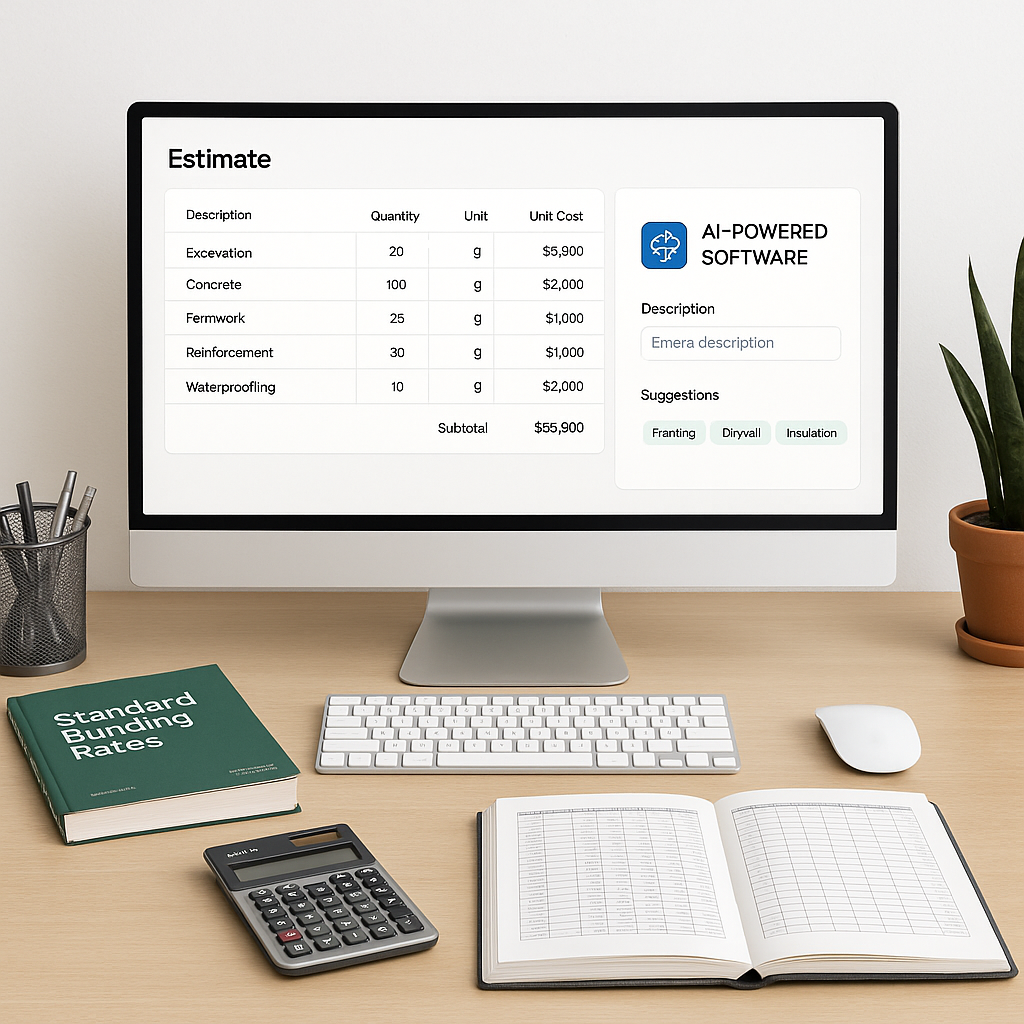
The Hidden Time Sink in Estimation: Rate Lookup
Every estimator has been there. You've got a BOQ with hundreds of line items, and you're flipping through a massive rate book, trying to match each description. Or worse, you're digging through spreadsheets and PDFs, cross-referencing rates that might not even be current. It's tedious, repetitive, and one of the biggest bottlenecks in preconstruction workflows.
But here's the kicker: rate lookup isn't just slow—it's error-prone. Miss a single rate, and you could be underpricing by thousands or overpricing yourself out of the bid. Either way, it's a problem.
Why Manual Rate Lookup Fails
Manual rate lookup fails on two fronts: speed and accuracy. Let’s break it down:
-
Speed: Manual workflows can significantly extend project timelines. Rate lookup alone can take hours per estimate, particularly for large BOQs. Estimators spend valuable time cross-checking rates instead of focusing on bid strategy or value engineering.
-
Accuracy: Human error creeps in when you're scanning through endless tables of numbers. Maybe you pick the wrong unit, or you miss a note about a regional adjustment. Estimation errors tied to incorrect rates can lead to costly rework or uncompetitive bids.
How AI Fixes Rate Lookup
AI-powered tools are transforming rate lookup by automating this repetitive process. Here's how they work:
-
Semantic Search: Instead of flipping through rate books or scrolling through spreadsheets, you type a description—like "concrete slab, 6-inch thickness, M25 grade." The AI pulls up the most relevant rates from a database.
-
Smart Matching: AI doesn’t just look for exact matches. It uses context to find rates that fit even if the wording isn’t identical. For example, if "6-inch slab" is listed as "150mm slab" in the catalog, the AI will still match it.
-
Custom Catalogs: Many teams use internal rate libraries or project-specific pricing. AI tools allow you to upload custom catalogs, which the system integrates seamlessly. Over time, the AI becomes more accurate as it learns from your adjustments.
Illustrative Example — Saving Time with AI
Consider a scenario where a contractor needs to match rates for 450 BOQ items. Manually, this process could take several hours. Using an AI-powered tool, the same task might be completed in a fraction of the time, allowing the estimator to focus on higher-value tasks.
Common Mistakes to Avoid
-
Skipping Customization: If you don’t upload your own catalogs or adjust for regional factors, you’re not getting the full benefit of AI.
-
Over-Reliance on Defaults: AI is accurate, but it’s only as good as the data it’s trained on. Always review the matches, especially for high-stakes bids.
-
Ignoring Updates: Construction costs change rapidly. Make sure your AI tool is connected to updated catalogs or regularly refreshed data.
Final Thoughts
AI isn’t here to replace estimators—it’s here to make your job faster and more accurate. By automating repetitive tasks like rate lookup, you can focus on what really matters: crafting competitive, defensible bids.
If spending hours matching rates sounds like a problem you’d rather avoid, AI-powered tools can help streamline your workflow.


