The Problem: Takeoff Wastes Time and Money
Let’s talk about one of the biggest bottlenecks in preconstruction: manual takeoffs. If you’re in the trenches, you already know the drill. You’ve got a stack of PDFs—floor plans, elevations, sections—and a deadline breathing down your neck. Estimators spend significant time measuring, cross-checking, and inputting quantities into Excel. It’s tedious, error-prone, and expensive.
But here’s the thing: It doesn’t have to be this way anymore. AI-powered tools are changing the game. Let’s unpack how.
How AI Handles Takeoff Better
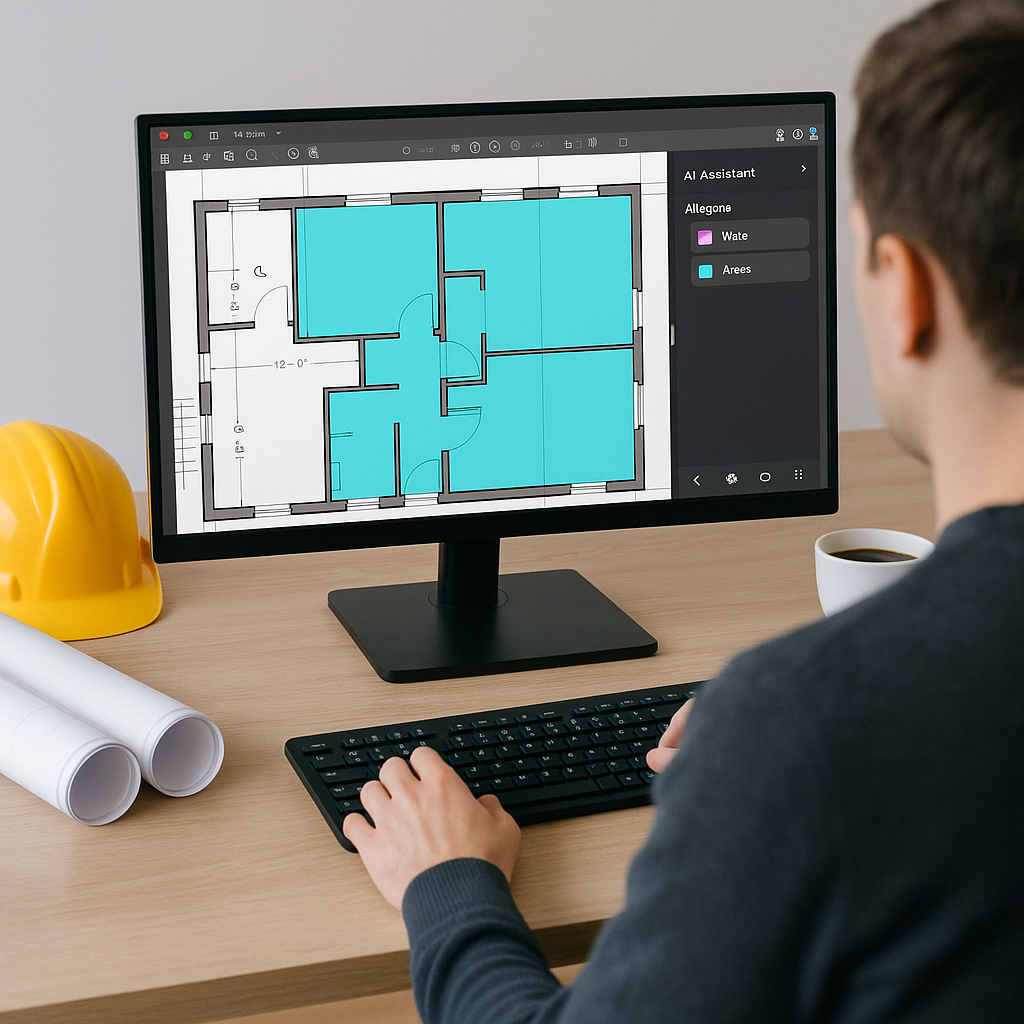
AI takeoff tools automate the grunt work. Instead of manually tracing lines on a screen or flipping through countless pages of drawings, you upload your PDF set. The AI parses the drawings, extracts room areas, wall lengths, door/window counts—you name it—in a fraction of the time.
Illustrative example — A contractor using an AI tool for a mid-sized project might reduce the time spent on takeoff from several days to just a few hours, including review and adjustments. This can save significant estimator time and allow teams to focus on higher-value tasks.
Here’s how it works:
- Upload your drawings: Drag and drop your PDF set into the platform.
- AI extraction: The system reads the drawings like a human would, identifying quantities for walls, slabs, fixtures, etc.
- Review low-confidence areas: The AI flags anything it’s unsure about (e.g., unclear annotations), so you can double-check.
- Export to your workflow: Once verified, export the data into Excel or your preconstruction platform of choice.
No more manual tracing. No more late nights squinting at your screen.
The ROI: Why This Matters
Labor costs are rising, and the shortage of skilled estimators isn’t helping. Every hour saved is an hour you can reinvest in high-value work, like negotiating with subs or refining your bid strategy.
Using AI for takeoffs doesn’t just save time—it makes your process more accurate. According to a 2023 McKinsey report, early adopters of AI tools in construction have significantly reduced takeoff discrepancies. Fewer errors mean fewer costly change orders down the line.
Illustrative example — Consider a scenario where a 1% error in your takeoff could lead to underestimating quantities, potentially impacting your project margin. AI tools help minimize such risks by providing a more reliable starting point.
What’s the Catch?
You might be thinking, "Sure, AI is fast, but it can’t think like an estimator." And you’re right, to a point. AI isn’t perfect. It doesn’t know that the architect’s callout for "specialty finishes" really means "imported Italian marble at a premium cost." That’s where human judgment comes in.
But here’s the good news: AI isn’t here to replace you; it’s here to free you. It handles the repetitive, time-consuming tasks so you can focus on what you’re best at—making judgment calls, negotiating, and adding the human touch to your bids.
What to Watch For
- Input quality matters: If your drawings are a mess, don’t expect miracles. Fuzzy scans or missing dimensions can confuse even the smartest AI.
- Review flagged areas: Always check the AI’s low-confidence sections. They’re flagged for a reason.
- Customize your output: Make sure the tool you choose lets you export data in the format your team uses. Some tools integrate directly with Procore or Bluebeam, which can save even more time.


