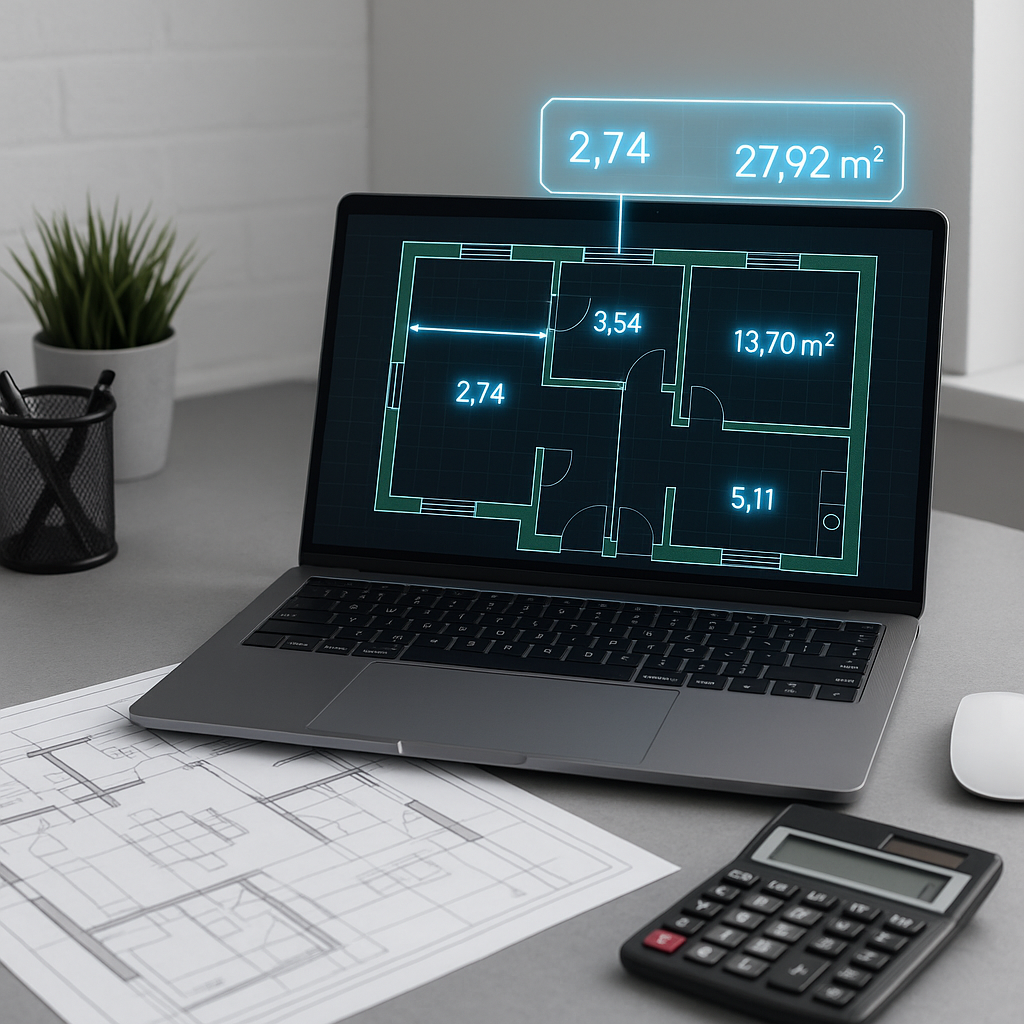
The Challenge of Manual Takeoffs
Ask any estimator about their least favorite task, and "manual takeoffs" will likely be at the top of the list. It’s tedious, repetitive, and often prone to human error. Estimators spend hours flipping through drawings, manually measuring areas, counting fixtures, and tracing lines. For a typical mid-sized commercial project, this process can consume significant time and resources.
Every revision or "what-if" scenario often requires starting over, making the process not just frustrating but also a drain on productivity.
Now, imagine significantly reducing the time spent on these tasks. That’s the promise of AI-powered quantity takeoff tools. These tools aim to automate repetitive processes, allowing estimators to focus on higher-value tasks.
How AI-Powered Takeoff Tools Work
AI-powered takeoff tools leverage automation and machine learning to streamline the estimation process. Here’s how they typically work:
-
Upload Your Drawings: Start by uploading your project’s PDF drawings to the platform. Advanced tools can handle complex sets, including architectural, structural, and MEP drawings.
-
AI-Driven Extraction: The system analyzes the drawings, identifying elements such as rooms, walls, doors, and windows automatically.
-
Review and Adjust: Many tools allow users to review flagged items or low-confidence measurements, ensuring accuracy.
-
Audit Trail: Changes and adjustments are logged, providing full traceability for team reviews.
While AI tools are not perfect and require human oversight, they can handle much of the repetitive work, freeing up estimators to focus on tasks like cost optimization and subcontractor negotiations.
Benefits of AI-Powered Takeoffs
AI-powered takeoff tools offer several advantages:
- Time Savings: Automating repetitive tasks can significantly reduce the time required for takeoffs.
- Improved Accuracy: By minimizing human error, these tools can enhance the reliability of estimates.
- Scalability: With time saved, teams can pursue more bids or dedicate additional resources to refining existing ones.
- Traceability: Audit trails ensure transparency and accountability in the estimation process.
Addressing Common Concerns
-
“AI Can’t Think Like an Estimator” While AI doesn’t understand construction nuances, it excels at repetitive tasks like measuring and counting. Estimators remain essential for interpreting specifications and making judgment calls.
-
“What About Accuracy?” Many AI tools include features like confidence scoring and manual overrides, ensuring that users maintain control over the final output.
-
“It’s Too Complicated to Learn” Modern AI tools are designed with user-friendly interfaces and often include training resources to help teams get up to speed quickly.
What to Look for in an AI Takeoff Tool
Not all AI tools are created equal. When evaluating options, consider the following:
- Manual Override Capability: Ensure the tool allows you to adjust outputs as needed.
- Ease of Use: A clunky interface can negate the time savings.
- Integration Options: The tool should work seamlessly with your existing software stack, such as Bluebeam or Procore.
AI-powered quantity takeoff tools represent a significant step forward in preconstruction estimation. By automating repetitive tasks, they allow estimators to focus on higher-value activities, ultimately improving efficiency and productivity.


