Why Rate Matching Eats Your Time
If you're an estimator, you've probably spent hours flipping through rate books like RSMeans or CPWD DSR. Looking for the right rate for something specific—say, installing pre-stressed concrete girders—isn't just tedious. It's error-prone. Miss one line or pick the wrong rate, and your estimate's accuracy takes a hit. Worse, you might not even realize it until bid day.
This manual process is a bottleneck. According to a McKinsey report, a significant portion of an estimator's time is spent on these repetitive tasks. And when deadlines are tight, that's time you don't have.
How AI-Powered Rate Matching Works
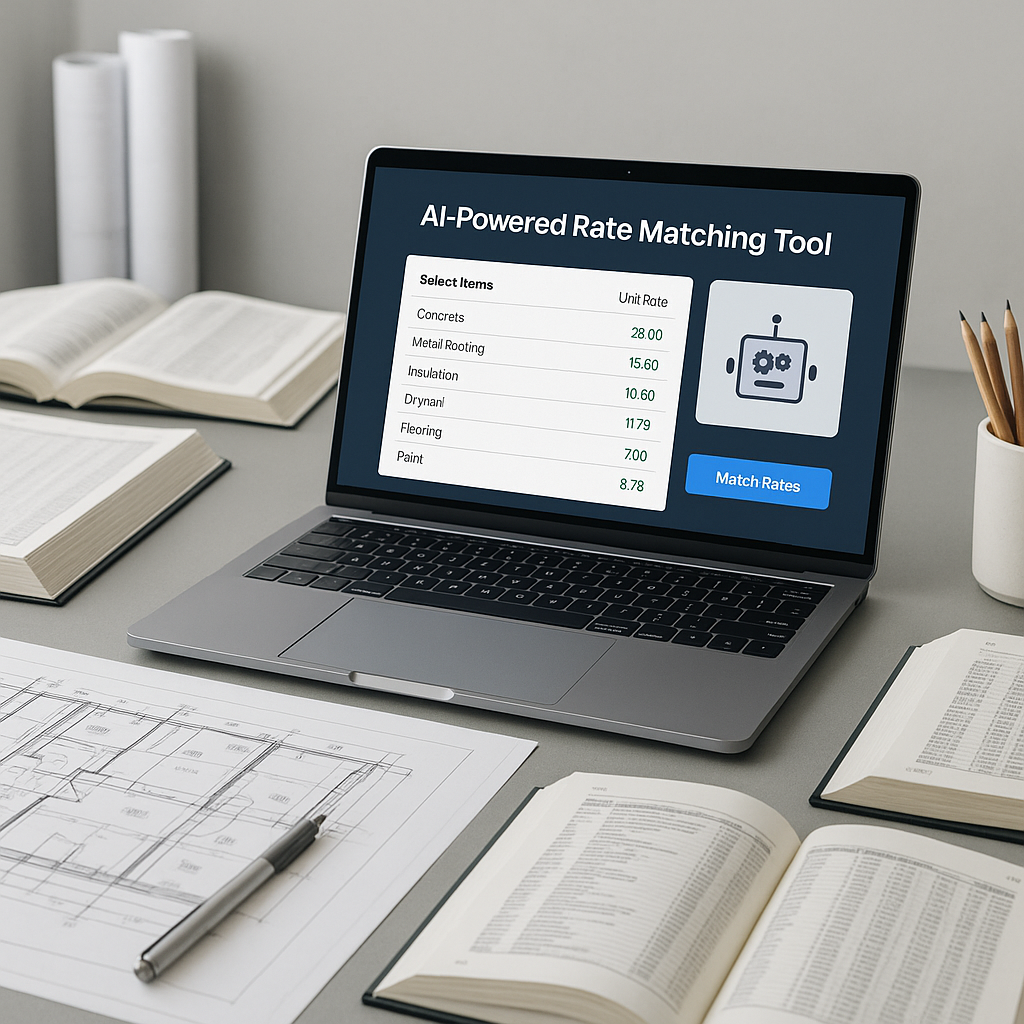
AI-powered rate matching changes the game. Tools like EstimateNext use semantic search to scan massive catalogs to find the best match for your line item. Here's how the process looks:
-
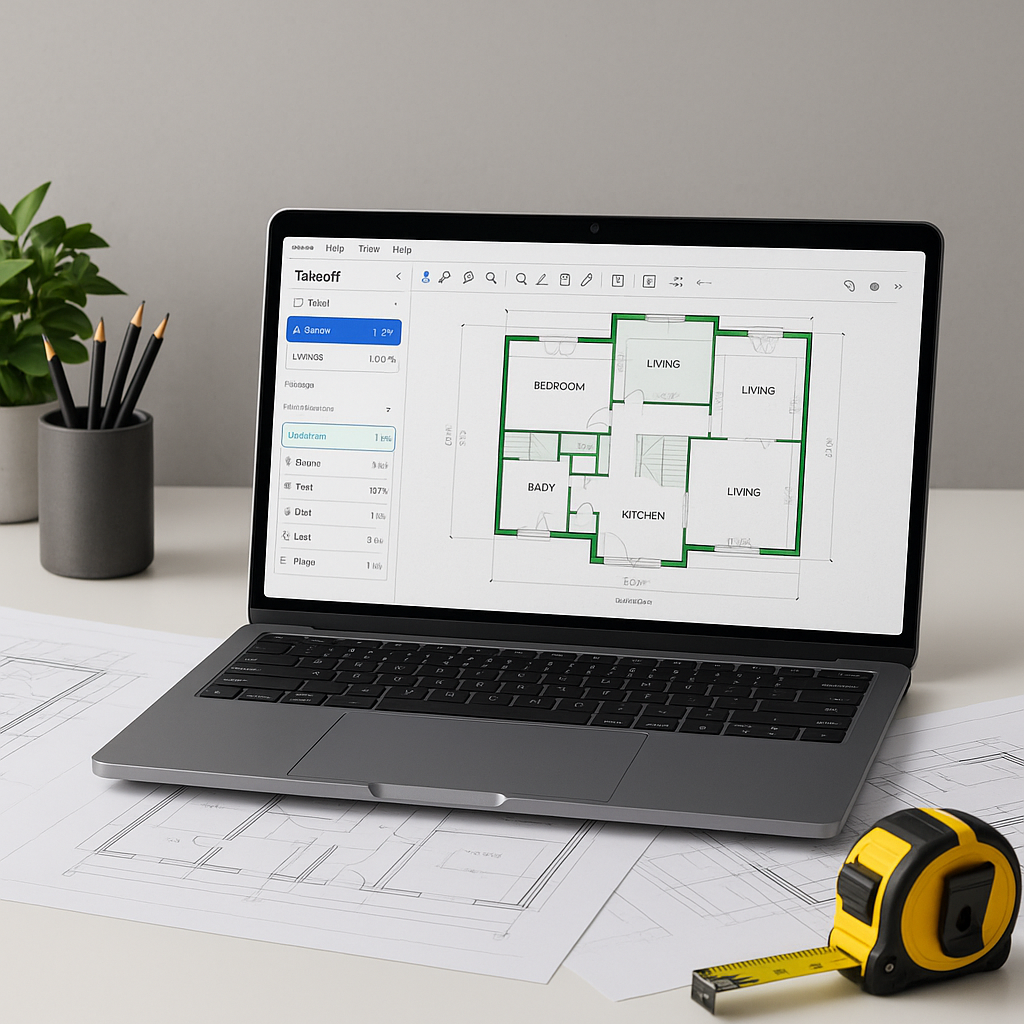
Upload Your BOQ: Simply upload an Excel or PDF file. The AI parses it, breaking down items into categories like materials, labor, and equipment.
-
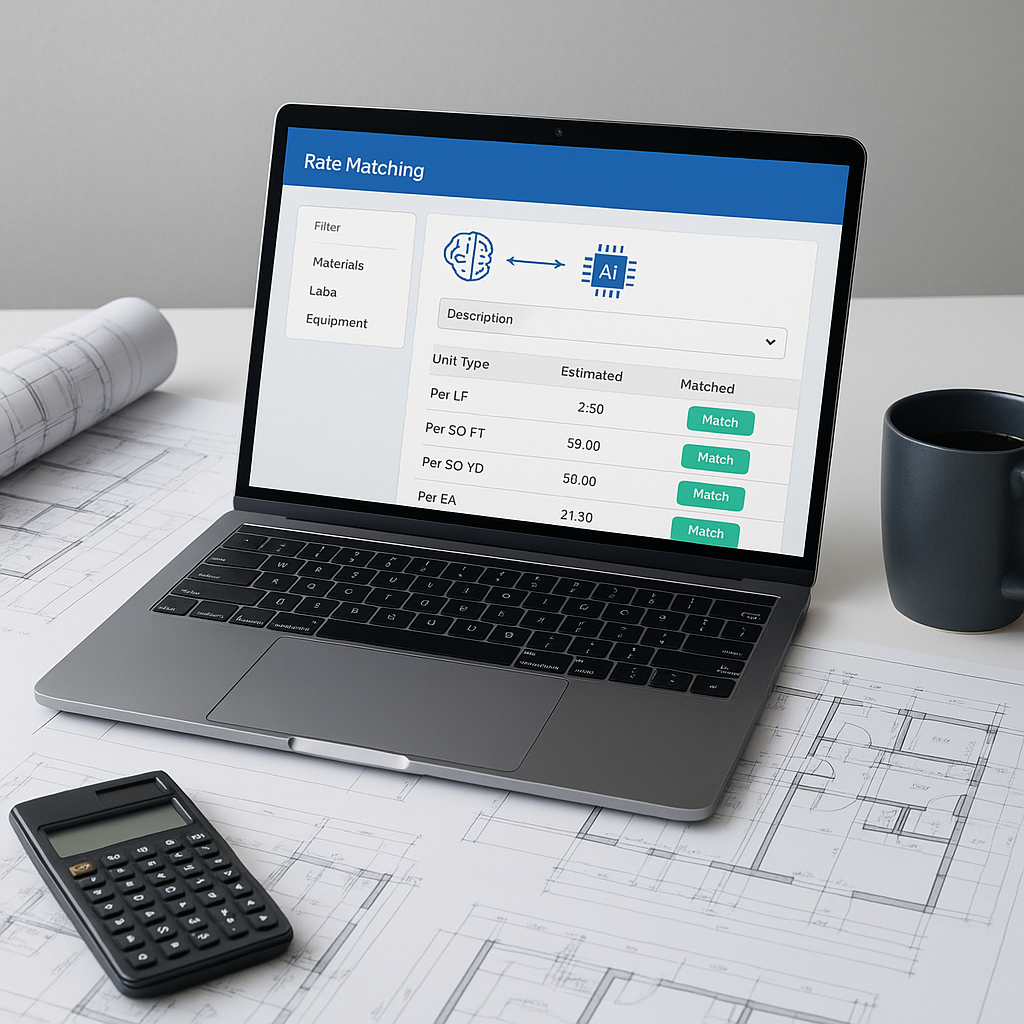
Search Across Catalogs: Instead of flipping through pages, you type in what you're looking for. The AI matches it against historical data, regional catalogs, and even custom rates you've uploaded.
-
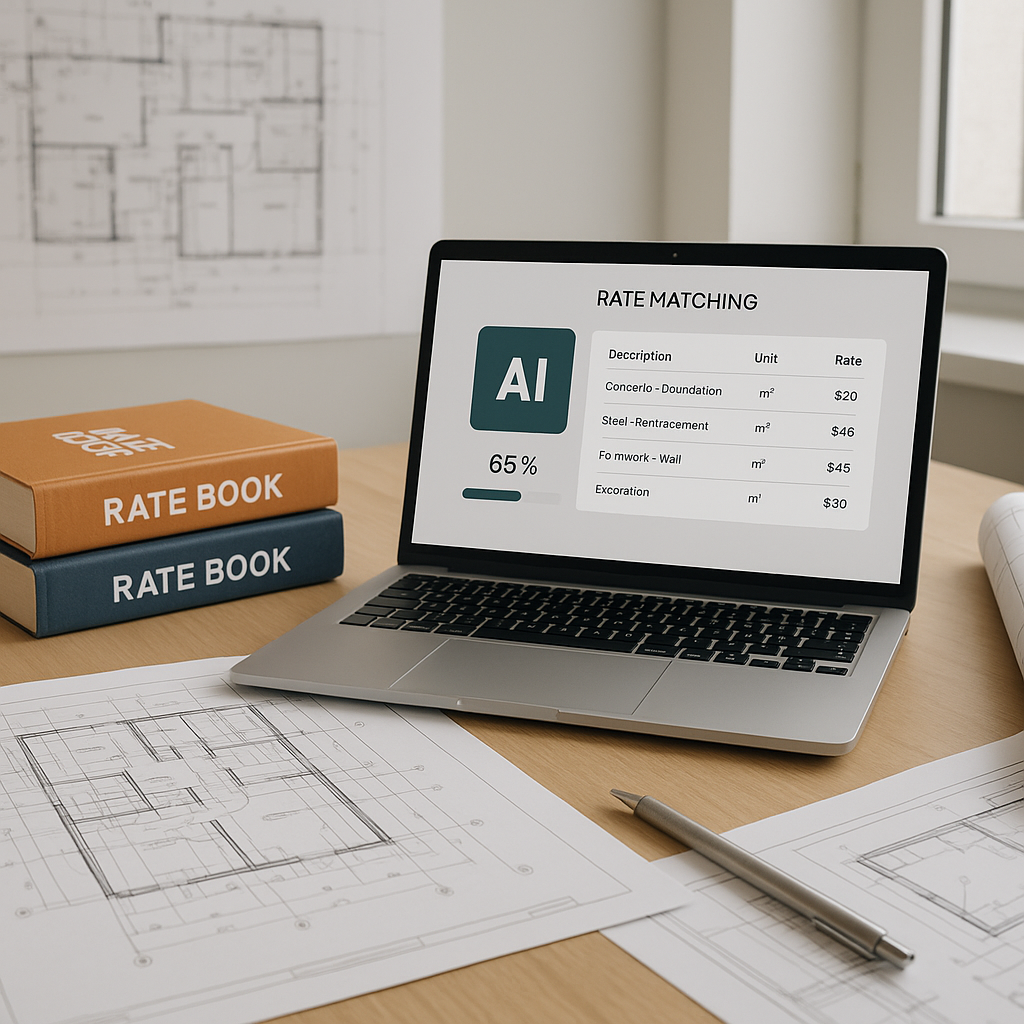
Suggest the Best Match: The AI ranks potential matches based on relevance, showing you the top options. You can review, adjust, or override these suggestions.
-
Learn and Improve: With every project, the AI gets smarter. If you reject a match or input a new rate, it remembers for next time.
Illustrative example — A contractor working on a commercial project could save significant time by automating rate matching, freeing up labor for higher-priority tasks.
Why Accuracy Is Non-Negotiable
You might think, "Why not just stick with my usual rates?" The problem is, rates change. Inflation, material shortages, and regional discrepancies mean the rate you used six months ago might not hold up today. A 2022 Reuters report highlighted how steel prices jumped significantly in just three months due to supply chain issues.
AI tools account for these fluctuations. EstimateNext, for instance, integrates live cost indices from sources like HUD Davis-Bacon and state DOT feeds. This ensures you're not just fast—you're accurate.
Common Pushbacks (And Why They're Wrong)
-
"I Don’t Trust AI to Get It Right"
Fair. AI isn’t perfect, but it doesn’t work in isolation. Tools like EstimateNext include manual override options, so you’re still in control. Think of it as a tool to enhance your expertise, not replace it.
-
"My Projects Are Too Niche"
Niche projects often require custom materials or unique rates. AI tools let you upload your own catalogs and integrate them seamlessly. You’re not locked into generic databases.
-
"Learning a New Tool Takes Time"
That’s true, but the ROI is fast. Many users report proficiency within a short period. Compare that to the hours you’re already losing on manual rate lookups.
What to Watch For
- Garbage In, Garbage Out: AI relies on clean, structured data. If your BOQs are messy, you’ll need to tidy them up first.
- Over-Reliance: Don’t blindly accept every AI suggestion. Use it as a starting point, not a final answer.
- Training: Dedicate time upfront to learn the tool. Skipping training often leads to frustration later.
FAQ
Q: Can I use AI rate matching with custom rates?
Yes. Most tools allow you to upload your own catalogs or adjust rates manually.
Q: Does AI work for small projects?
Absolutely. AI scales to any project size, from a $1M office fit-out to a $1B rail bridge.
Q: How accurate are AI-generated matches?
Accuracy improves with use. Many users report significant gains by the third project.
Final Thoughts
Rate matching may not be the flashiest part of preconstruction, but it’s one of the most critical. By automating this task, you save time, reduce errors, and ultimately improve your bottom line. If you’re still flipping through PDF rate books, it’s time to make the switch.
If you're tired of manual rate lookups, EstimateNext can help. Get started free →