Streamlining Manual Rate Lookups with AI
Rate lookups can be a significant time sink in preconstruction estimation. Many estimators spend hours searching through extensive rate schedules like CPWD DSR or RSMeans to find the right match for their project needs. This process is not only tedious but also detracts from focusing on higher-value tasks.
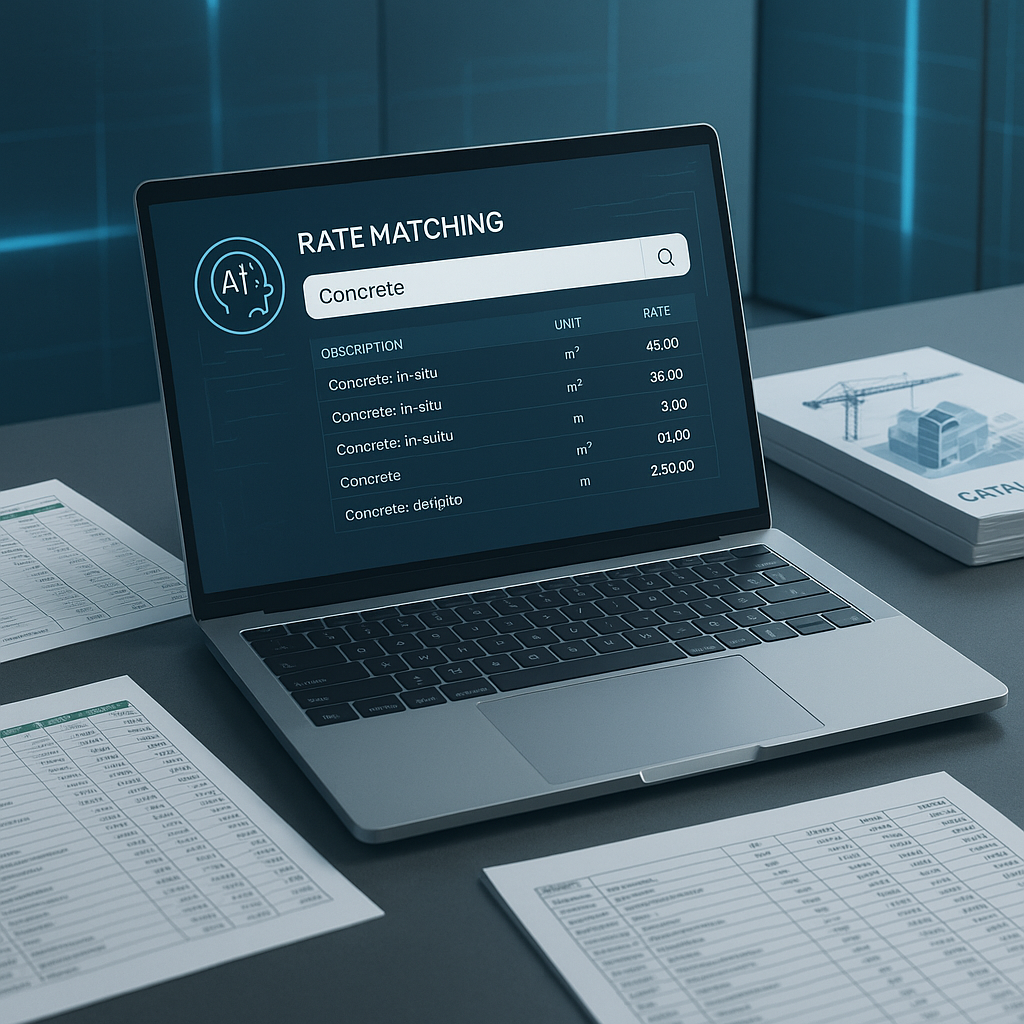
AI-powered rate matching tools are transforming this workflow. Instead of manually combing through thousands of rate entries, these tools allow you to input your requirements, and the AI identifies relevant matches quickly and efficiently. For example, if you need the labor rate for installing pre-stressed concrete girders, you can type in your query, and the AI will provide relevant options in seconds.
How Does AI-Powered Rate Matching Work?
AI-powered rate matching leverages semantic search technology to interpret your query and match it with relevant items in a database of Schedule of Rates (SOR). Here’s how the process typically works:
- Upload a BOQ (Bill of Quantities): The system identifies items requiring rates.
- Input a query: For instance, you might search for “M25 concrete, 20mm aggregate, pumping included.”
- AI finds matches: The system searches catalogs and historical data to suggest rates. If no exact match exists, it offers the closest options and flags them for review.
- Review and adjust: You retain control by approving or modifying the suggested rates. The system learns from your feedback to improve future recommendations.
Why This Matters
Manual rate lookups can be time-consuming, especially for mid-sized or large projects with numerous items. Automating this process with AI reduces the time spent on repetitive tasks, allowing teams to focus on strategic activities like bid preparation and subcontractor negotiations.
The Hidden Bonus: Accuracy
In addition to saving time, AI-powered tools enhance accuracy in rate matching. Misquoted rates or overlooked details can lead to costly errors later in the project. AI mitigates these risks by offering:
- Context-aware suggestions: The system understands the intent behind your query, not just the keywords.
- Customizability: You can upload your own rate catalogs or adjust AI-suggested rates to align with your project specifics.
- Audit trails: Each rate suggestion includes its source and rationale, ensuring transparency and traceability.
Considerations When Using AI Tools
While AI-powered rate matching offers significant benefits, it’s important to keep the following in mind:
- Data Quality: The accuracy of AI suggestions depends on the quality of the input data. Ensure your data is clean and consistent.
- Human Oversight: AI is a tool to assist, not replace, human expertise. Always verify critical or high-value items.
- Learning Curve: Familiarizing your team with the tool may take some time. Allocate resources for initial training to maximize its potential.
FAQ: Common Questions About AI Rate Matching
Q: How accurate are AI-suggested rates?
AI tools are designed to provide highly accurate suggestions, but human review remains essential to ensure precision for critical items.
Q: Can I use AI tools with custom rate catalogs?
Yes, most AI tools allow you to upload custom catalogs, ensuring estimates reflect your specific costs.
Q: What if I’m working across multiple markets?
AI tools can adapt to multi-market complexities by accounting for different standards, currencies, and tax regimes.
Q: How long does it take to see results?
Users typically experience significant time savings and accuracy improvements after a few projects as the system learns from feedback.
The Takeaway
AI-powered rate matching is not about replacing estimators but enhancing their efficiency. By automating repetitive tasks like rate lookups, these tools free up time for strategic decision-making and high-value activities. If manual rate lookups are consuming your time, adopting AI tools could be a game-changer for your workflow.
For more information on how AI-powered rate matching can streamline your preconstruction estimation process, visit EstimateNext.