The Bottleneck No One Talks About: Manual Rate Lookups
Estimators know this pain all too well. You’re deep into a bid, flipping through a 2,000-page CPWD DSR or RSMeans catalog, trying to find that one rate for a specific material or task. In some cases, you’re cross-referencing outdated PDFs, spreadsheets, and custom rate sheets. It’s tedious, error-prone, and eats up valuable time—time you could spend refining the bid or strategizing with your team.
Rate lookups don’t just waste time. They create a bottleneck that slows down the entire preconstruction workflow. When rates are inconsistent or mismatched, it leads to rework, disputes with subcontractors, or—worst of all—losing a bid because your numbers didn’t stack up.
So, how do you fix it? Enter AI-powered rate matching.
How AI Rate Matching Works
AI tools streamline the process of rate lookups by automating and enhancing accuracy. Here’s how it works in practice:
-
Semantic Search Across Massive Catalogs
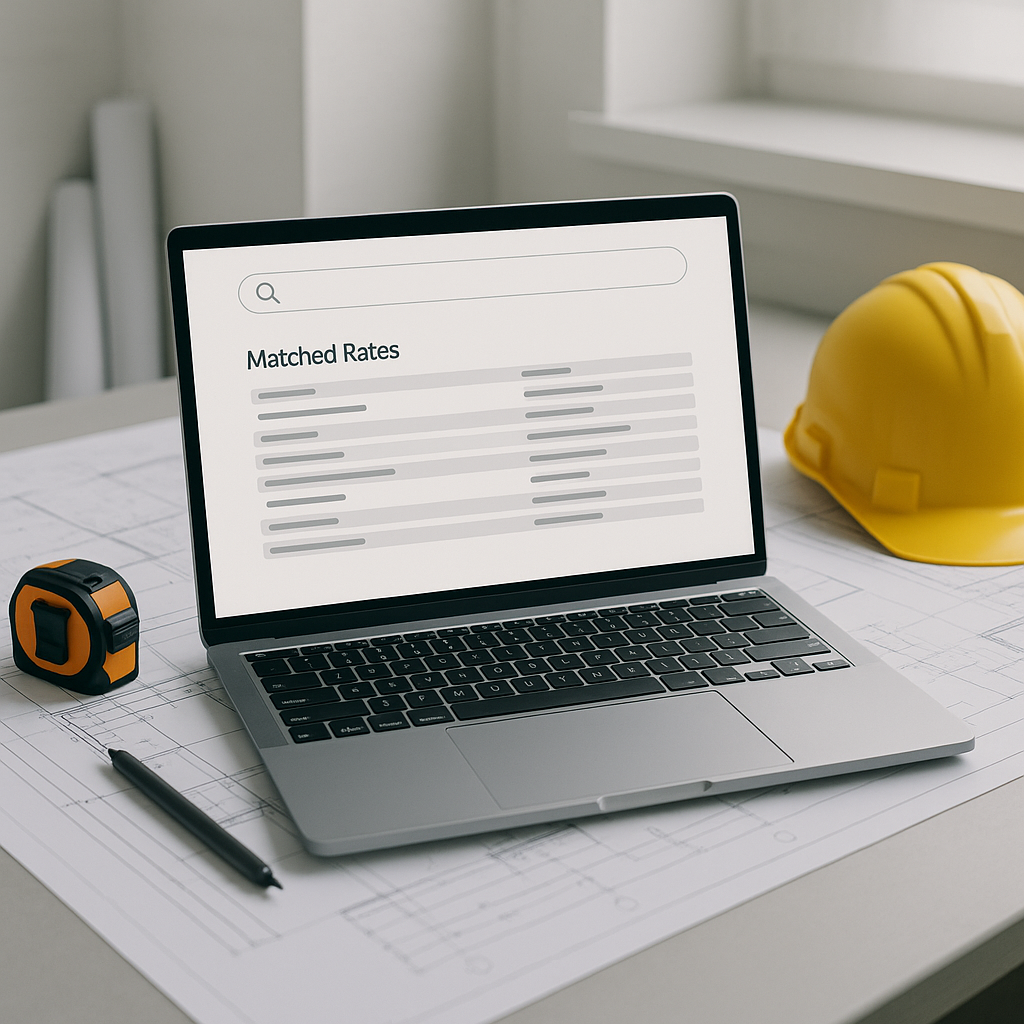
Instead of flipping through hundreds of pages, you can input a description like "reinforced concrete slab" into the AI. It scans multiple catalogs, such as CPWD DSR, RSMeans, and state SORs, to provide relevant matches with breakdowns for material, labor, and equipment costs. -
Custom Catalogs and AI Learning
Many projects use custom materials or rates. AI tools allow you to upload your own rate sheets. Over time, the system learns your preferences. For example, if you consistently choose a specific vendor’s rate for HVAC systems, the AI prioritizes that vendor in future searches. -
Inflation Adjustments
Rates from previous years may not reflect current market conditions. AI-powered tools can apply inflation adjustments based on catalog-year data to ensure your estimates remain accurate. -
Audit Trail for Transparency
Every rate match comes with an audit trail. You can see where the rate came from, how it was adjusted, and why it was selected. This isn’t just useful for internal checks—it’s helpful when clients or subcontractors question your pricing.
Why It Matters
Speed Improves Efficiency: Automating rate lookups allows you to focus on higher-value tasks like scope review, risk analysis, or negotiating with subcontractors.
Accuracy Builds Trust: Submitting bids with accurate, well-documented rates enhances credibility and reduces disputes during execution.
Focus on Strategy, Not Admin: By reducing time spent on manual lookups, you can allocate more resources to refining your bid strategy.
Adopting AI in construction estimation can lead to significant efficiency gains, as highlighted by industry reports such as McKinsey’s insights.
Common Questions About AI Rate Matching
Q1: What if my project uses highly specific or custom rates?
A: AI tools allow you to upload custom catalogs. If your project has unique requirements, you can train the system to prioritize those rates. The more you use it, the smarter it gets.
Q2: How accurate are AI rate matches?
A: AI tools are designed to provide high accuracy but also flag low-confidence matches for manual review, ensuring you maintain control over critical decisions.
Q3: Does it work with existing software?
A: Yes. Most tools integrate with platforms like Procore, Autodesk Build, and Excel, allowing you to export AI-matched rates directly into your BOQ spreadsheet.
Watch Out For These Mistakes
-
Relying 100% on AI Without Oversight: AI is a tool, not a magic wand. Always review flagged matches and cross-check critical rates.
-
Ignoring Feedback Loops: The system gets smarter with user feedback. If you don’t take the time to reject incorrect matches or upload custom rates, you won’t see the full benefits.
-
Underestimating Setup Time: While most AI tools are plug-and-play, setting up custom rate sheets and inflation profiles takes some initial effort. Don’t skip this step—it pays off later.
AI-powered rate matching is no longer a nice-to-have. It’s a competitive advantage. If your team is still stuck in the weeds of manual lookups, you’re leaving valuable time and resources on the table.
If you’re ready to streamline your estimation process, explore AI tools that can help automate and enhance your workflows.