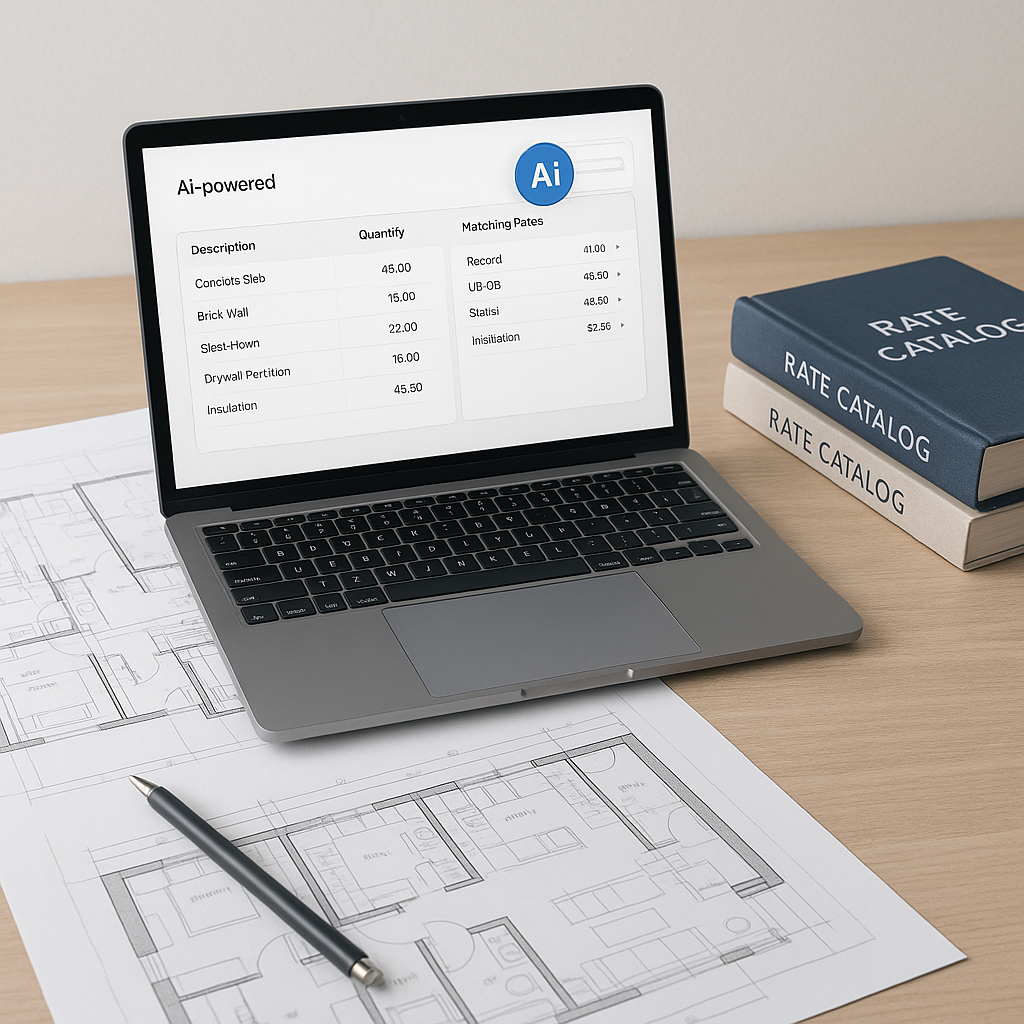
How AI-Powered Rate Matching Improves Estimation Workflows
Rate lookup sounds simple enough, right? You need to find the cost of something—a material, a labor rate, or a piece of equipment—and plug it into your bid. But anyone who’s ever flipped through a 2,000-page rate book knows how far from simple it really is. It’s slow, error-prone, and downright frustrating.
Let’s say you’re pricing a commercial renovation project. You need costs for everything from drywall installation to HVAC ductwork. You open your go-to catalog—maybe RSMeans or the CPWD DSR—and spend hours flipping pages, squinting at tables, and hoping you’re matching the right rates to the right line items. Now multiply that by dozens of line items. That’s your day.
AI-powered rate matching tools promise to fix this. But do they really work? Here’s a practical breakdown of what these tools do, who they’re for, and what to watch out for.
Why Manual Rate Lookup Is a Bottleneck
Manual rate lookup isn’t just tedious—it’s expensive. General contractors, subcontractors, and QS firms spend significant time per estimate just finding and matching rates. That’s time that could be spent refining bids, negotiating with subs, or responding to additional RFPs.
The bigger problem? Human error. Misreading a rate table or mismatching a unit of measure can skew your estimate significantly on larger projects. This can lead to costly mistakes or uncompetitive bids.
How AI Rate Matching Works
AI-powered tools automate this process. Here’s the workflow:
- BOQ Upload: You upload your bill of quantities (BOQ) in Excel or CSV format. The AI parser auto-detects line-item hierarchies, merged cells, and section headers.
- Semantic Search: Instead of manually flipping through catalogs, you type in what you need—e.g., “drywall installation, 5/8 inch”—and the tool returns the matching rates instantly. The tool pulls from a database of items across multiple catalogs, covering various standards like CPWD DSR or other regional sources.
- Fallback Matching: If the exact rate isn’t available, the AI widens the search to similar items, historical data, or user-defined custom rates.
- Audit Trail: Every rate applied gets a breakdown—material, labor, equipment—and a timestamped trail of adjustments, so you can review and tweak as needed.
Illustrative example: Imagine you’re pricing reinforced concrete girders for a rail bridge. Instead of hunting through approved catalogs, you type the item into the AI tool. It pulls the labor rate, material cost, and equipment breakdown in seconds. Done.
Who Benefits the Most
1. General Contractors (GCs)
For GCs handling large-scale projects, rate matching is a major challenge. Large bids with complex scopes—such as infrastructure or high-rise projects—require hundreds of rates across multiple trades. AI tools can save significant time per estimate and reduce errors, making bids more competitive.
2. MEP Subcontractors
Mechanical, electrical, and plumbing (MEP) subcontractors often spend days pricing bid packages. AI tools can cut quote turnaround time significantly. Faster quotes mean more bids submitted—and potentially more wins.
3. Regional Contractors
Contractors working on CPWD/state PWD tenders or regional infrastructure projects often spend hours flipping through PDFs to match DSR rates. Semantic search across standardized rate items eliminates this bottleneck, with localized rates for specific markets.
Common Pitfalls to Watch For
AI isn’t magic—it’s a tool. Here’s what to keep in mind:
- Input Quality Matters: If your BOQ upload is messy (e.g., merged cells, inconsistent units), the AI might struggle to parse it correctly. Clean data equals better matches.
- Edge Cases: AI handles most standard items well, but custom or niche rates (e.g., ultra-specific finishes) might require manual input.
- Learning Curve: The system improves with use. Feedback loops—accepting/rejecting matches—help it get smarter over time.
Conclusion
If rate lookup is eating into your time, AI-powered rate matching tools can help. They streamline workflows, improve accuracy, and reduce bottlenecks in the estimation process. Consider exploring these tools to enhance your bidding efficiency.


