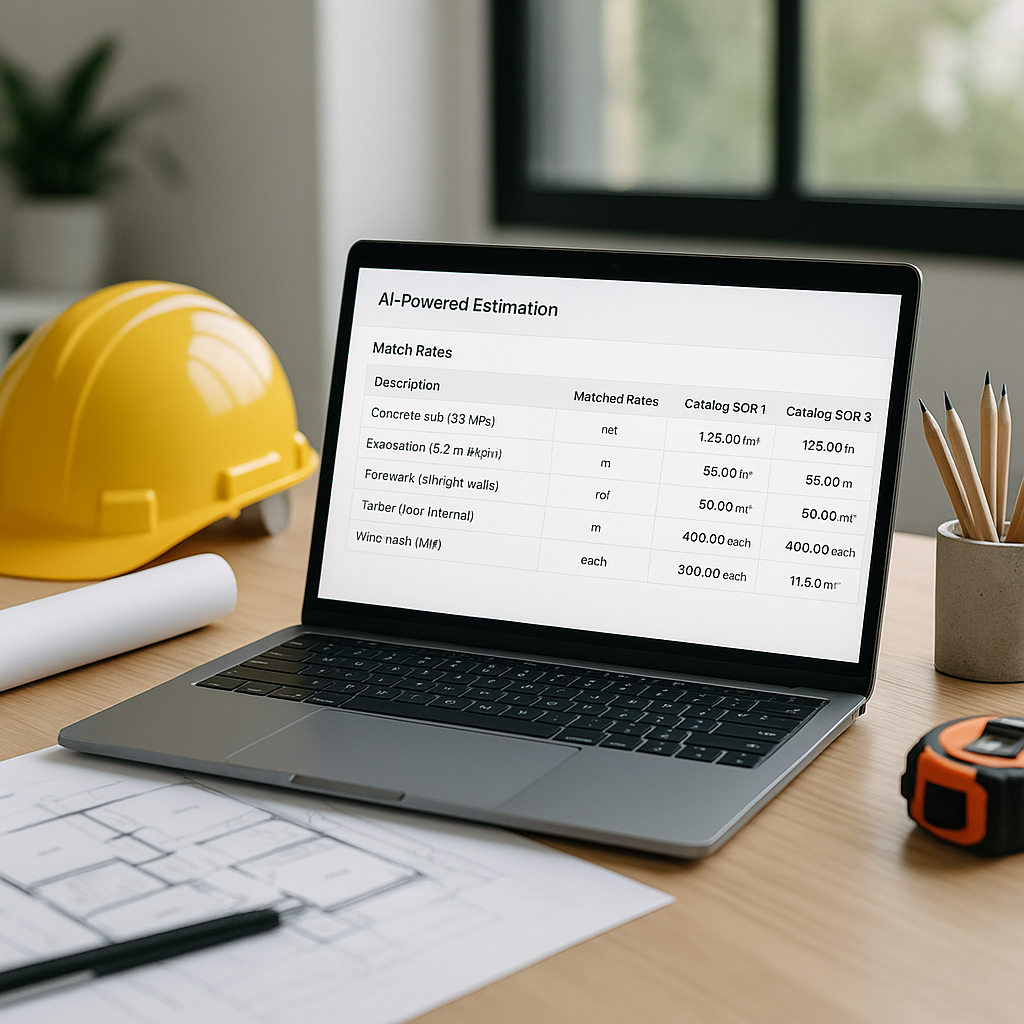
The Problem: Hours Wasted on Manual Rate Lookup
If you've ever spent half a day flipping through a 2,000-page rate book to price a bid, you know the frustration. Need the labor rate for installing pre-stressed concrete girders? That's hours of manual searching, cross-referencing, and double-checking to avoid mistakes. Multiply that by dozens of line items, and it's easy to see why rate lookup is a bottleneck in preconstruction estimation.
Manual processes aren't just slow—they're error-prone. A single misstep, like applying the wrong regional inflation factor or missing an updated rate, can skew an entire estimate. And for general contractors (GCs) bidding on large projects, even a small error can mean losing the bid or, worse, burning your margins.
But what if rate lookup took seconds instead of hours?
The Solution: AI-Powered Rate Matching
AI-powered rate matching tools, like those in EstimateNext, are game-changers for this exact problem. Instead of manually scanning page after page, you simply type what you're looking for—"labor rate for installing ductwork," for instance—and the tool searches across extensive Schedule of Rates (SOR) items. In seconds, it returns the most relevant matches, complete with material, labor, and equipment breakdowns.
What’s behind this magic? Semantic search. Traditional keyword matching won’t cut it when rate descriptions vary by region or catalog. Semantic search, powered by AI, understands the context of your query and matches it to the closest relevant rates—even if the terminology differs. For example, "gypsum board" and "drywall" might mean the same thing in practice, but they’re listed under different terms in different catalogs. AI bridges that gap.
Real-World Benefits: Faster, Smarter Decisions
Illustrative example — Flipping through rate books can take hours per estimate. AI tools reduce that to mere seconds. This time-saving benefit allows estimators to focus on higher-value tasks like refining bids and analyzing project risks.
Beyond speed, accuracy improves too. AI learns from user feedback, getting smarter with every estimate. Accept or reject a suggested rate, and the system adjusts its future recommendations. Over time, users often notice a significant improvement in precision.
Common Mistakes AI Helps Avoid
AI-powered rate matching doesn’t just save time; it helps you avoid costly errors. Here are a few common mistakes it eliminates:
-
Using Outdated Rates: Manual lookup often relies on static PDFs or spreadsheets, which may not reflect the latest market conditions. AI tools pull from live catalogs and apply inflation factors automatically.
-
Regional Mismatches: Rates can vary significantly by location. AI tools factor in regional adjustments, ensuring you’re not applying a New York labor rate to a Texas project.
-
Scope Gaps: Forgetting to include ancillary costs (e.g., scaffolding for elevated work) is easy to miss in manual workflows. AI tools flag missing components based on historical data.
What About Edge Cases?
You might be wondering, "What if my project has custom materials or unique conditions?" Good question. AI-powered tools like EstimateNext allow you to upload custom catalogs or define project-specific rates. These get integrated into the system for future use, ensuring your unique needs are always accounted for.
Another common concern is whether AI can handle complex or high-stakes projects. The short answer? Yes. AI can streamline rate matching across thousands of line items, from structural steel to specialized materials. The human estimator still makes the final call, but AI does the heavy lifting.
How to Get Started with AI Rate Matching
If you’re ready to ditch the PDFs and spreadsheets, here’s how to get started:
-
Choose the Right Tool: Look for platforms like EstimateNext that offer semantic search across extensive SOR catalogs. Integration with tools you already use (e.g., Excel, Bluebeam) is a plus.
-
Upload Your BOQ: Most platforms let you upload a Bill of Quantities (BOQ) in Excel or CSV format. The AI parses the file and matches line items to SOR rates.
-
Review and Adjust: AI isn’t perfect, and that’s okay. Use manual overrides where needed, and the system will learn from your adjustments.
-
Leverage Historical Data: Import past projects to train the AI on your specific preferences and realized rates. The more data you feed it, the smarter it gets.
Common Pitfalls to Watch For
- Over-reliance on Defaults: Always review AI-suggested rates, especially for unique or high-risk items.
- Ignoring Feedback Loops: The system learns from your adjustments, so make use of manual overrides and feedback features.
- Skipping Training: While most tools are intuitive, a quick training session can help your team maximize ROI.
Conclusion: Why This Matters
Time is money in construction estimation, and manual rate lookup is an unsustainable drain on both. AI-powered rate matching tools like EstimateNext eliminate the grunt work, allowing you to focus on what really matters—winning bids and delivering profitable projects.
If you're tired of wasting hours on manual processes, EstimateNext can help. Get started free and see how AI can transform your preconstruction workflow.


