How AI-Powered Takeoff Tools Enhance Preconstruction Estimation
If you’re in preconstruction, you know the drill. A drawing set lands on your desk—20, maybe 50 sheets of PDFs. Your job? Extract every room area, wall length, door count, and material quantity. By hand.
On a good day, this process can take significant time. Add revisions, client changes, or unclear specs, and the workload increases further.
This grind is why many teams are looking at AI-powered takeoff tools. They promise to cut the process down significantly. But do they deliver? Let’s break it down.
Why Manual Takeoffs Are Challenging
Manual quantity takeoffs are a time sink. Estimators often spend long hours on a single bid. Beyond time, there’s also the risk of errors. Miss a room’s dimensions or miscalculate material quantities, and the bid either loses money or becomes uncompetitive.
For smaller firms, the stakes are even higher. They can’t afford to dedicate excessive labor to a single bid, especially when competing against larger contractors with more resources.
Enter AI-Powered Takeoff Tools
AI-driven takeoff tools completely change the game. Here’s how:
-
Speed: AI tools can extract quantities from PDFs in a fraction of the time compared to manual methods. This allows teams to focus on higher-value tasks.
-
Accuracy: AI doesn’t get tired or distracted. While human estimators are prone to fatigue and oversight, AI tools maintain consistent accuracy. If the AI isn’t confident about a line item, it flags it for manual review, reducing errors without eliminating human oversight.
-
Adaptability: Revisions? No problem. Upload the new set of drawings, and the AI highlights the changes instantly. You don’t have to dig through each page looking for differences.
-
Scalability: Whether you’re bidding on a small renovation or a large infrastructure project, AI tools scale to meet the needs of your project size.
How It Works
Curious how AI takeoff tools actually function? Here’s a quick walkthrough:
- Upload the Plans: Drag-and-drop your PDFs or CAD files into the platform.
- Calibration: The tool auto-detects the scale of the drawings. If it’s off, you can manually adjust.
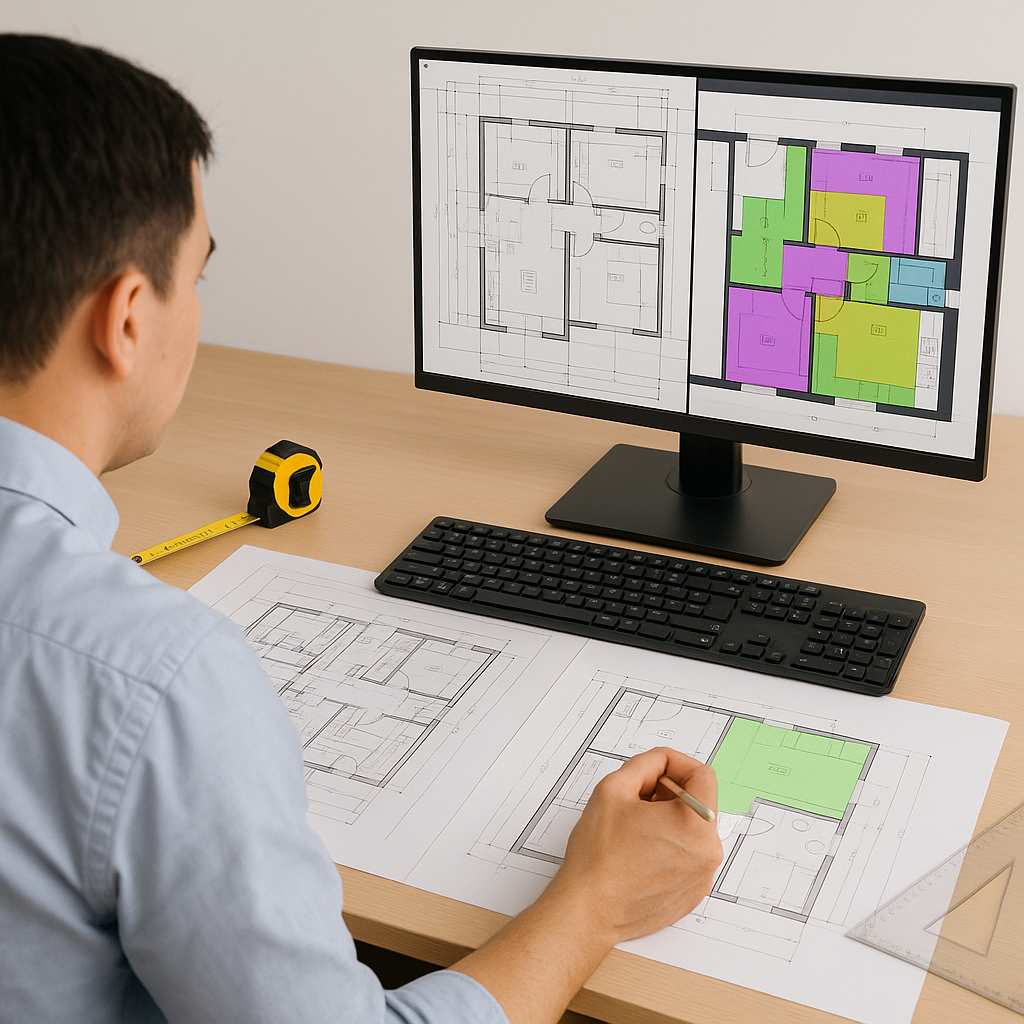
- Automated Extraction: The AI scans the drawings, identifying walls, doors, windows, and other key elements. It calculates quantities in minutes.
- Review: You get a clean QTO (Quantity Takeoff) report. Any flagged measurements can be manually reviewed.
- Export: Once finalized, export the data directly into Excel, Procore, or other preconstruction software.
Illustrative example — Let’s say you’re estimating a concrete pour for a new parking structure. Instead of manually calculating the cubic yards of concrete needed, you upload the structural drawings. The AI extracts all slab areas, thicknesses, and volumes, delivering a detailed takeoff in a fraction of the time.
Objections and Realities
You might be thinking: “Sure, AI is fast, but it doesn’t understand the nuances of construction.” And you’re right—AI doesn’t replace your expertise. It’s a tool, not a replacement.
AI handles the repetitive grunt work, freeing you up for critical tasks like cost analysis, value engineering, and subcontractor negotiations. You’re still the one making judgment calls and deciding on profit margins. The AI just speeds you to the point where you can start doing that.
Common Mistakes (and How to Avoid Them)
-
Poor Input Quality: AI is as good as the data you feed it. Low-quality scans or incomplete drawings can lead to errors. Always ensure you’re working with clear, complete documents.
-
Overreliance on AI: Don’t skip the review process. Even the best tools can miss something. Build in time for oversight.
-
Ignoring Training: While AI tools are user-friendly, they still require training. Dedicate time to learn the platform’s features and workflows.
Conclusion
Manual takeoffs are a bottleneck your team can’t afford. AI-powered tools save time, reduce errors, and let you focus on higher-value tasks. If you’re tired of the grind, it’s time to explore these tools and see how they can transform your preconstruction process.


