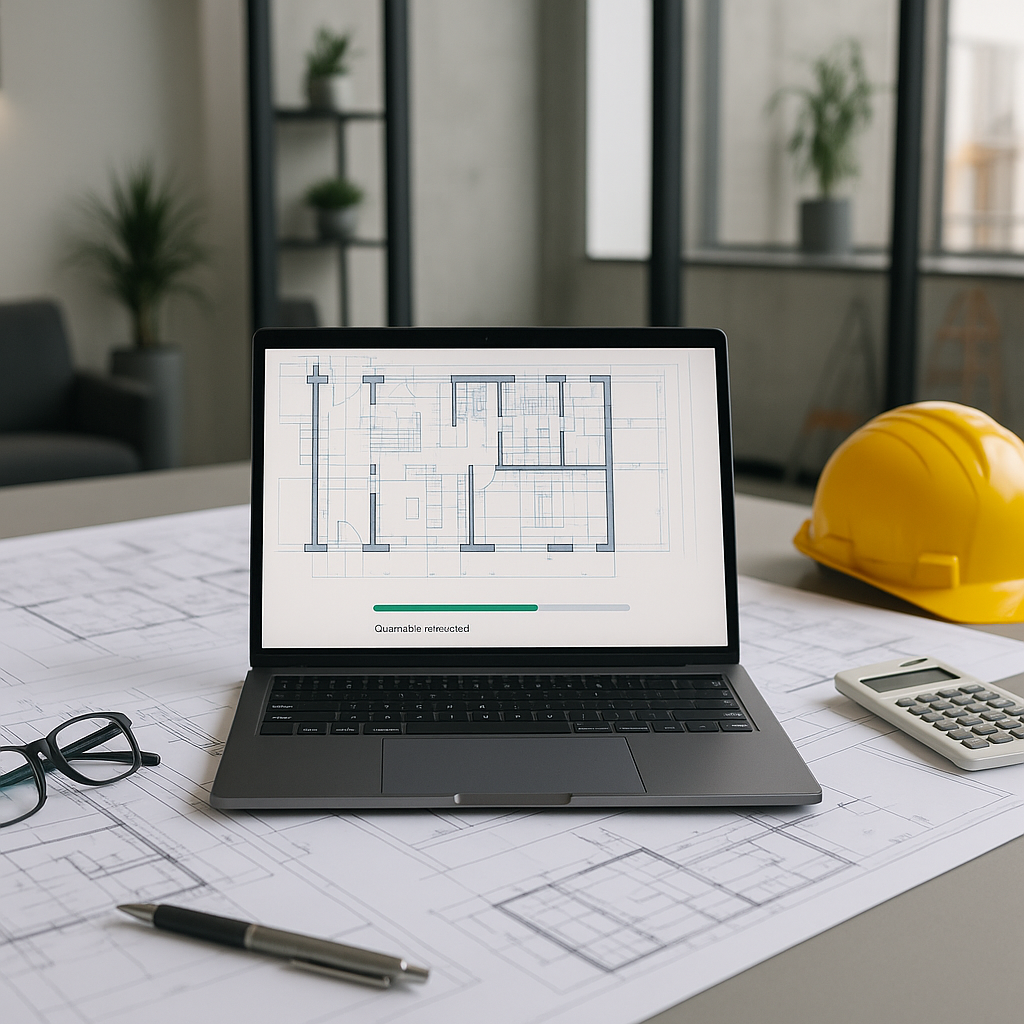
The Problem: Manual Takeoffs Are a Time Sink
Ask any estimator about their least favorite task, and drawing takeoffs will top the list. It’s repetitive, painstaking, and eats up significant time. For a typical mid-sized project, manual takeoffs can take days of effort. And it’s not just the time; it’s also accuracy. One missed measurement can throw off your quantities, leading to bid errors and margin headaches down the line.
Manual processes are prone to inefficiencies, and the repetitive nature of takeoffs often diverts skilled estimators from higher-value tasks like pricing strategy and bid preparation.
How AI Takeoff Tools Work
AI-powered takeoff tools use Vision AI to read drawings. Here’s how the process typically unfolds:
- Upload Your Drawing Set: PDFs, DWGs, or even scanned plans—AI tools can process them all.
- Automatic Quantity Extraction: The AI identifies walls, rooms, doors, windows, and other elements based on line patterns and scales. For instance, it can calculate room areas or wall lengths within seconds.
- Flagging Areas for Review: AI tools often include features to flag areas where manual review might be needed, ensuring oversight where it matters most.
- Revisions and Overrides: Upload revised drawings, and the tool compares changes automatically, saving you from remeasuring everything.
By automating the repetitive aspects of takeoffs, these tools allow estimators to focus on strategic decisions and reduce the risk of errors.
Why It Matters
1. Bid More, Win More
When takeoffs take significant time, your team’s capacity to respond to bids is limited. AI tools expand your bandwidth by automating the most time-consuming tasks. The time saved can be reinvested in pricing, subcontractor negotiations, or simply chasing more bids.
2. Accuracy Without the Stress
AI takeoffs don’t eliminate the need for human oversight, but they drastically reduce errors. Missed measurements and manual math mistakes are common in manual methods. AI tools flag areas for review, ensuring accuracy where it matters most.
3. Multi-Market Flexibility
Working across different geographic markets can be a challenge. A drawing measured in CESMM3 has very different conventions from one measured in CSI MasterFormat. AI tools adapt to these standards automatically, making them invaluable for contractors bidding internationally.
Common Pushbacks
“AI Can’t Think Like an Estimator”
True. AI doesn’t understand construction like you do. It’s not going to tell you whether a particular material spec is overkill. But that’s not the point. AI handles the repetitive legwork—like extracting quantities and matching rates—so you can focus on strategic decisions.
“What If the Data Is Wrong?”
AI tools rely on input quality. If your drawings are poorly calibrated or missing details, the output suffers. That’s why these tools include manual override features. You’re still in control.
“Is It Worth the Cost?”
The value of AI tools lies in the time saved and the reduction in errors. By automating repetitive tasks, these tools free up estimators to focus on higher-value activities, which can lead to more competitive bids and better project outcomes.
Call to Action
If manual takeoffs are draining your team’s time, AI tools can help. Automate repetitive tasks, improve accuracy, and bid more effectively. Learn more →


