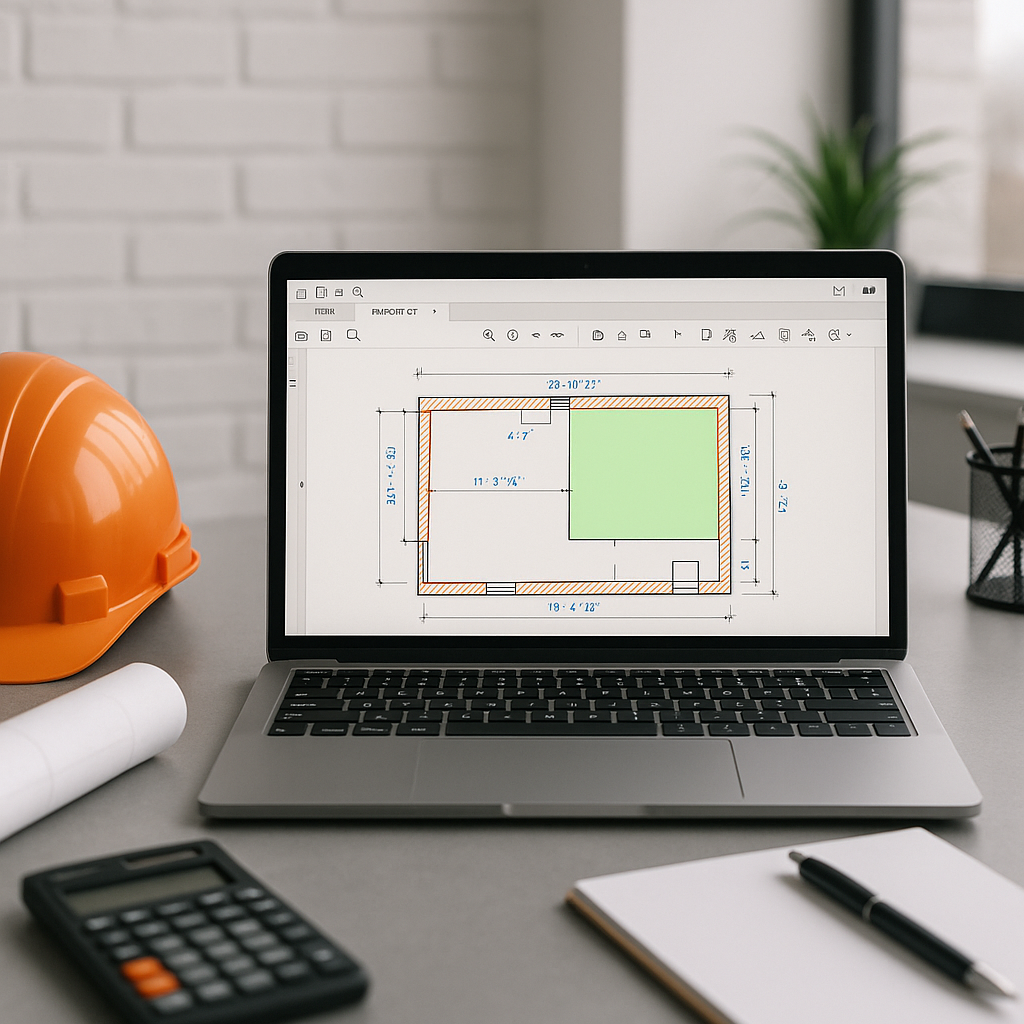
Why Takeoffs Are the Biggest Time Sink in Estimation
Every estimator knows the drill: you get a set of drawings, open Bluebeam, and spend hours tracing walls, counting fixtures, and measuring slabs. It's tedious, error-prone, and frankly, a waste of your skills. This inefficiency can become a bottleneck that compounds across every project.
Manual takeoffs not only delay your bid package but also limit how many bids you can pursue. For general contractors (GCs) and subcontractors alike, missing deadlines can mean missing out on work.
How AI Takeoffs Work
AI takeoff tools analyze PDF drawings to extract quantities automatically. Think of it as having an assistant who reads and understands your drawings but never gets tired. Here's how it works:
- Upload Your Drawings: Drop your PDFs into the platform.
- AI Reads the Files: The system identifies walls, doors, windows, and other elements based on drawing layers and annotations.
- Extract Quantities: It calculates areas, lengths, and counts, then organizes them into a Bill of Quantities (BOQ).
- Manual Review Options: For any low-confidence lines, you can remeasure manually, with a full audit trail.
Illustrative example — A contractor using AI tools on a complex project could reduce the time spent on takeoffs significantly, freeing up resources for other critical tasks like pricing or strategy refinement.
The Obvious Objection: “But AI Can’t Think Like an Estimator”
Let’s address the elephant in the room. AI isn’t perfect, and it doesn’t replace your expertise. It won’t know what to do with ambiguous notes or missing details. But that’s not the point. The point is to free you from the grunt work so you can focus on high-value tasks—like fine-tuning your margin or negotiating with suppliers.
Many tools include features like flagged items for manual review, ensuring you remain in control while benefiting from automation.
Real ROI: Time Saved Equals Money Earned
Illustrative example — If an estimator spends a significant portion of their time on manual takeoffs, adopting AI tools could allow them to handle more bids or dedicate more time to refining proposals. This can lead to increased efficiency and potentially more successful bids.
For subcontractors, faster takeoffs mean faster quotes. Reducing turnaround time can enable you to respond to more bids, increasing your opportunities.
Common Questions About AI Takeoffs
Q1: How accurate are AI takeoffs compared to manual ones?
AI tools are designed to be highly accurate but are not foolproof. The ability to review and adjust flagged items ensures that accuracy is maintained. Most users report significant time savings without sacrificing precision.
Q2: Can AI handle complex drawings?
Yes, but with caveats. Complex projects with heavy annotations or unusual design elements may require more manual review. However, AI still reduces the bulk of the work.
Q3: What about integration with existing tools?
Most AI takeoff tools integrate with platforms like Bluebeam, Procore, and Excel. You can export the BOQ directly into your existing workflow.
Common Mistakes When Adopting AI in Estimation
- Skipping Training: AI tools are intuitive, but a short training session ensures your team uses them effectively.
- Over-Reliance on AI: Always review flagged items or critical measurements. Human oversight is essential.
- Not Updating Rates: AI is only as accurate as your data. Make sure your rate catalogs are up-to-date.
Final Thoughts
AI-powered takeoffs won’t replace you—they’ll make you faster and more competitive. The time you save on manual tracing can be reinvested into strategy, quality checks, or simply pursuing more bids. It’s about working smarter, not harder.
If you’re tired of losing time to manual takeoffs, consider exploring AI-powered tools to streamline your estimation process.


