Why Manual Takeoffs Are a Bottleneck
If you've ever done a manual takeoff, you know the drill. Open the project drawings, calibrate the scale, and start tracing walls, counting door frames, or measuring square footage. It's slow. It's repetitive. And let's be honest: it's easy to miss something.
For most general contractors (GCs), this process can take significant time per project. Multiply that by how many bids you're chasing, and suddenly you've got an entire team drowning in highlighters, Bluebeam, and late nights.
But what if you could drastically reduce that time? That's where AI-powered tools come in.
How AI Takeoffs Work
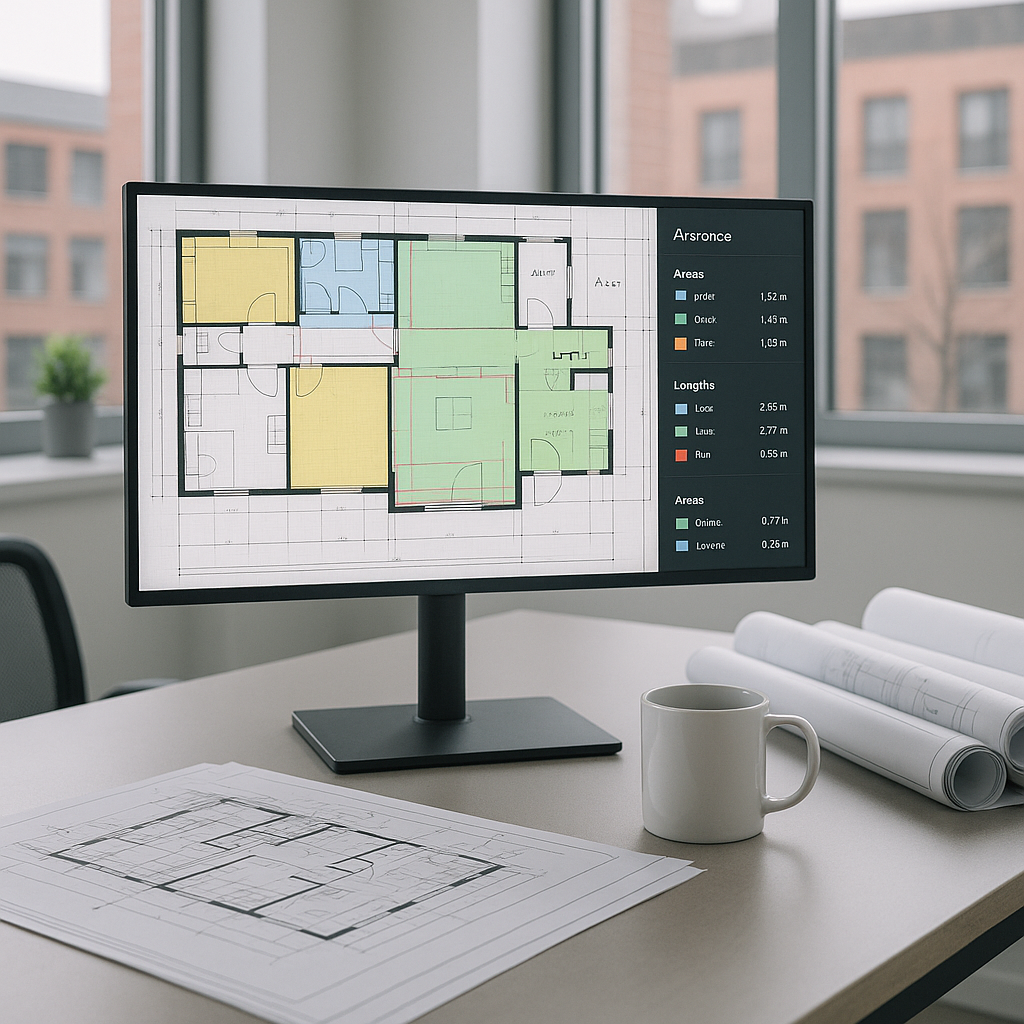
AI takeoff tools, like the Vision AI feature in EstimateNext, automate this entire process. Instead of manually tracing lines or counting items, you upload your PDF drawings. The AI scans the file, extracts quantities (like room areas, wall lengths, or window counts), and compiles them into a neat, editable BOQ (Bill of Quantities).
Let’s break it down:
- Upload Your Drawings: Drag-and-drop your PDFs into the system.
- AI Scans for Quantities: The tool identifies elements like walls, doors, or fixtures and calculates their dimensions.
- Review Low-Confidence Items: If the AI isn't sure about a line or an object, it flags it for manual review. You can override it with a single click.
- Export Your BOQ: Once you're satisfied, export the data as a structured Excel sheet or into your preferred format (e.g., CSI MasterFormat).
Real Productivity Gains
AI-powered takeoff tools can significantly reduce the time spent on manual tasks, allowing teams to focus on higher-value activities. By automating repetitive processes, teams can allocate more time to refining pricing strategies, negotiating with subcontractors, and improving bid packages.
What to Watch For
AI takeoff tools aren't perfect. Here are a few things to keep in mind:
- Input Quality Matters: If your PDFs are blurry or poorly scanned, the AI might struggle. Clean, high-resolution files are key.
- Human Oversight Is Still Needed: No AI can fully replace your judgment. Always review flagged items and double-check critical quantities.
- Learning Curve: While most tools are intuitive, they still require training. Plan for a few hours of onboarding to get your team up to speed.
The Bottom Line
AI-powered takeoffs won’t replace your estimators, but they will amplify what your team can achieve. Instead of burning time on repetitive tasks, you’ll focus on strategy, pricing, and winning bids. It’s not just about speed—it’s about doing more with less.
If you're ready to explore how AI can streamline your preconstruction process, EstimateNext can help. Get started free →


