How AI-Powered Takeoffs Improve Preconstruction Estimation
The Problem: Manual Takeoffs Are a Time Sink
If you've ever done manual drawing takeoffs, you know the drill. You sit down with drawings, maybe a Bluebeam tool or even just a ruler, and start measuring room areas, wall lengths, door counts, and more. For a mid-sized project, this process can take significant time and effort. And it’s not just about the time. Mistakes creep in. Lines are miscounted, revisions get lost, and by the end, you’re hoping everything adds up.
This bottleneck isn’t just a headache. It’s costing teams in terms of efficiency and accuracy. Manual labor that could be automated often consumes valuable resources that could be better spent on strategic tasks.
The Solution: AI-Powered Takeoffs
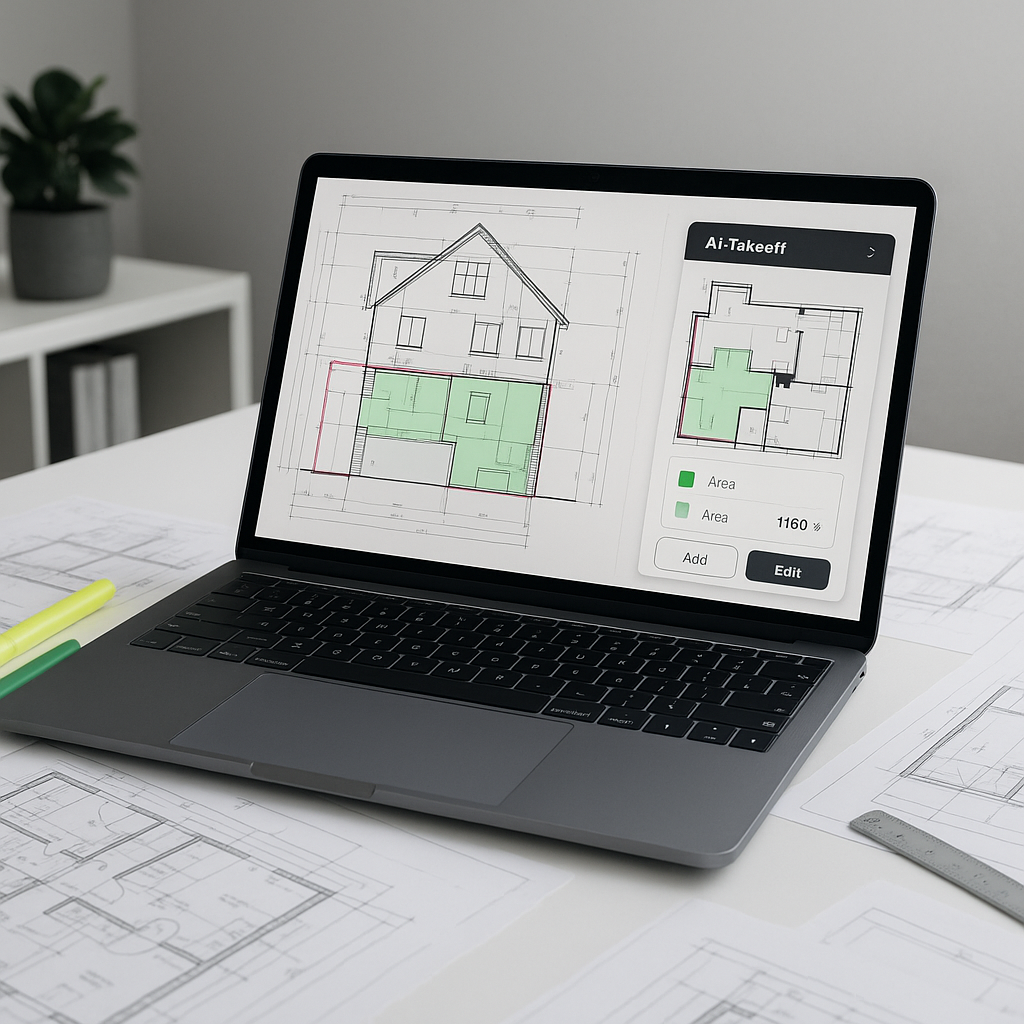
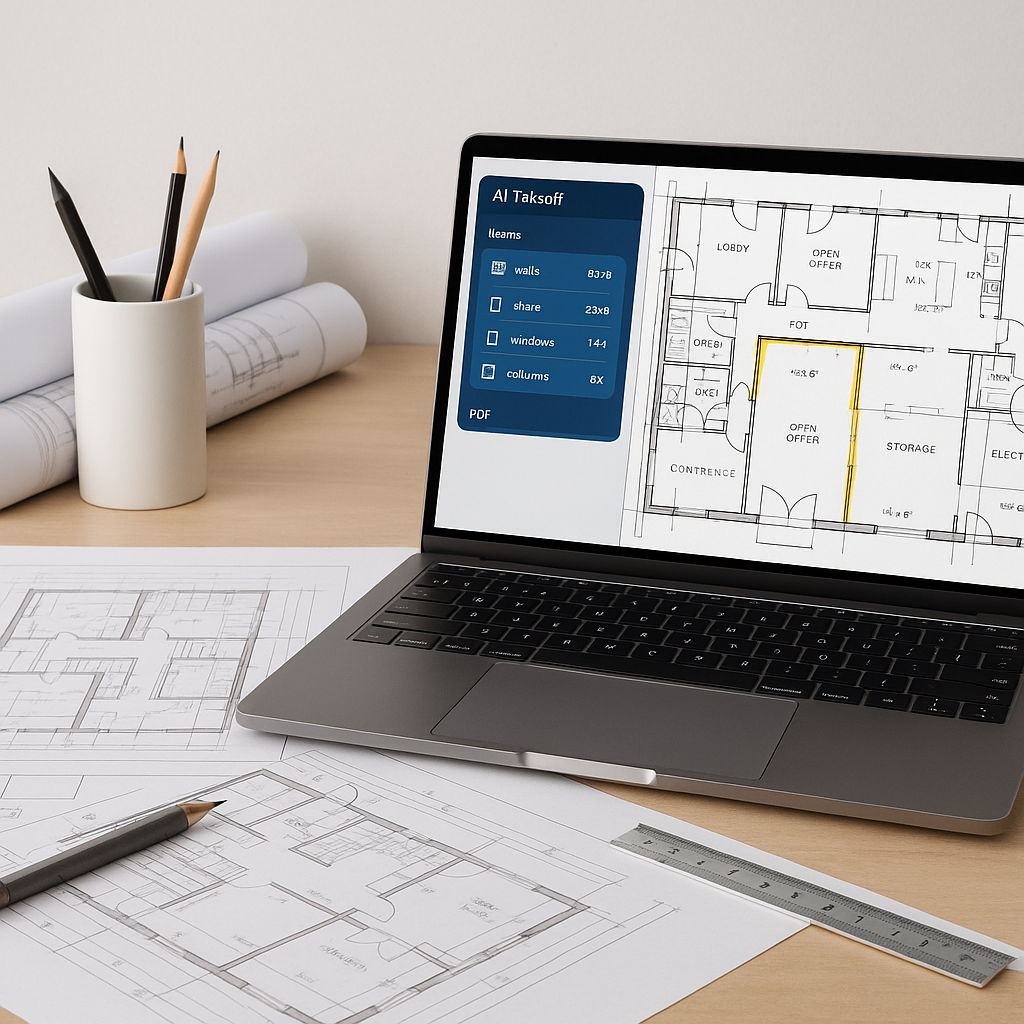
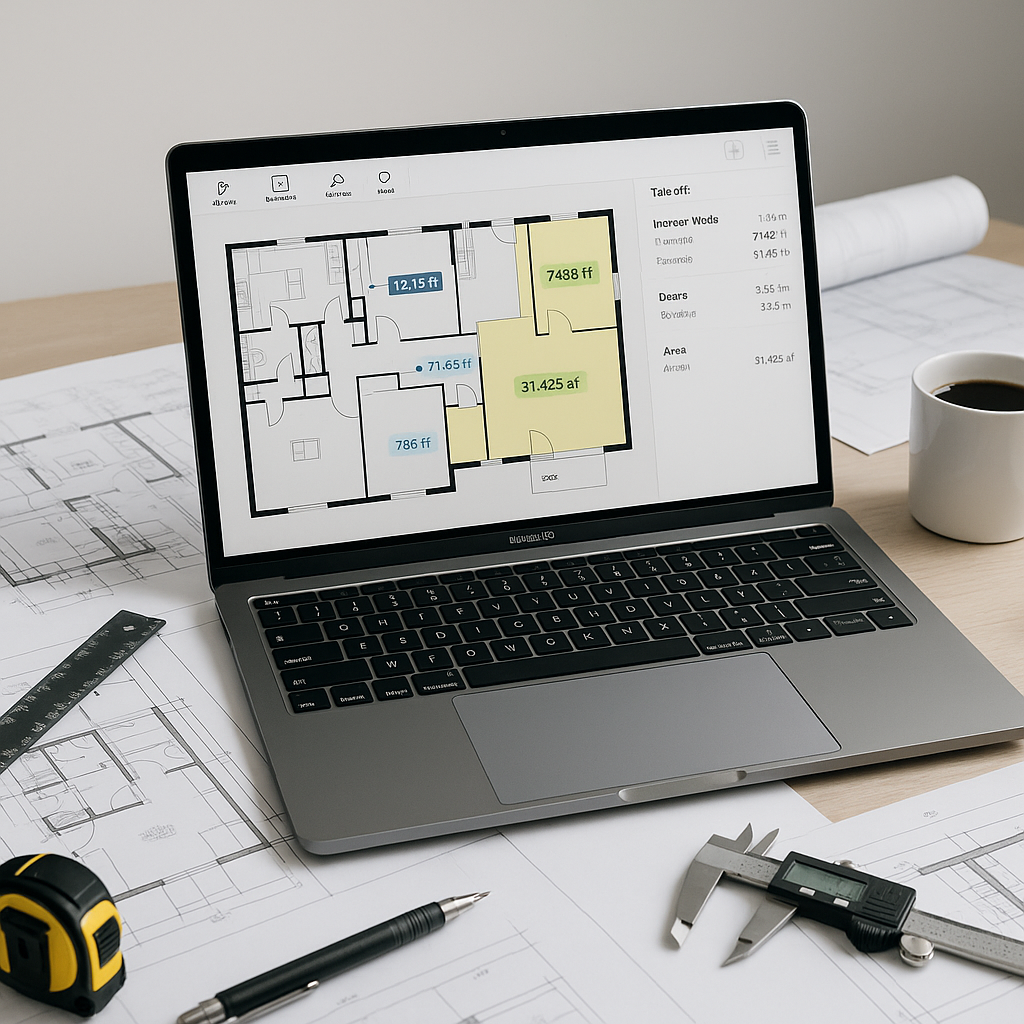
This is where AI-powered tools come in, and it’s not just hype. Platforms like EstimateNext use Vision AI to extract quantities directly from PDF drawings in a fraction of the time. Instead of spending days, the process can be completed in minutes. Want to measure wall lengths or count fixtures? Upload the file, let the AI do its thing, and review the results.
The results aren’t just faster; they’re often more accurate. AI reduces discrepancies by automating repetitive tasks and minimizing human error. Human oversight is still essential, but the heavy lifting is handled by the software. This lets your team focus on higher-value tasks — like refining bid strategy or negotiating with subcontractors.
What About Accuracy?
You might be thinking, “Sure, AI is fast, but can it really match human precision?” The answer is yes — with caveats. AI tools like EstimateNext use features to flag items that might need manual review. For example, if a drawing revision introduces ambiguities, the software will highlight areas where human input is necessary. It’s not replacing your expertise; it’s amplifying it.
Common Mistakes to Watch For
Even with AI, there are pitfalls:
- Poor Input Quality: If your drawings are low-resolution or missing details, the AI will struggle. Garbage in, garbage out.
- Skipping the Review: Always validate flagged areas to avoid costly errors.
- Assuming AI Does Everything: AI handles the repetitive work, but you still need to make judgment calls — especially for custom items or edge cases.
How to Get Started
If you’re new to AI-powered takeoffs, start small. Test the software on a simple project to understand its workflow. Platforms like EstimateNext offer free trials, so you can explore features without committing upfront. Once you’re comfortable, scale up to larger bids. Integrate it with tools you already use, like Bluebeam or Procore, for a seamless transition.
FAQ
Q: Is AI reliable for smaller projects? A: Absolutely. AI scales to any project size, whether it’s a small renovation or a large infrastructure build.
Q: How long does it take to train my team on AI tools? A: Most platforms are designed for ease of use. Training typically takes a short amount of time.
Q: Can AI handle custom rate catalogs? A: Yes. Tools like EstimateNext allow you to upload your own catalogs and refine them with feedback loops.
Q: What if my drawings include revisions? A: AI-powered tools can compare revision sets and highlight changes automatically.
Conclusion: The ROI Is Real
Manual takeoffs are slow, error-prone, and resource-intensive. AI-powered tools like EstimateNext solve these problems by significantly reducing takeoff time and minimizing errors. For general contractors juggling tight deadlines and shrinking budgets, the efficiency gains are hard to ignore.
If you're ready to streamline your preconstruction process, EstimateNext can help. Get started free →