The Takeoff Bottleneck Every Contractor Knows
Imagine this: your team has two days to extract quantities from a 200-page drawing set. Concrete beams, drywall square footage, door counts — all traced line by line. You’re flipping between Bluebeam, Excel, and printed drawings, hoping no one misses a dimension. And when a mistake happens, it snowballs. Rework eats up valuable time. Deadlines close in.
This isn’t rare. It’s the norm. Manual takeoff is a productivity challenge. Preconstruction teams often spend significant time just on quantity takeoff, tying up resources that could be used elsewhere.
The AI Takeoff Fix
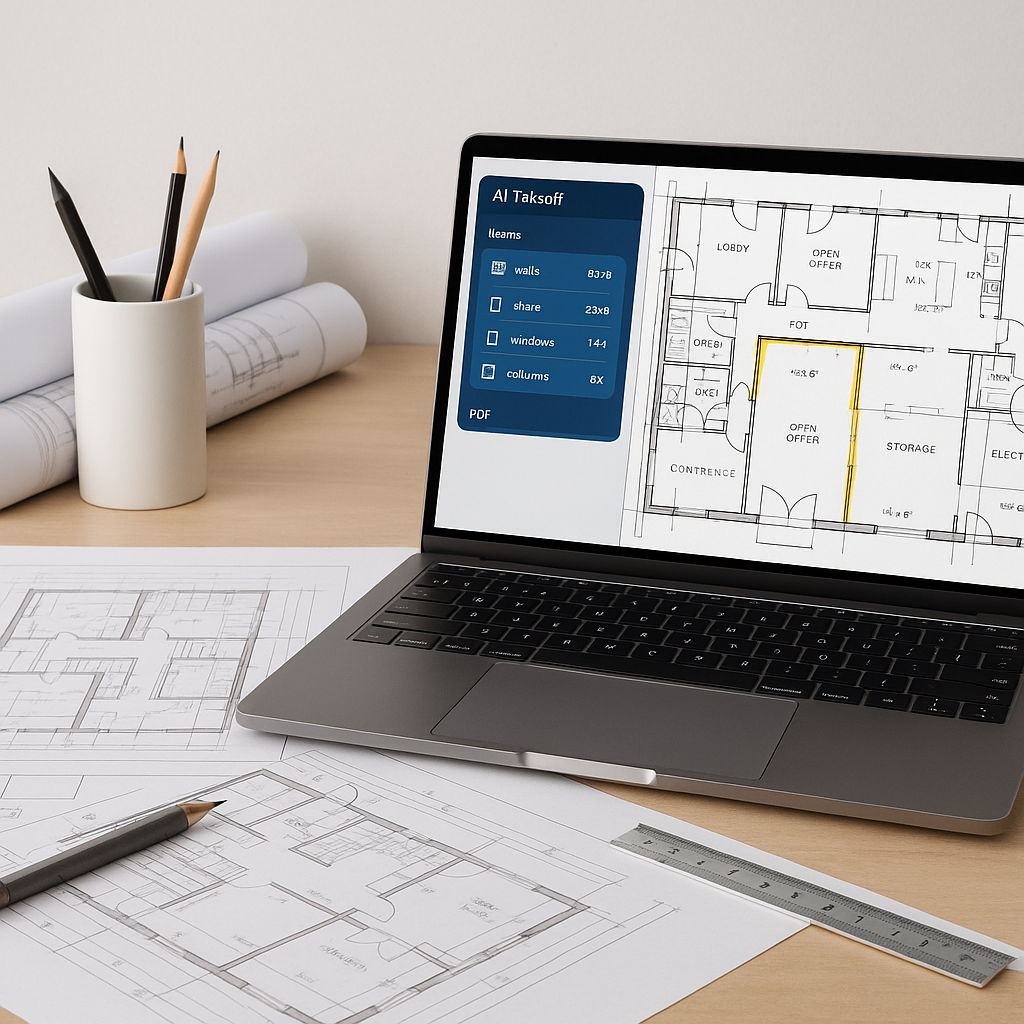
AI-powered tools like EstimateNext flip the script. Instead of manually tracing lines and recalculating quantities, Vision AI reads your drawings for you. Upload the PDF set, and in a short time, you’ve got room areas, wall lengths, door/window counts, and more — all auto-extracted into a reviewable QTO.
Does it really save time? Absolutely. By automating repetitive tasks, teams can focus on refining scope pricing and negotiating better sub rates.
Why Accuracy Still Matters
You might be thinking, “Sure, it’s fast, but can AI match human accuracy?” Fair question. AI tools don’t replace your expertise; they amplify it. Vision AI highlights low-confidence measurements for manual review. If a door width seems off, you can override it — with an audit trail.
It’s not perfect, but it’s designed to improve over time. The system learns from your feedback, adapting to your specific needs and increasing accuracy with continued use.
Edge Cases: What If the Drawing Is Messy?
Not all PDF sets are clean. Some have missing dimensions or poor annotations. AI can still help here. EstimateNext’s Vision AI flags unclear areas for remeasurement. You can calibrate scales, trace missing lines, and adjust quantities directly within the platform. It’s like streamlining your Bluebeam workflow, but faster.
ROI Math: Saving Time = Saving Money
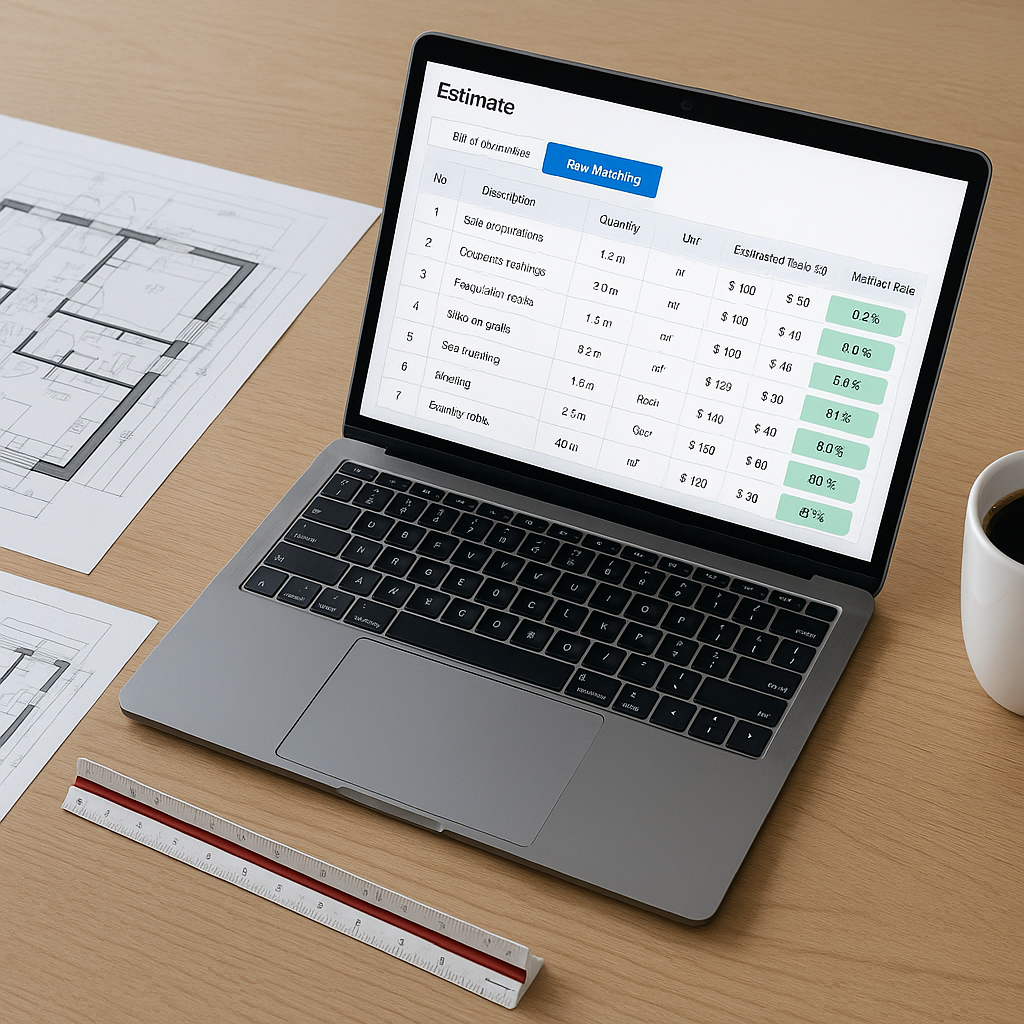
Illustrative example — For a preconstruction team, labor costs can add up quickly. If estimators spend 40 hours on manual takeoff for a single bid, the cost can be significant. By reducing the time spent on takeoff, teams can redirect their efforts toward submitting more bids, refining estimates, or focusing on other high-value tasks.
But it’s not just about saving hours. Faster takeoffs mean more bids submitted, more opportunities won, and potentially better margins. For many teams, this can make a meaningful difference in their overall efficiency and profitability.
Common Pitfalls to Avoid
- Blind Trust in AI Outputs: Review low-confidence measurements. AI isn’t infallible.
- Skipping Training: AI takes time to learn your preferences. Invest in user training upfront.
- Ignoring Edge Cases: Messy drawings need human intervention — don’t assume AI will catch everything.
FAQ: AI Takeoff Tools
Q: How do I integrate AI takeoff with my current software?
A: EstimateNext supports direct exports to Excel, Procore, and Autodesk Build. You won’t need to revamp your workflow.
Q: What if my projects are small?
A: AI tools scale to any project size, whether it’s a small renovation or a large infrastructure build.
Q: Can AI handle regional standards like CPWD or CESMM3?
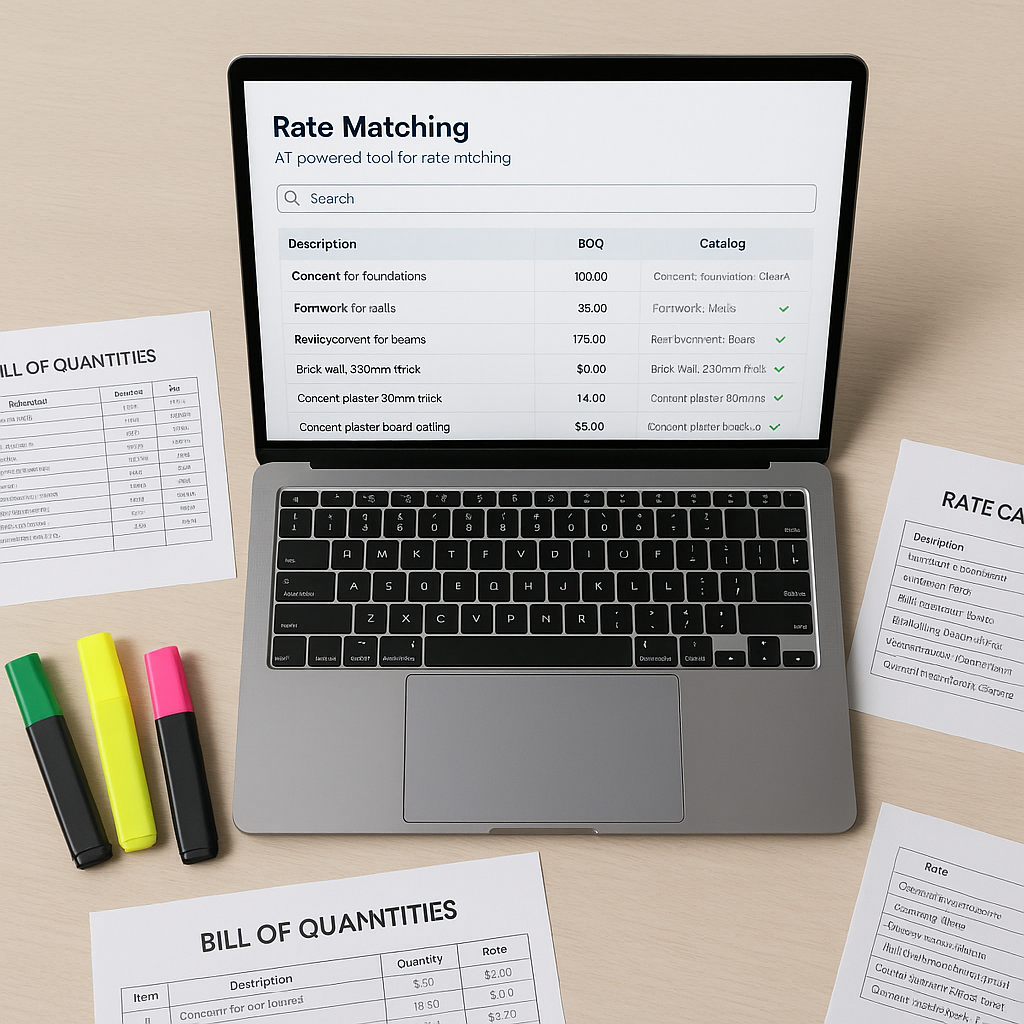
A: Yes. EstimateNext includes multi-market profiles for CPWD DSR, CESMM3, and NRM2 formats.
Call to Action
If manual takeoffs are draining your team’s time, AI can help. EstimateNext cuts the process significantly, freeing you to focus on higher-value tasks. Get started free →