The Grind of Manual Takeoffs
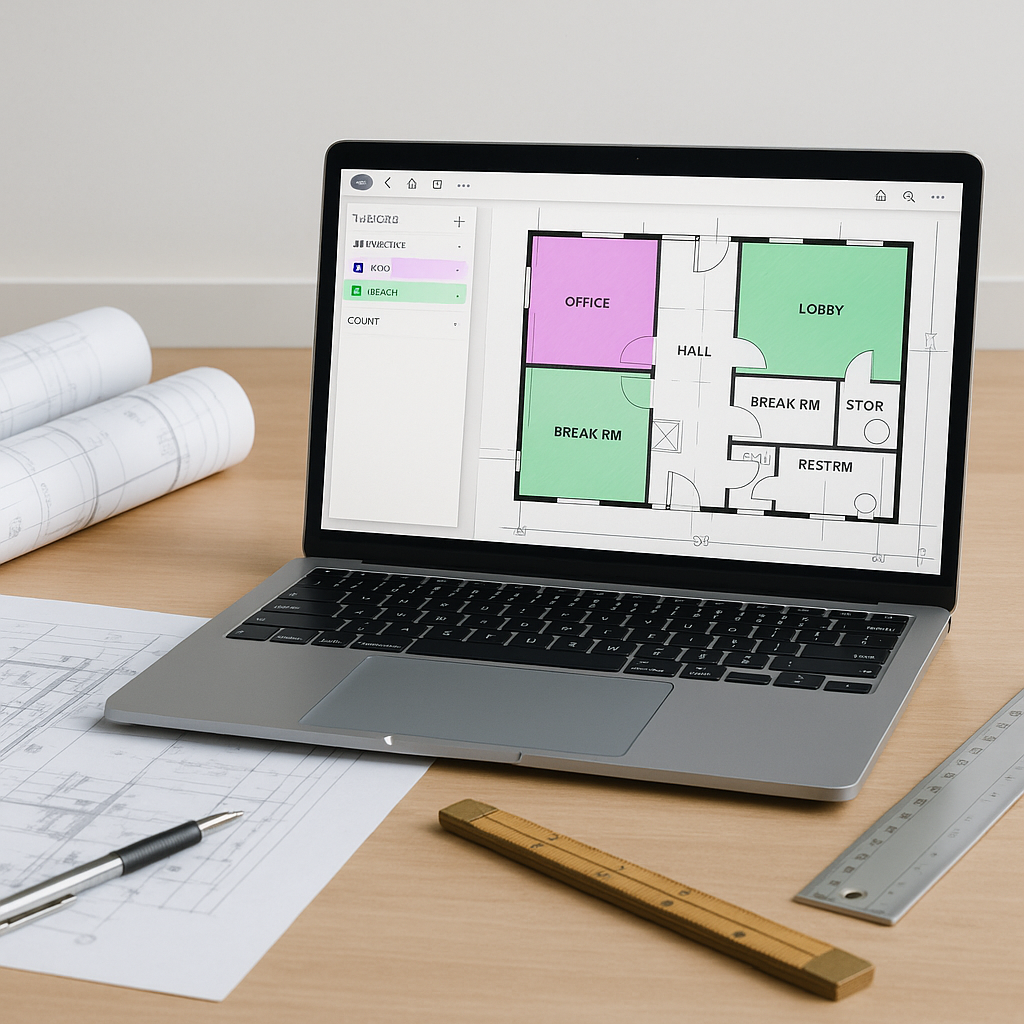
If you’ve ever spent hours measuring drawings with a scale ruler or manually tracing PDFs, you know the pain of takeoffs. It’s repetitive, error-prone, and eats up time you don’t have. For many general contractors and subcontractors, this isn’t just a minor inconvenience. It’s the difference between hitting a bid deadline or missing it entirely.
Manual takeoffs are time-intensive and prone to mistakes. A missed beam or an incorrect wall area can throw your entire estimate off. Worse, fixing those errors means starting over, burning even more time.
AI-powered takeoff tools offer a way to automate this process, saving significant time and reducing errors. Here’s how they work.
How AI Takeoffs Work
AI takeoff tools aren’t magic, but they feel close. Here’s the basic process:
-
Upload Your Drawings: Start by uploading your PDF or CAD files to the platform. AI tools can handle messy drawings, poor scans, and even multi-page blueprint sets.
-
Automated Quantity Extraction: The AI scans the drawings for quantities—wall lengths, areas, door counts, beam lengths, and more. For example, on a multi-story project, AI can extract quantities for concrete columns, beams, and walls in minutes.
-
Flagging for Review: AI tools flag areas with low confidence for manual review, so you can double-check critical measurements without combing through everything.
-
Instant Export: Once the quantities are extracted, you can export the data directly into your BOQ or estimating software. Most platforms integrate with tools like Excel, Procore, or Autodesk Build.
The result? Hours of tedious work, automated. And because the AI learns from every project, it gets more accurate over time.
Benefits of AI Takeoffs
AI-powered takeoff tools provide several key advantages:
- Time Savings: Automating repetitive tasks allows estimators to focus on higher-value activities like refining bid strategies or negotiating with subcontractors.
- Error Reduction: By automating quantity extraction, the risk of human error is minimized. Flagging low-confidence areas ensures critical items are reviewed.
- Scalability: AI tools can handle projects of varying sizes, from small renovations to large-scale infrastructure developments.
Common Objections to AI Takeoffs
You might be thinking, “But AI can’t think like an estimator.” And you’re right. AI doesn’t replace your expertise—it amplifies it.
Here’s how:
- Accuracy: AI tools come with features like confidence scoring and manual overrides, so you’re always in control.
- Customization: You can upload your own rate catalogs or define custom rules for specific project types. The AI adjusts to your workflow, not the other way around.
- Learning Curve: Most platforms are user-friendly. Training your team takes a short amount of time, not months.
What to Watch Out For
Not all AI tools are created equal. Here’s what to keep in mind when choosing one:
- Integration: Does it work with your existing stack? Look for tools that export to Excel, Procore, or whatever you’re already using.
- Data Quality: AI is only as good as the input it gets. Upload clean, clear drawings for the best results.
- Support: No tool is perfect. Make sure there’s solid customer support for when things go wrong.
Automating takeoffs isn’t just about saving time. It’s about freeing your team to focus on what really matters—winning bids and maximizing margins. If you’re still spending days on manual takeoffs, it’s time to rethink your process.


