The Pain of Manual Takeoffs: A Real Problem
Let’s face it—manual takeoffs are a productivity challenge. For most estimators, takeoffs mean long hours of squinting at drawings, measuring lines, and manually inputting data into spreadsheets. It’s tedious, error-prone, and frustrating.
Consider a typical scenario: a general contractor bidding on a large project. The preconstruction team spends significant time calculating quantities for materials like concrete, steel, and drywall. If the architect releases revised drawings mid-bid, the process must often start over.
Not only does this slow down the workflow, but it also leaves room for costly mistakes. Missing a dimension or miscalculating an area can lead to underpricing a bid, directly impacting profit margins.
AI Takeoff Tools: The Game Changer
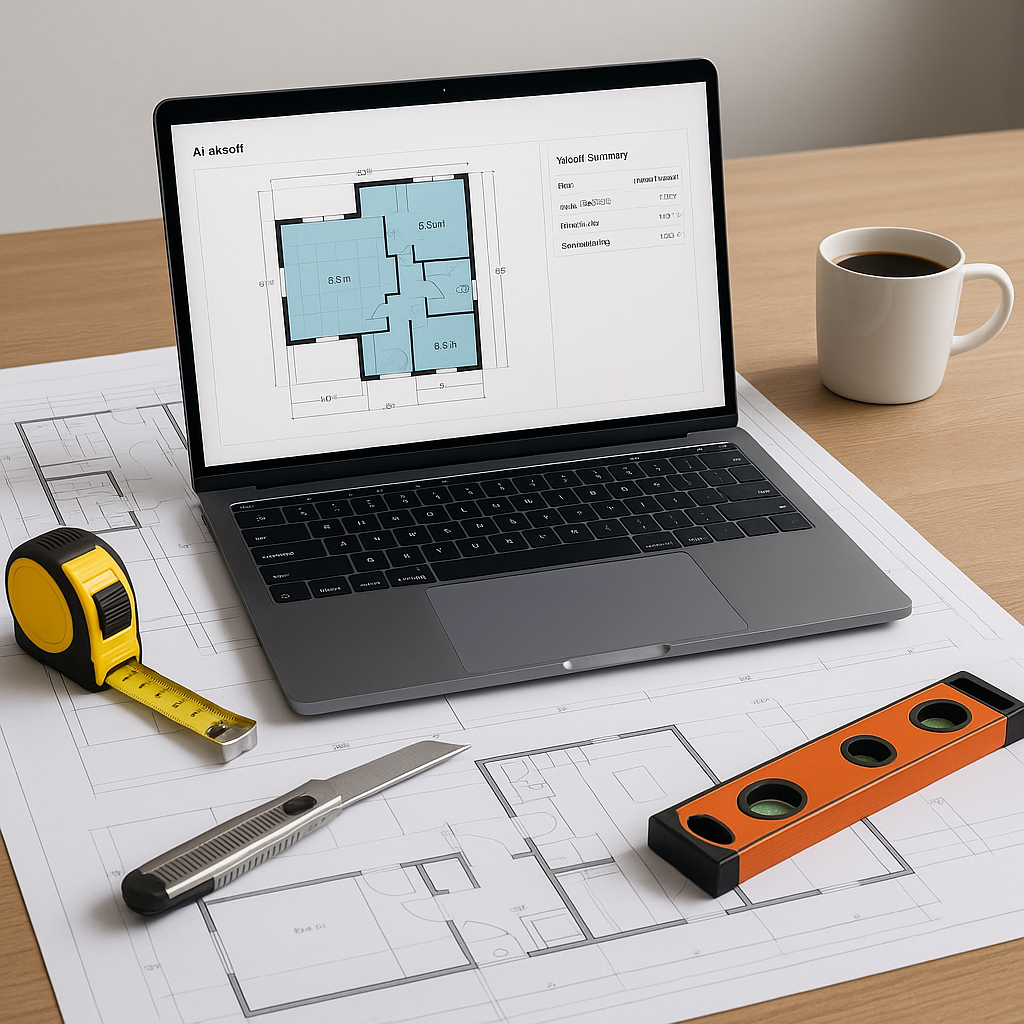
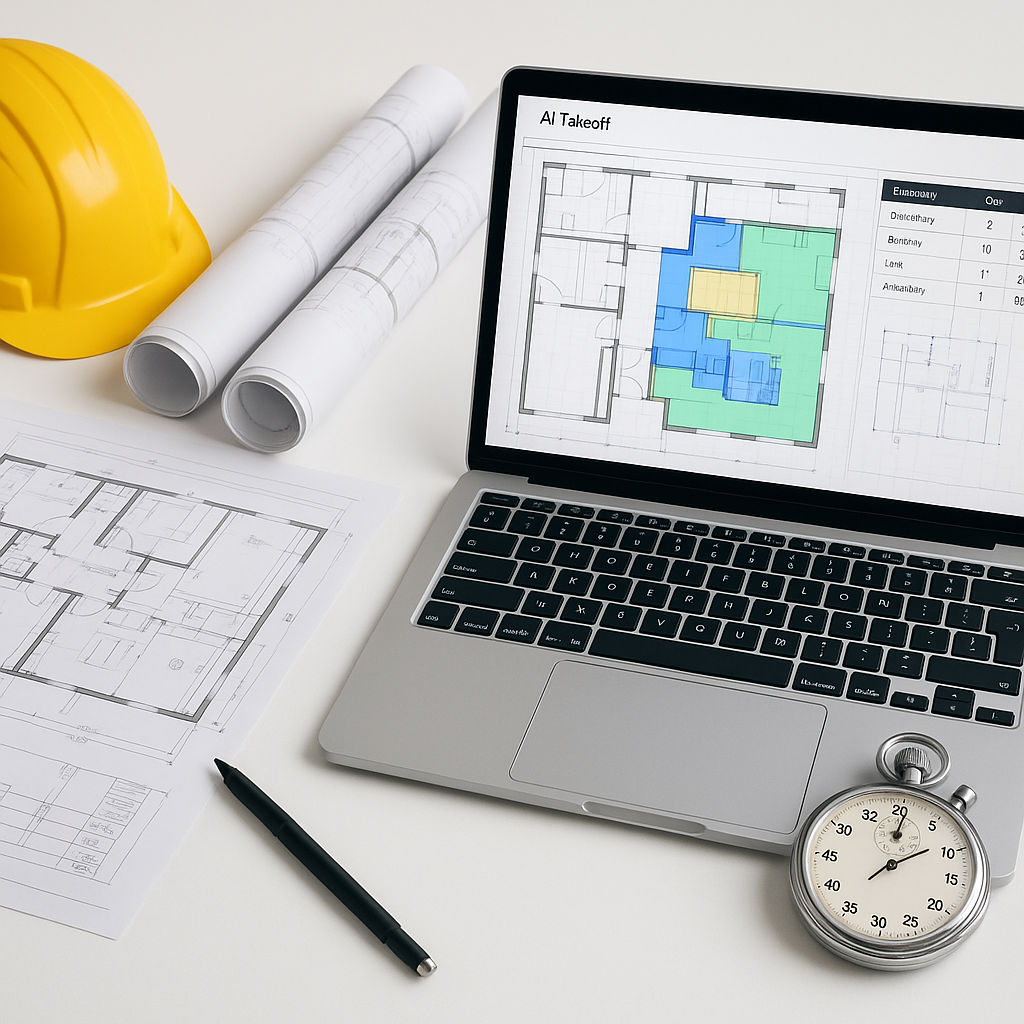
This is where AI-powered tools come in. Instead of spending hours or days on manual takeoffs, these tools allow you to upload your PDF drawings, and the AI extracts quantities in a fraction of the time.
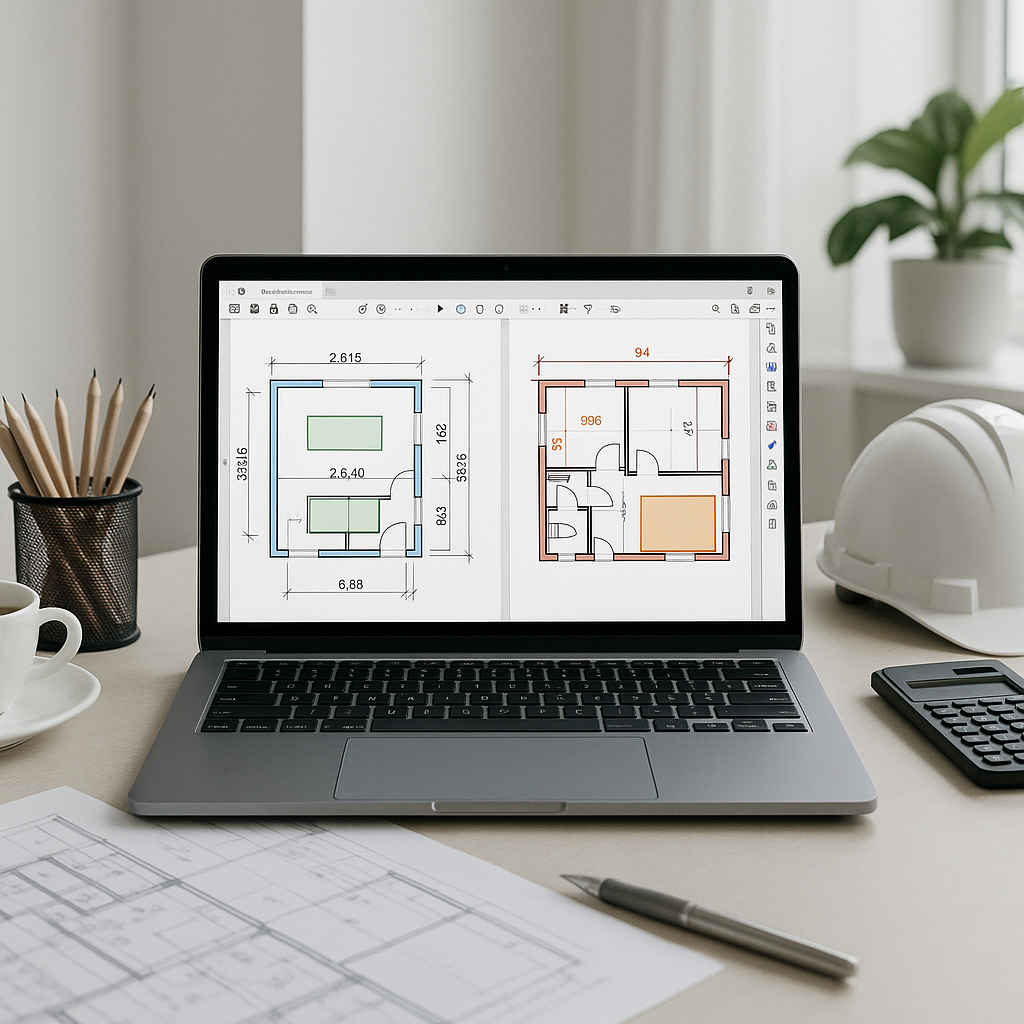
How does it work? AI uses computer vision to analyze drawings, automatically identifying elements like walls, doors, windows, and material layers. It’s not just faster—it’s also more consistent. By automating repetitive tasks, these tools free up your team to focus on higher-value activities.
Here’s how the process typically works:
- Upload Your Drawings: Drag and drop your PDF or CAD files into the interface. No extensive formatting or cleaning is required.
- Review AI Outputs: The tool highlights areas for manual review, allowing you to verify and adjust as needed.
- Export Results: Once reviewed, export the quantities directly into Excel, Procore, or your preferred estimating software.
The Obvious Objection: AI Isn’t Perfect (Yet)
It’s true that AI won’t catch every single nuance in a drawing. Think of it as a junior estimator that handles the repetitive tasks, allowing your senior team to focus on strategic decisions like bid strategy, negotiations, and risk assessment.
For example, if the AI flags a tricky area—such as an irregularly shaped atrium—you can step in, double-check the measurements, and make adjustments. Even with manual overrides, AI can significantly reduce the time spent on takeoffs compared to fully manual processes.
This isn’t about replacing people. It’s about equipping your team with tools to work more efficiently and effectively.
Why Speed Matters
You might be thinking, "So what if takeoffs take a few extra hours? We’ve always done it this way."
Here’s the issue: speed isn’t just about convenience—it’s about competitiveness. In today’s market, bid deadlines are tighter, and clients expect faster turnarounds. If your competitor can deliver an accurate bid faster than you, they may have the upper hand.
Faster takeoffs also free up your team to focus on other critical tasks, such as:
- Vetting subcontractor bids more thoroughly
- Running multiple "what-if" scenarios to optimize costs
- Fine-tuning your bid strategy to maximize margins
The time savings can compound, making your team more agile and competitive.
Common Mistakes When Switching to AI Takeoffs
Switching to AI isn’t without its challenges. Here are some common pitfalls to avoid:
- Garbage In, Garbage Out: If your input drawings are messy, the AI will struggle. Ensure your PDFs are clean and your CAD files are well-organized.
- Skipping the Review Step: Always review the AI’s outputs, especially for complex projects. Trust, but verify.
- Underestimating the Learning Curve: While many AI tools are user-friendly, it still takes time to get fully comfortable. Plan for some training and adjustment.
FAQ: What You Need to Know
Q: How accurate are AI takeoffs compared to manual ones?
AI takeoffs can reduce discrepancies, but accuracy depends on the quality of your input data. Always review flagged areas for manual verification.
Q: Can AI handle custom or complex projects?
Yes. AI tools often allow for manual overrides and adjustments, enabling you to handle unique project requirements effectively.
Q: Can I integrate AI tools with my existing software?
Yes. Many AI tools integrate seamlessly with popular platforms like Procore, Bluebeam, and Excel.
What’s Next?
If manual takeoffs are slowing your team down, it’s time to consider adopting AI-powered tools. These tools can save time, reduce errors, and make your bids more competitive. By automating repetitive tasks, your team can focus on strategic activities that drive better project outcomes.