Why Manual Takeoffs Are Holding You Back
If you're an estimator, you know the drill. A new project lands on your desk, and the first thing you do is dive into a stack of drawings. You spend hours—sometimes days—measuring dimensions, counting items, and double-checking your math. It's tedious, and worse, it's a bottleneck.
The problem? Takeoffs are the foundation of your estimate. If you get the quantities wrong, everything falls apart downstream. But manual takeoffs are slow and prone to errors. Even the best estimators can miss something when they're rushing to meet a deadline or juggling multiple projects.
AI-powered tools can help address these challenges. These tools don’t just speed up the process—they fundamentally change how you approach takeoffs, freeing up your time for higher-value tasks like strategy and risk analysis.
How AI Takeoffs Work
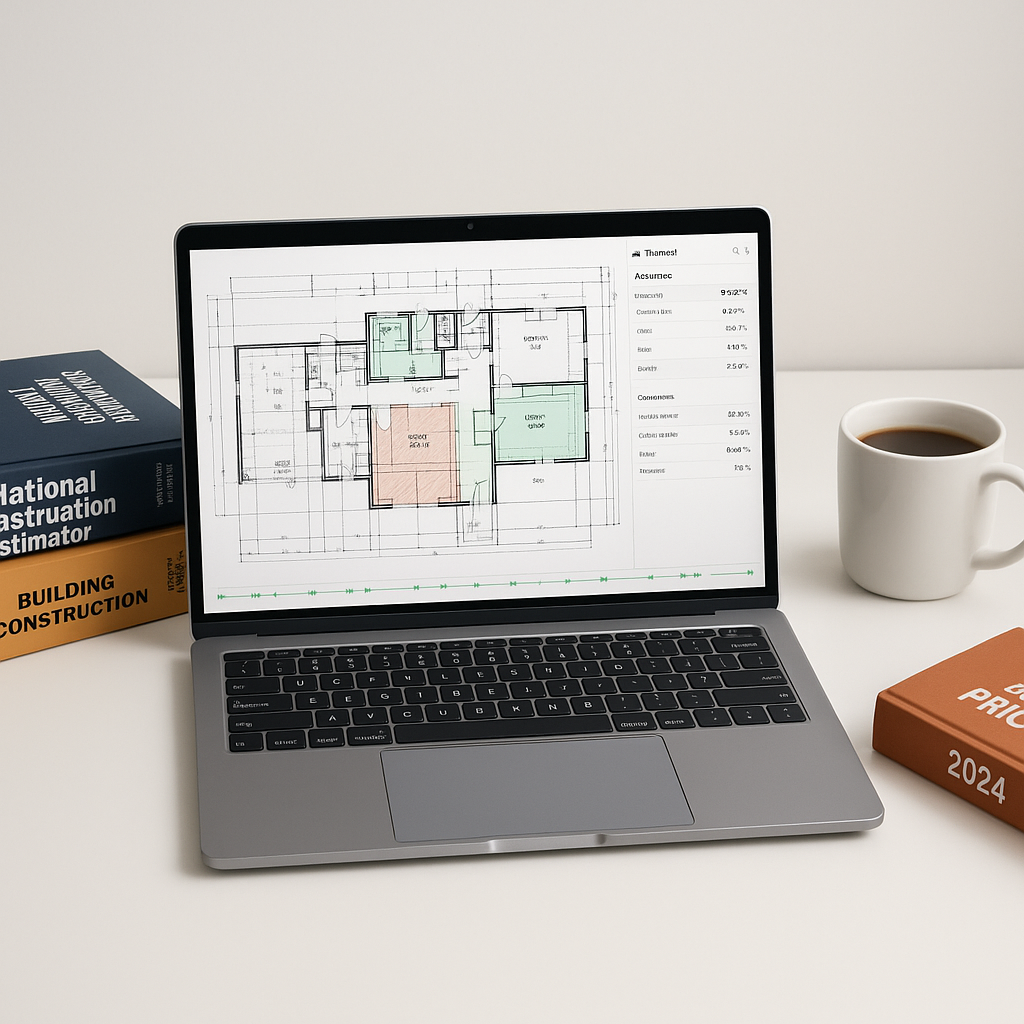
At its core, an AI-powered takeoff tool uses machine learning to identify and measure elements from your drawings. Here's how it works in practical terms:
- Upload Your Drawings: Whether it’s a PDF, CAD file, or even a scanned image, you start by uploading the files to the tool.
- AI Vision Scanning: The system uses computer vision to detect walls, doors, windows, and other critical elements. Unlike manual methods, it doesn’t just trace lines—it understands what those lines represent.
- Quantity Extraction: The AI translates those visual elements into quantifiable data—linear feet, square footage, or item counts.
- Review and Adjust: The tool flags items it is less confident about for your review, ensuring you maintain control over the process.
- Export to BOQ: Once the takeoff is complete, the quantities are exported directly to a Bill of Quantities (BOQ) in your preferred format—Excel, CSI MasterFormat, or even CPWD DSR.
Illustrative example — Imagine a scenario where a contractor typically spends two full days on manual takeoffs for a mid-sized project. With an AI-powered tool, this process could be completed in a fraction of the time, allowing the contractor to focus on refining the estimate or pursuing additional bids.
What You Can Do with the Time Saved
Saving significant time on takeoffs opens up a world of possibilities. Here are just a few:
- Bid More Projects: With faster takeoffs, you can bid on more projects without hiring additional staff.
- Improve Accuracy: Use the extra time to refine your estimates, ensuring you're hitting the right balance between competitiveness and profitability.
- Strengthen Subcontractor Relationships: Spend more time vetting sub bids and less time crunching numbers. This can help you avoid scope gaps and surprises down the line.
- Focus on Strategy: With the grunt work handled, your team can focus on strategic decisions like bid/no-bid analysis or value engineering.
What to Watch For
Switching to AI-powered takeoffs isn’t without its challenges. Here’s what you should consider:
- Data Quality is Key: AI tools are only as good as the data you feed them. Upload clean, high-quality drawings to get the best results.
- Training Takes Time: While most tools are user-friendly, they still require a learning curve. Plan for a few weeks of training and adjustment.
- Don't Skip the Review: Even with AI, human oversight is essential. Use features like flagged items to double-check critical quantities.
- Integration Matters: Make sure your AI tool integrates with your existing workflow. For example, some tools work seamlessly with software like Bluebeam and Procore.
The Bottom Line
AI-powered takeoff tools aren’t just faster—they’re smarter. They handle the repetitive, time-consuming parts of estimation so you can focus on what really matters: winning more bids and delivering accurate, competitive estimates.


