Why Manual Takeoffs Are a Hidden Time Sink
If you've spent even a day in preconstruction, you know the drill: a 200-page PDF of drawings lands on your desk, and the clock starts ticking. Every beam, column, wall, and door needs to be measured, logged, and quantified. For a mid-sized project, this process can take significant time and effort. And if the client changes their mind mid-way? Back to square one.
Manual takeoffs aren’t just slow—they’re error-prone. A missed line here or a misread dimension there can cascade into budget overages and strained client relationships. Worse, these errors often aren’t caught until it’s too late to fix them without a cost hit.
The AI Advantage in Takeoffs
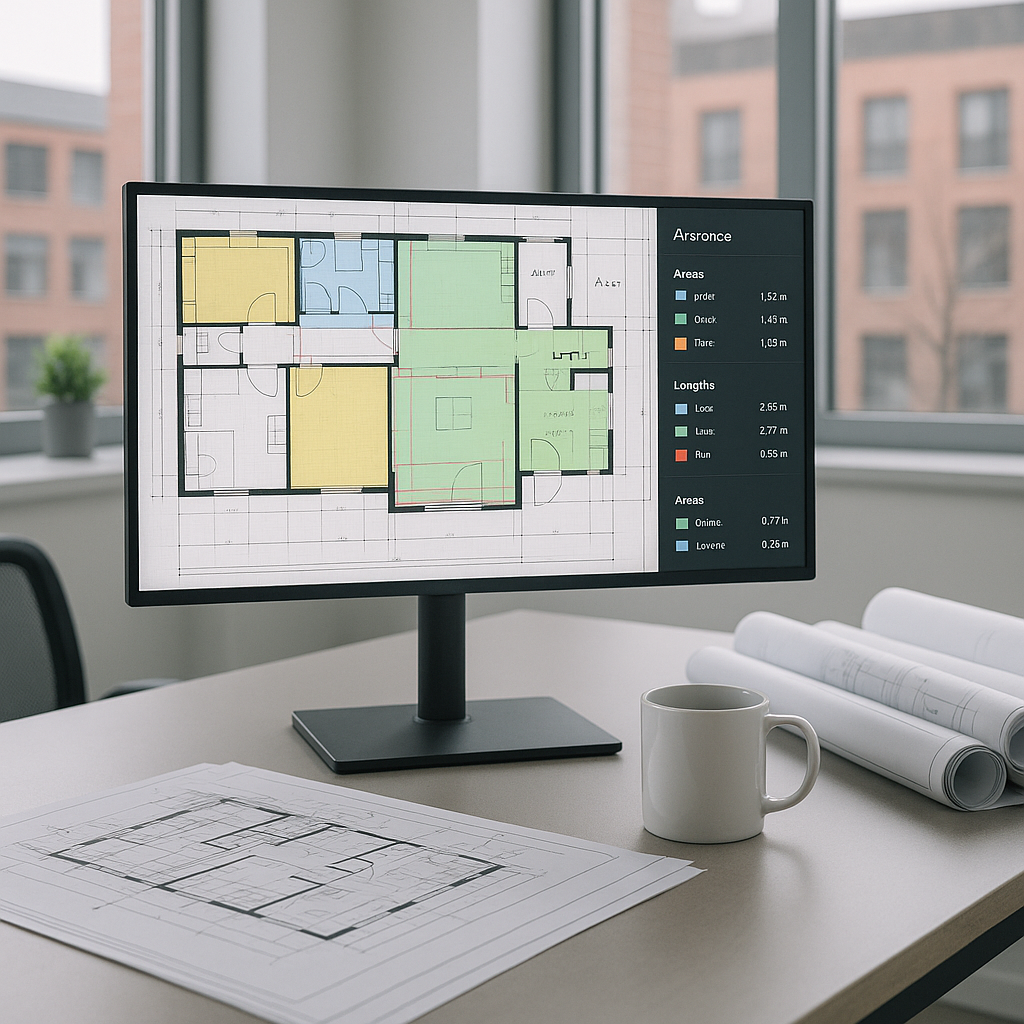
This is where AI-powered tools come in. With Vision AI, for example, you can upload your drawings—PDFs, CAD files, even scanned documents—and let the system do the heavy lifting. The tool extracts quantities for key elements: areas, lengths, and counts for walls, doors, windows, and more.
Here’s how it works:
- Upload Your Drawings: Drag and drop your PDF or CAD files into the platform.
- AI Takes Over: The system reads the drawings, identifies elements (e.g., walls, beams, doors), and calculates dimensions.
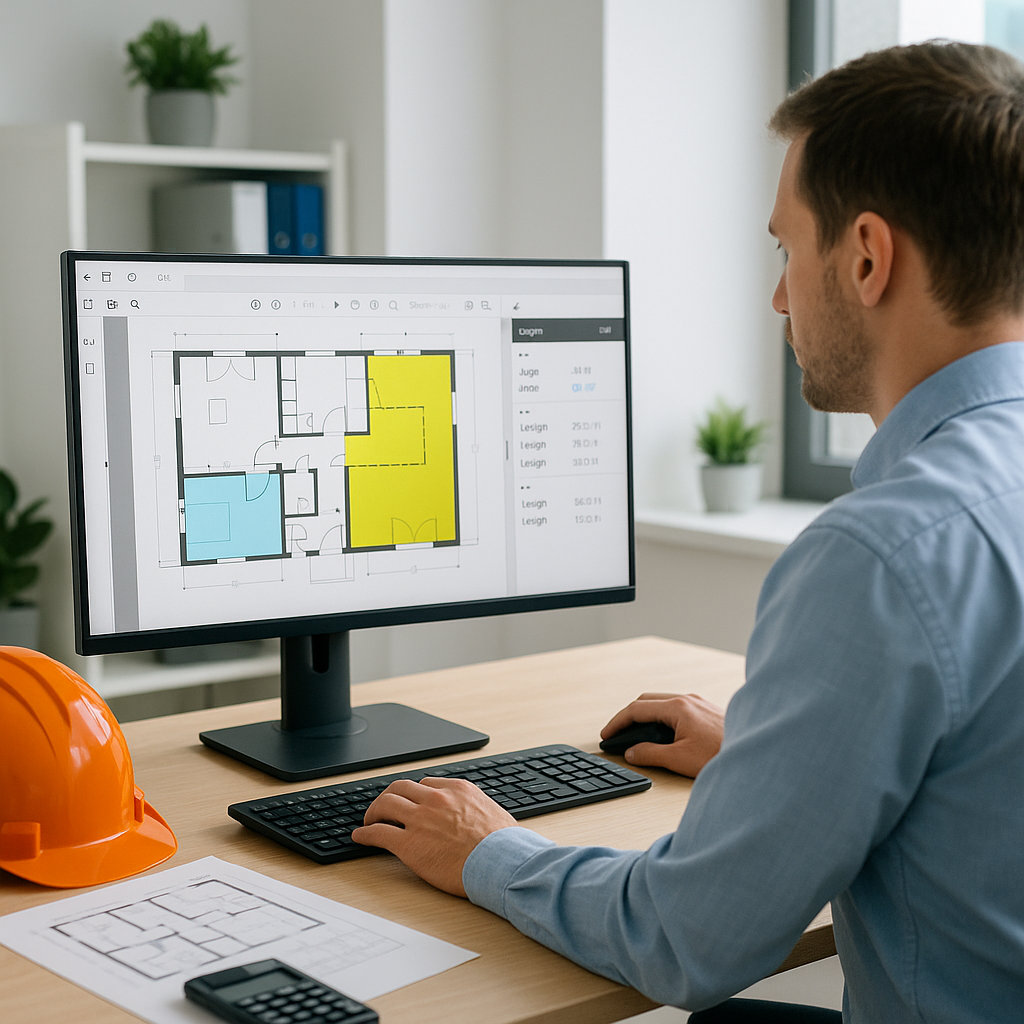
- Review and Adjust: You get a dashboard with extracted quantities. If the AI flagged a low-confidence area, you can manually remeasure with built-in tools and log an audit trail.
Illustrative example — For a large project with hundreds of pages of drawings, what might take dozens of hours manually could be reduced significantly with AI, including time for manual review.
Addressing Common Concerns
You might be thinking, “Sure, AI is fast, but can it handle the nuances of my projects?” That’s a fair question. Here’s the reality: AI doesn’t replace your expertise—it amplifies it. The tool handles the repetitive, tedious tasks, so you can focus on the judgment calls that actually win bids.
Accuracy is another concern. No AI tool is perfect—errors happen. That’s why many tools include manual override options. If a measurement looks off, you can verify it with a few clicks. Human oversight remains essential, but AI drastically reduces the grunt work.
Common Mistakes to Avoid
- Blind Trust in AI: Always review flagged areas for accuracy.
- Poor Input Quality: Garbage in, garbage out. Make sure your PDF or CAD files are clear and well-organized.
- Skipping Training: Spend time learning the tool. Most platforms are intuitive but still require a short learning curve.
FAQ
Q: Does AI work for small projects, or is it only for large bids?
A: AI scales to any project size. Whether it’s a small renovation or a large infrastructure project, the time savings are proportional.
Q: Can I use my existing software with AI tools?
A: Yes. Most tools integrate with platforms like Bluebeam, Procore, and Excel.
Q: What if my drawings are scanned and low-quality?
A: AI tools handle scanned documents, but results improve with clearer inputs. Use high-resolution scans whenever possible.
Q: How much training does my team need?
A: Most teams get comfortable within a week or two. The ROI on this time investment is significant.
Q: Is AI accurate enough for compliance-heavy markets?
A: Yes, especially with manual review options. For markets with strict standards like CPWD or NRM2, AI tools are designed to meet compliance needs.
Conclusion
If your team is still spending significant time on manual takeoffs, it’s time to rethink your process. AI tools aren’t just faster—they’re smarter. They let you shift focus from tedious tasks to strategic decisions, giving you an edge in competitive bids.