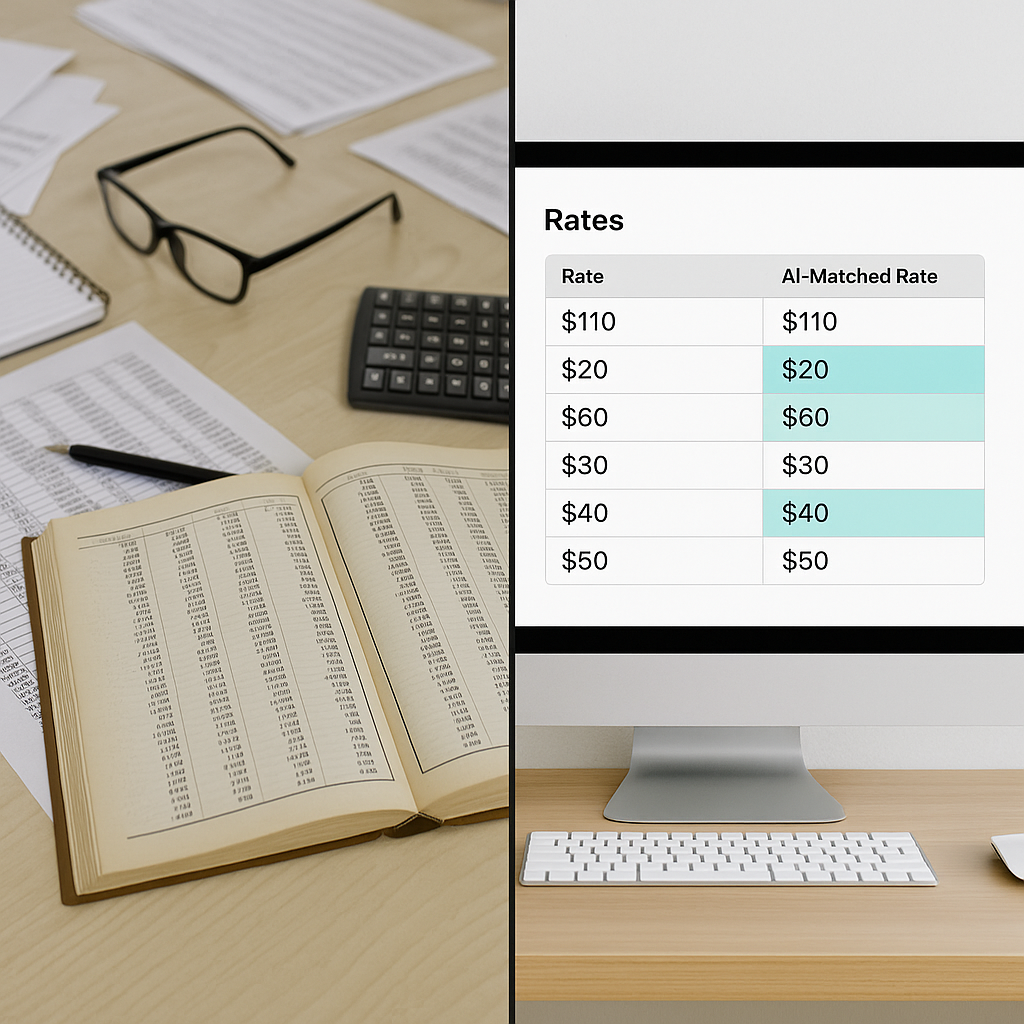
The Grind of Manual Rate Matching
Let’s be honest: rate matching is one of the most tedious parts of preconstruction estimation. You’ve got a BOQ with hundreds of line items, and your job is to find the right rates for every single one. That might mean flipping through a 2,000-page CPWD DSR, digging into RSMeans PDFs, or, worse, scrolling through spreadsheets you built five years ago and barely remember.
And let’s not even talk about custom rates. You know, that one-off high-performance glazing rate you used on a project two years ago? Good luck finding it.
On average, estimators spend 12 hours per estimate just on rate lookup. Think about that: you’re burning a full workday for every bid, doing what is essentially glorified data entry. It’s not just inefficient—it’s insane.
Why Manual Rate Matching Is Such a Grind
So why does this process feel like pulling teeth? It boils down to a few key issues:
1. Fragmented Data Sources
Rates are scattered across multiple resources—government schedules (e.g., CPWD DSR), private databases like RSMeans, old project files, and custom spreadsheets. Switching between these sources isn’t just time-consuming; it’s mentally draining.
2. Inconsistent Formats
BOQs are rarely clean. You’re dealing with merged cells, inconsistent item descriptions, and unclear hierarchies. Add in the fact that rate schedules themselves are often poorly formatted (looking at you, 2,000-page PDFs), and you’re in for a long day.
3. Human Error
Manual processes are prone to mistakes. Whether it’s a typo while copying rates or misinterpreting an item description, one small error can snowball into a major cost miscalculation.
4. The Search for Custom Rates
When you use a custom rate once, it often disappears into the void. If you didn’t document it properly—or if your past projects aren’t well-organized—finding that rate again can feel impossible.
The AI Shortcut
This is where AI-powered rate matching flips the script. Instead of manually hunting for rates, tools like EstimateNext use semantic search to do the heavy lifting.
How It Works:
- Upload Your BOQ: Whether it’s an Excel file, CSV, or even a messy PDF, the AI can parse it.
- AI Scans for Line Items: The tool identifies each item in your BOQ that requires a rate.
- Semantic Search Matches Rates: Using a database of 78,000+ SOR (schedule of rates) items—including CPWD DSR, RSMeans, and your own custom catalogs—the AI assigns the most relevant rate to each line item.
- Review Results: Matches are ranked based on relevance, and items with lower confidence are flagged for human review.
The whole process? It takes seconds. Not hours.
Why Semantic Search Is a Game Changer
Semantic search goes beyond basic keyword matching. It understands the meaning behind item descriptions, so it can match phrases like “high-performance glass panel” with “toughened glass with thermal insulation,” even if the wording doesn’t align perfectly.
Real-Life Example: Manual vs. AI-Driven Rate Matching
Let’s say you’re pricing a mid-rise office project in Mumbai. You’ve got a 250-line BOQ, and roughly half the items require rates from the 2021 CPWD DSR.
Manual Process:
- Open the CPWD DSR PDF and your BOQ side by side.
- Manually search for each item’s rate by scanning through hundreds of pages.
- Copy-paste rates into your BOQ.
- Double-check for typos or missed items.
Time Spent: Easily 6–8 hours, depending on the complexity of the BOQ.
AI-Driven Process:
- Upload the BOQ to the AI tool.
- The AI matches each line item with the relevant CPWD DSR rate.
- Review flagged items (e.g., ambiguous descriptions or low-confidence matches).
Time Spent: Less than 10 minutes for the initial matching, plus ~1 hour for review.
Why It Matters
You might think, “Okay, it’s faster, but does it really matter if I save a few hours here and there?” It does—for two big reasons:
1. More Time for Strategy
When you’re not buried in rate books, you can focus on high-impact activities:
- Refining Scopes: Ensure your bids are well-defined and competitive.
- Negotiating with Subs: Use the extra time to secure better rates or terms from subcontractors.
- Optimizing Margins: Dive deeper into value engineering or cost-saving opportunities.
2. Error Reduction
Manual rate matching isn’t just slow; it’s error-prone. A misplaced decimal or incorrect rate can throw off your entire estimate, potentially costing you the bid—or worse, your profit margin. AI tools minimize these risks by:
- Flagging inconsistencies.
- Standardizing rate selection.
- Eliminating copy-paste errors.
How to Maximize AI Rate Matching
If you’re considering an AI-powered rate matching tool, here are some actionable tips to get the most out of it:
1. Upload Custom Catalogs
Don’t rely solely on preloaded databases. Upload your own custom rates from previous projects to make the tool more relevant to your workflow.
2. Review Low-Confidence Matches
AI tools often flag items they’re unsure about. Treat these flags as your priority review list, rather than rechecking every line item.
3. Train the AI
Every adjustment you make (e.g., correcting a match or adding a new rate) helps the system learn. By your third or fourth project, you’ll notice a significant improvement in accuracy.
4. Localize Your Rates
AI tools don’t inherently know about regional nuances (e.g., labor costs in rural areas vs. urban centers). Always adjust rates to reflect local conditions.
Common Mistakes to Avoid
-
Relying Blindly on AI AI tools are accurate, but they’re not infallible. Always review flagged items and double-check rates for high-stakes bids.
-
Skipping Custom Catalogs If you’re not uploading your own rates, you’re leaving value on the table. The more data you feed the system, the better it performs.
-
Ignoring Context Rates vary by location, labor conditions, and material availability. AI can speed up rate lookup, but you still need to apply local knowledge.
Comparison Table: Manual vs. AI Rate Matching
| Aspect | Manual Matching | AI-Powered Matching |
|---|---|---|
| Time Required | 6–12 hours per estimate | <1 hour (initial match + review) |
| Error Risk | High | Low (AI flags inconsistencies) |
| Learning Curve | None (but tedious) | Minimal (improves with use) |
| Custom Rate Handling | Difficult to track | Easily integrated |
| Scalability | Limited by human capacity | Highly scalable |
Call to Action
Tired of wasting hours flipping through rate books? EstimateNext’s AI-powered rate matching can save you time and reduce errors. Get started free →


