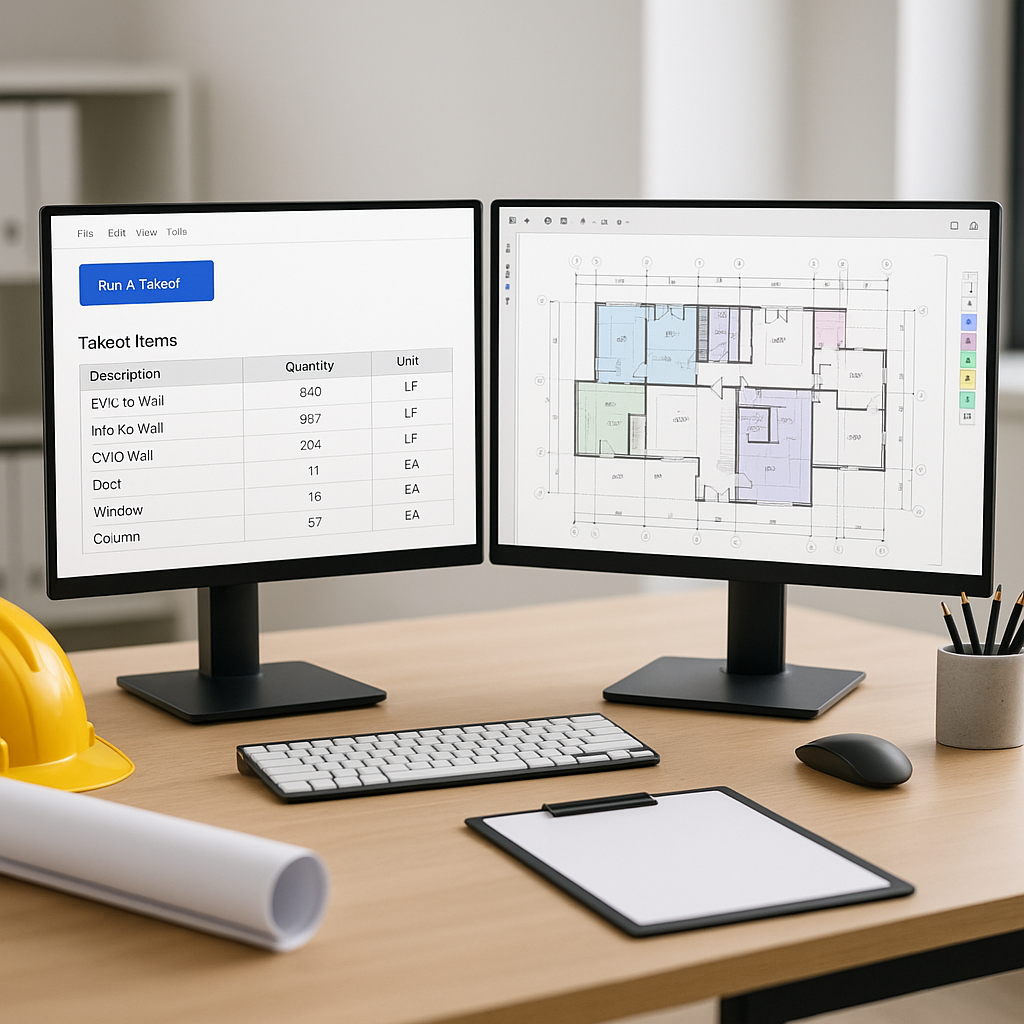
The Pain of Manual Drawing Takeoffs
Every estimator knows the grind: two monitors, a PDF full of drawings, and hours of tracing lines. On a mid-sized project, manual takeoffs can take significant time and effort. And if you're rushing, mistakes creep in—wrong quantities, missed details, and costly rework later.
Why is this still the norm in 2026? Most teams rely on tools like Bluebeam for measurement and Excel for recording quantities. It works—but it's slow and painfully manual. If you're handling multiple bids a month, this bottleneck limits how much you can take on.
The obvious question is: why not automate?
How AI Takeoff Tools Change the Game
AI-powered takeoff tools flip the script. Instead of spending hours tracing every wall, window, and column, you upload the drawing set and let the AI do the heavy lifting. In a fraction of the time, you can have room areas, wall lengths, door counts, and more extracted automatically.
Illustrative example — Imagine a project where manual takeoffs might take two estimators a full week. With AI-powered tools, that same work could be completed in a much shorter time. The AI extracts the quantities, and your estimators spend their time reviewing and refining the results instead of tracing lines.
What Makes AI Takeoffs Reliable?
Skeptical? You’re not alone. The most common pushback is, “AI can’t think like an estimator.” And that’s true—it doesn’t. But it doesn’t need to. AI tools don’t replace your expertise; they amplify it.
Here’s how:
- Flagging Uncertainty: AI tools can highlight areas where confidence is lower, so you know exactly where to double-check. You’re still in control.
- Manual Overrides: Didn’t like the AI’s measurement? Override it. Many tools keep an audit trail of every adjustment.
- Learning Over Time: The more projects you run through the system, the smarter it gets, improving its accuracy with repeated use.
Why Speed Isn’t the Only Benefit
Cutting takeoff time significantly is great, but let’s talk about what that really means:
- More Bids, Faster: If you can complete takeoffs in a fraction of the time, your team can handle more bids.
- Higher Accuracy: Fewer mistakes during takeoffs mean cleaner estimates—and fewer budget blowouts down the line.
- Less Burnout: Estimators aren’t robots. Freeing them from repetitive tasks means they can focus on higher-value work.
What to Watch Out For
No system is perfect. Here are a few things to keep in mind when using AI takeoff tools:
- Input Quality Matters: Blurry or poorly scanned PDFs can trip up AI tools. Always upload clean, high-resolution files.
- Garbage In, Garbage Out: If your drawings are outdated or inaccurate, the AI’s output will be too.
- Training Time: While many tools are easy to use, there’s always a learning curve. Expect your first project to take longer as you get familiar with the system.
Call to Action
If manual takeoffs are slowing your team down, it’s time to rethink your process. AI-powered tools can streamline your workflow, giving your team more capacity to win bids and deliver accurate estimates.


