The Real Cost of Manual Takeoffs
Manual takeoffs are a significant challenge in preconstruction. They’re slow, error-prone, and require substantial effort, especially when revisions—such as scope changes or design updates—necessitate starting over. AI-powered tools are designed to handle this repetitive work, freeing up your team for tasks that add more strategic value.
How AI-Powered Takeoffs Work
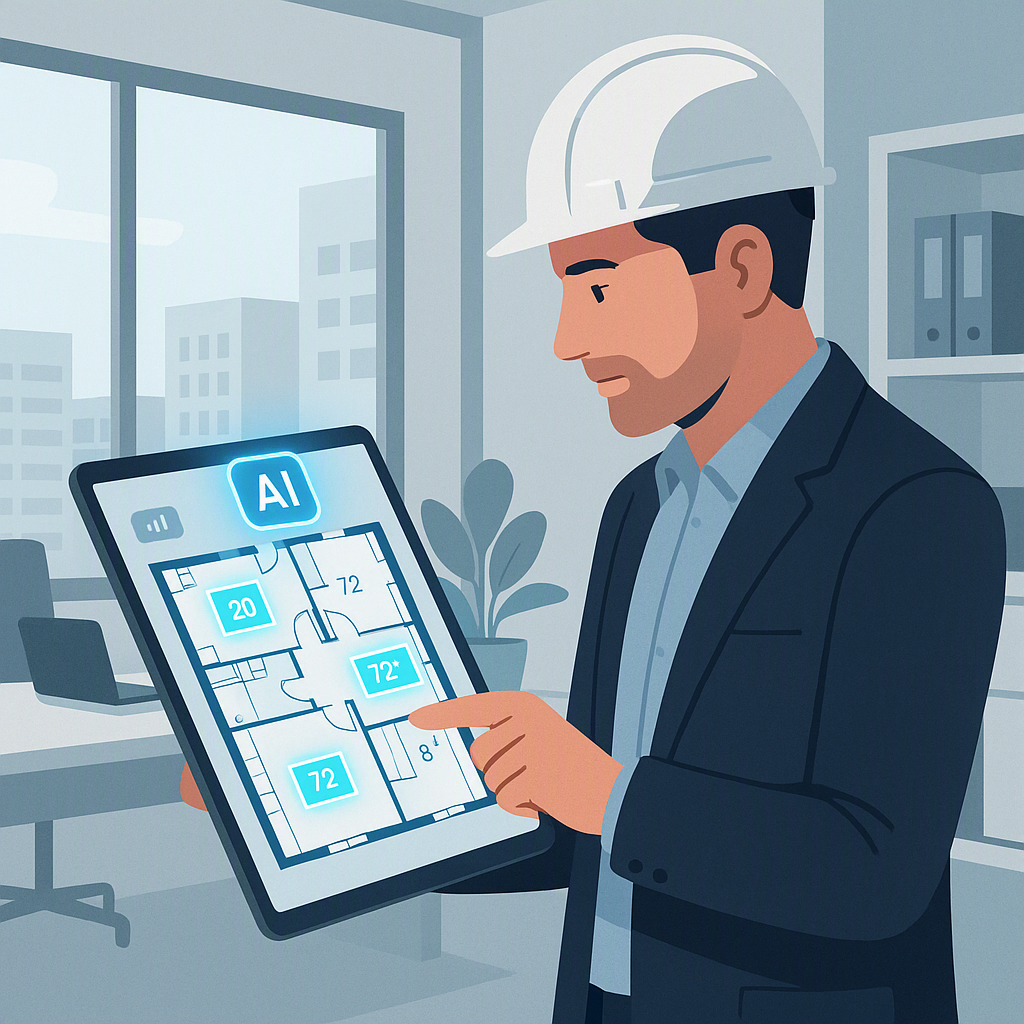
AI tools use advanced recognition algorithms to extract quantities directly from your PDF drawings. Walls, windows, doors, areas—everything gets measured efficiently. No manual tracing, no recalculations.
Here’s a general workflow:
- Upload the Drawings: Drag and drop your PDF set into the platform. AI scans the document and identifies elements like walls, rooms, and fixtures.
- Calibrate and Confirm: Select a scale or manually calibrate it for accuracy. Many tools allow you to remeasure any flagged areas with an audit trail.
- Automatic Quantity Extraction: The system generates a quantity takeoff (QTO) quickly, providing data like wall lengths, areas, or counts for doors and windows.
- Revisions Made Simple: Upload a revised drawing set, and the AI highlights changes automatically, simplifying the process of addressing updates.
This approach enhances efficiency and accuracy, reducing the repetitive workload associated with manual methods.
Why Manual Takeoffs Are a Bottleneck
Manual takeoffs can be time-consuming and introduce errors. Here are some common challenges:
- Time: Manual processes require significant effort, especially for larger projects.
- Accuracy: Errors in measurements or scaling can lead to costly mistakes.
- Morale: Senior estimators often spend time on repetitive tasks, which can be demotivating.
In competitive bid environments, speed and accuracy are critical. AI tools help streamline processes, enabling faster and more precise proposals.
The Obvious Objection: “But AI Can’t Think Like an Estimator”
AI doesn’t replace your judgment or expertise—it complements it. Think of AI as a tool that handles repetitive, time-consuming tasks, allowing you to focus on strategic aspects like negotiating with subcontractors, refining pricing strategies, and ensuring your bid is competitive.
AI tools are designed for collaboration, offering features like flagged areas for review and manual overrides. You remain in control, with the AI serving as an efficiency booster.
Common Mistakes to Avoid When Using AI Takeoff Tools
- Skipping Calibration: Always verify the scale before running takeoffs. Accurate input ensures reliable output.
- Ignoring Flagged Areas: Review flagged sections carefully to ensure accuracy.
- Relying Solely on Defaults: Customize settings to match your project specifics, such as measurement units or drawing layers.
- Overlooking Revisions: Compare initial and revised drawings thoroughly to address any changes.
The Bottom Line
Manual takeoffs are a productivity drain. AI-powered tools streamline the process, improving efficiency and accuracy in preconstruction estimation. If you’re still relying on manual methods, it’s worth exploring how AI can enhance your workflow.


