Why Manual Takeoffs Are Challenging for Productivity
Manual takeoffs can be time-consuming and tedious. Estimators often spend significant time measuring walls, counting doors, and tracing every line of a PDF drawing. This process can take up a large portion of their workweek, leaving less time for other critical tasks.
Revisions and scope changes add to the workload, requiring estimators to revisit and redo measurements. Missing details can increase the risk of inaccurate bids, potentially impacting project outcomes.
How AI Takeoff Tools Work
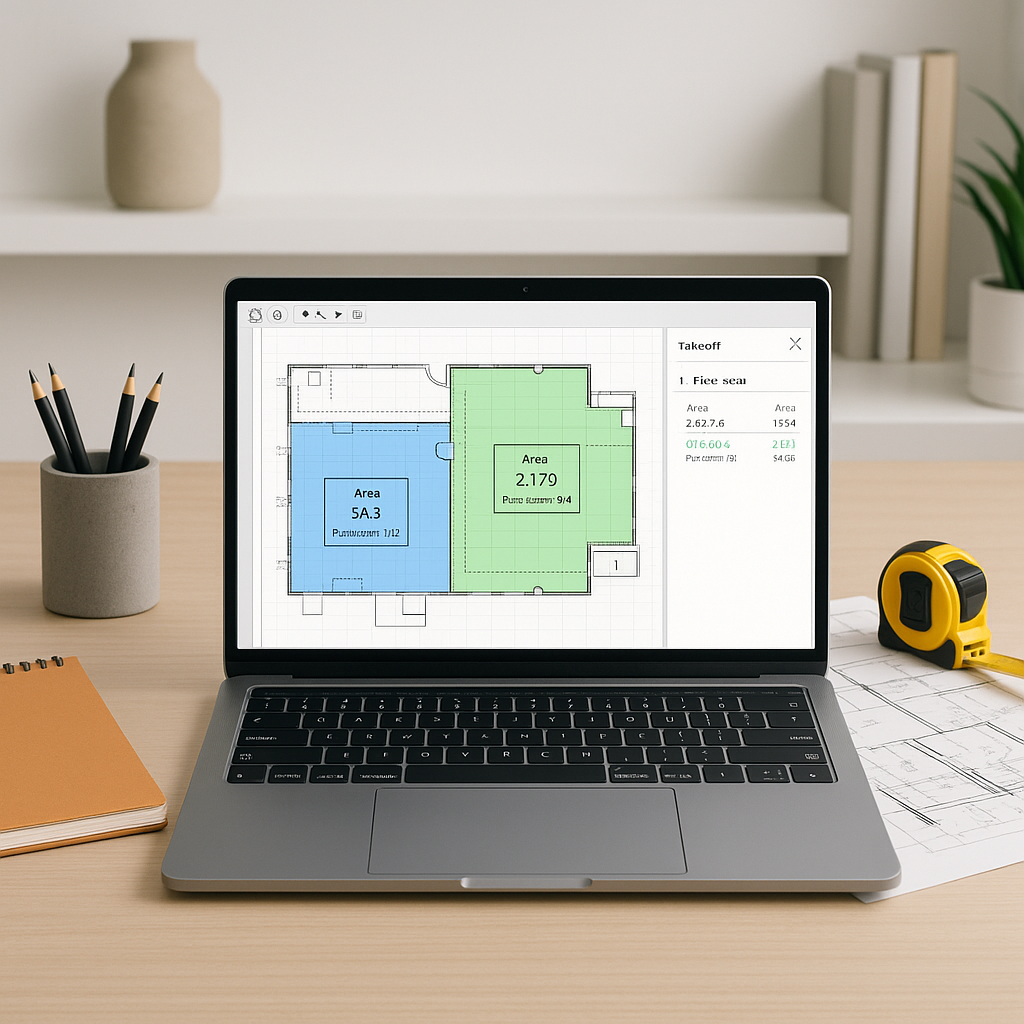
AI takeoff tools leverage computer vision to analyze drawings quickly and accurately. Here’s a general workflow:
- Upload Your Drawings: Drag and drop your PDF or CAD files into the tool.
- AI Scans the Sheets: The system identifies lengths, areas, and counts for elements like walls, slabs, and doors.
- Review Outputs: The AI highlights areas it is confident about and flags uncertain items for manual review.
- Adjust as Needed: Users can manually measure flagged items directly within the tool.
- Export Quantities: Once verified, quantities can be exported into a Bill of Quantities (BOQ) or Excel template.
While AI tools are not perfect, they can significantly reduce the time spent on repetitive tasks, allowing teams to focus on higher-value activities.
Illustrative Example — AI vs. Manual Takeoff
Consider a scenario where a team is working on a mid-sized project. Manual takeoff might take several days, while using an AI-powered tool could reduce this to a fraction of the time, with additional hours spent on reviewing and adjusting outputs. This efficiency can translate into substantial time savings over multiple projects.
Common Questions About AI Takeoffs
Q: How accurate are AI takeoffs?
AI tools are designed to be highly accurate on clear and well-structured drawings. However, human oversight remains essential for verifying flagged items and ensuring accuracy.
Q: What if my drawings are messy?
AI tools perform best on clean, high-quality PDFs but can handle some level of noise. Low-confidence areas are flagged for manual review.
Q: Does it work with my current tools?
Most AI takeoff tools integrate with platforms like Bluebeam, Procore, and Excel, enabling seamless workflows.
Q: What’s the learning curve?
AI takeoff tools are generally user-friendly, and teams can typically get up to speed within a short period.
What to Watch For
- Low-Confidence Zones: AI tools may struggle with incomplete or inconsistent drawings, requiring manual input for certain areas.
- Revisions: While AI tools can handle drawing revisions efficiently, critical changes should always be double-checked.
- Custom Scopes: Unique project elements, such as curved walls or specialty finishes, may need manual input.
Why It Matters
By reducing the time spent on manual takeoffs, AI tools allow teams to focus on more strategic tasks, such as preparing competitive bids, conducting thorough scope reviews, and providing faster client feedback. In a competitive market, these efficiencies can provide a significant edge.
The Takeaway
Manual takeoffs can be a bottleneck in the preconstruction process. AI-powered tools streamline this workflow, improving efficiency and freeing up time for higher-value activities. By adopting these tools, construction professionals can enhance productivity and deliver better results.


