Why Manual Takeoffs Are Challenging for Estimation Teams
If you've ever spent hours tracing wall lengths or counting fixtures on a PDF drawing, you know how frustrating manual takeoffs can be. It’s not just tedious—it’s also a productivity drain. Manual takeoffs often require significant time and effort, leaving teams stretched thin and trading quality for speed to meet bid deadlines. The result? Missed details, rushed estimates, and thinner margins.
And what happens when a revised drawing drops into your inbox at 4 PM? You start over. Again. This systemic issue highlights the need for more efficient solutions.
How Vision AI Changes the Game
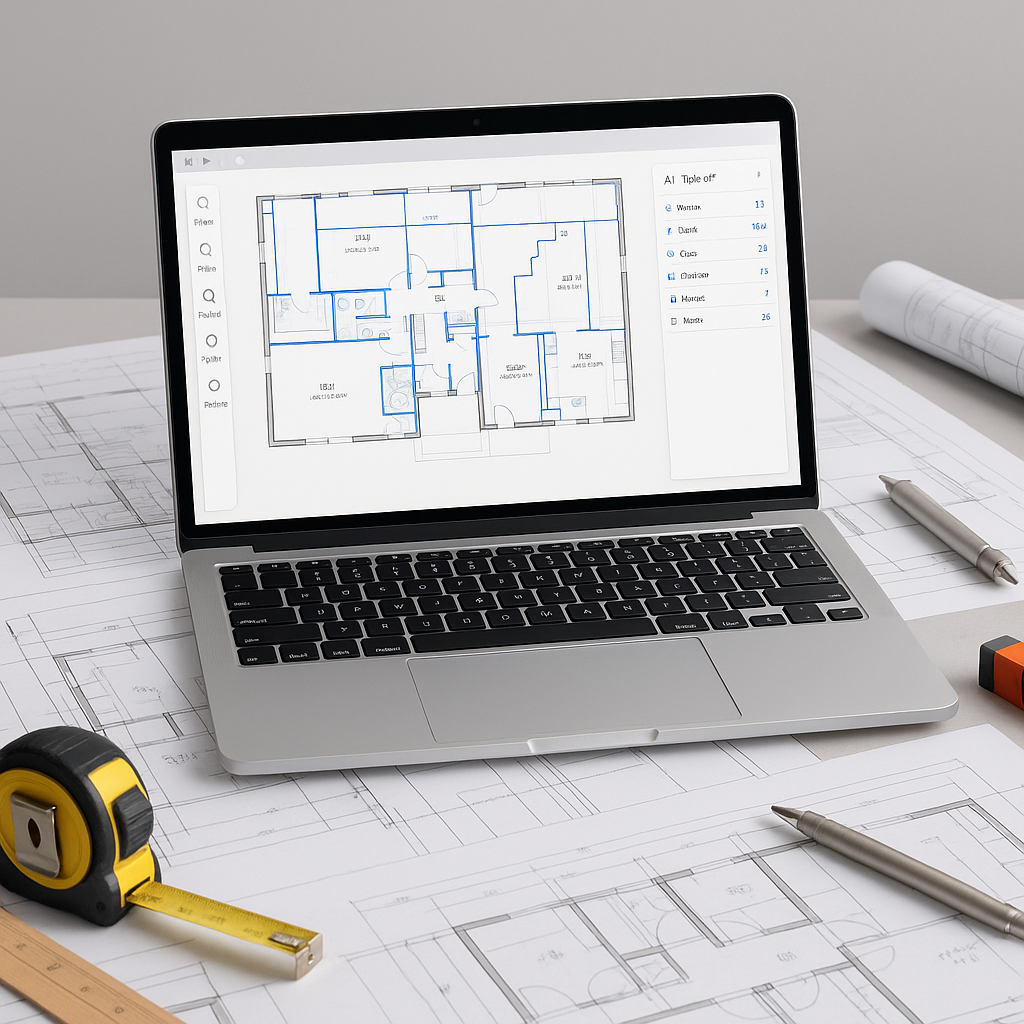
AI-powered tools are designed to analyze PDF or CAD drawings and extract quantities quickly and accurately. Here’s how the process typically works:
- Upload Your Drawing: Whether it’s a multi-page set of architectural plans or a single mechanical layout, the tool processes PDFs, CAD files, or even scanned images.
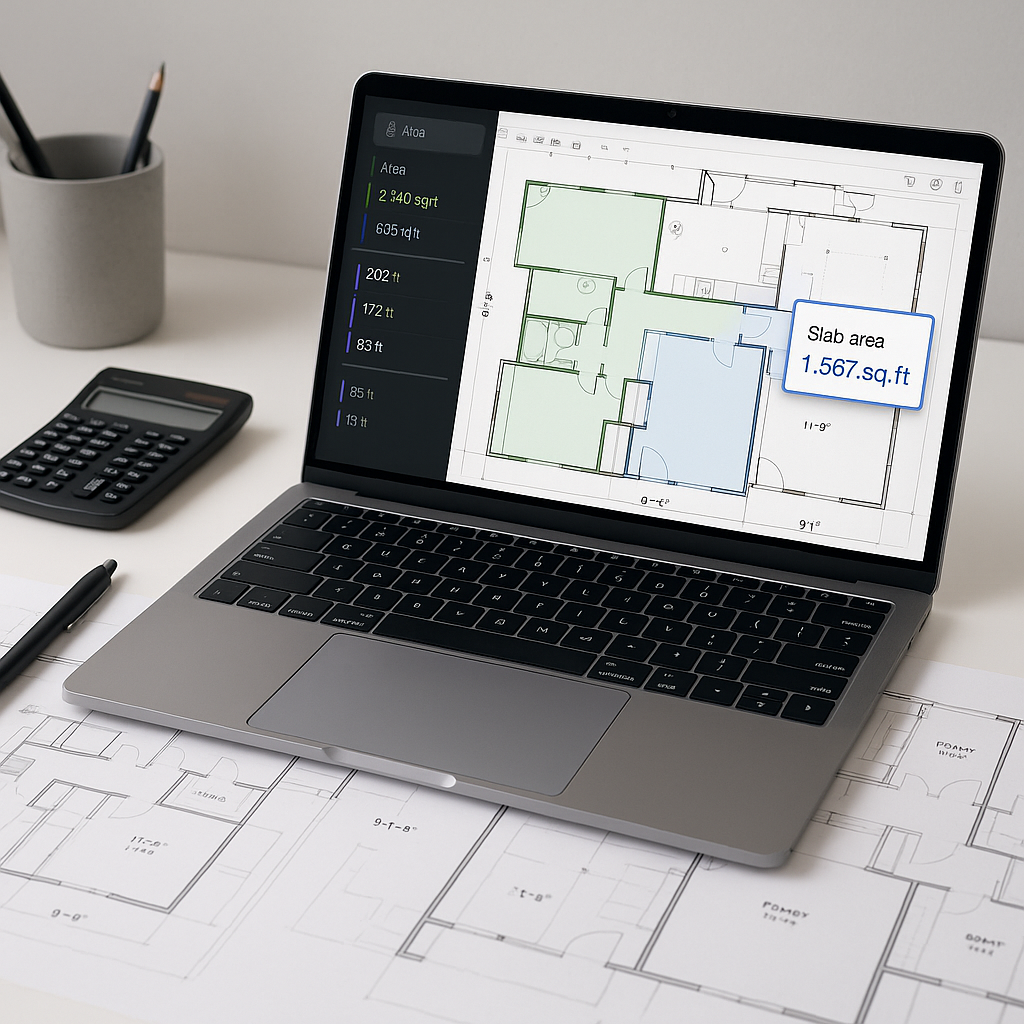
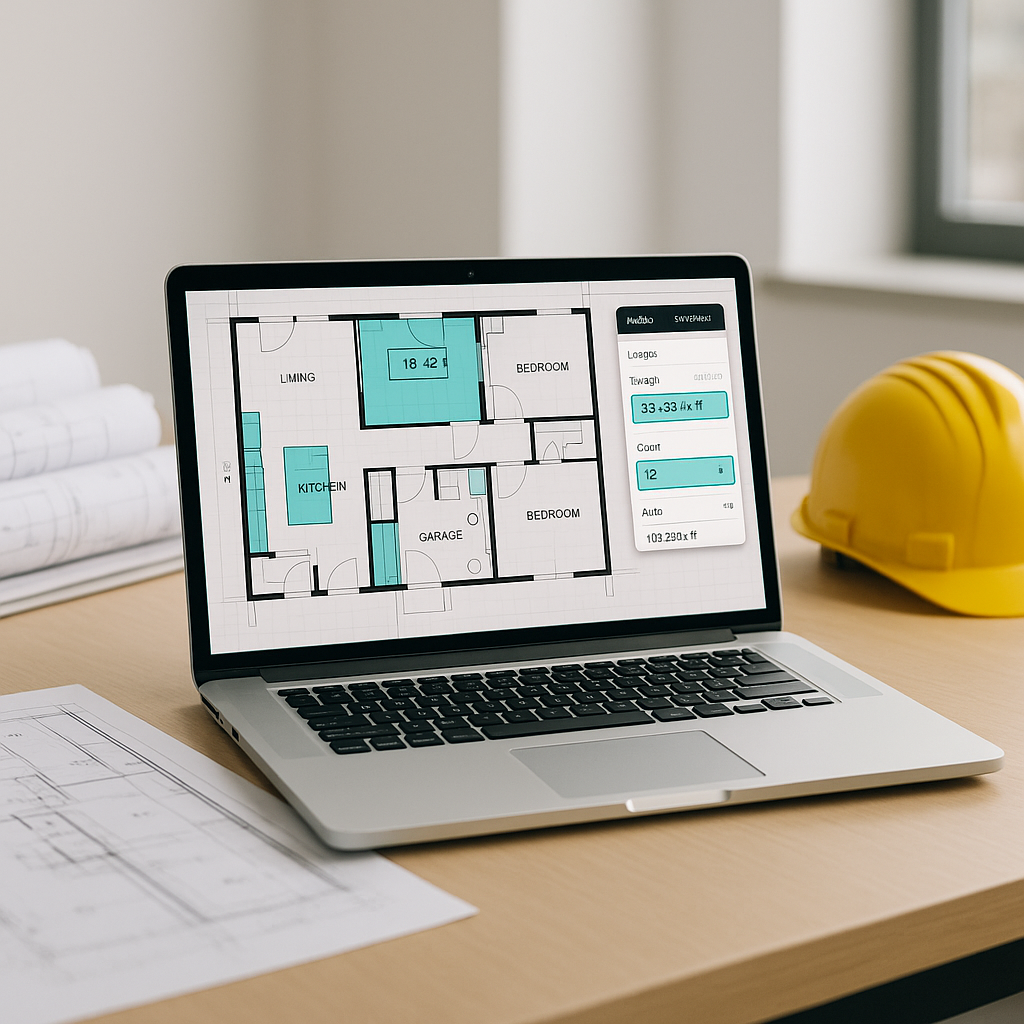
- AI Quantity Extraction: The system identifies key elements like wall lengths, room areas, door/window counts, and more.
- Audit Trail: Every extracted quantity is tied to its source drawing, so you can trace it back if questions come up later.
Illustrative example — A contractor using an AI-powered tool could significantly reduce the time spent on takeoffs, freeing up senior estimators to focus on value engineering and subcontractor negotiations.
The Hidden Cost of Manual Errors
Manual takeoffs aren’t just slow—they’re error-prone. Miss a dimension? Miscount a fixture? Your estimate is off. And if you’re in a competitive bid environment, that mistake could cost you the job—or worse, eat into your margin if you win.
AI-powered tools help minimize these risks by automating repetitive tasks and reducing the likelihood of oversight. However, human expertise remains essential for judgment calls and handling unique project requirements.
What About Revisions?
One of the biggest frustrations with manual takeoffs is dealing with drawing revisions. Each change often requires starting over. But with AI, revisions become more manageable.
When you upload a new set of drawings, AI tools can compare the old and new files, flagging changes automatically. Did a wall move? Did a window size change? The system highlights the differences, so you can update your quantities efficiently.
This feature ensures that revisions are handled quickly and accurately, reducing the risk of missing critical changes.
Common Questions About AI Takeoff Tools
Q: How accurate are AI takeoffs compared to manual ones?
A: AI tools are highly accurate but still require human oversight for low-confidence areas or unusual drawings.
Q: Do these tools work with custom project needs?
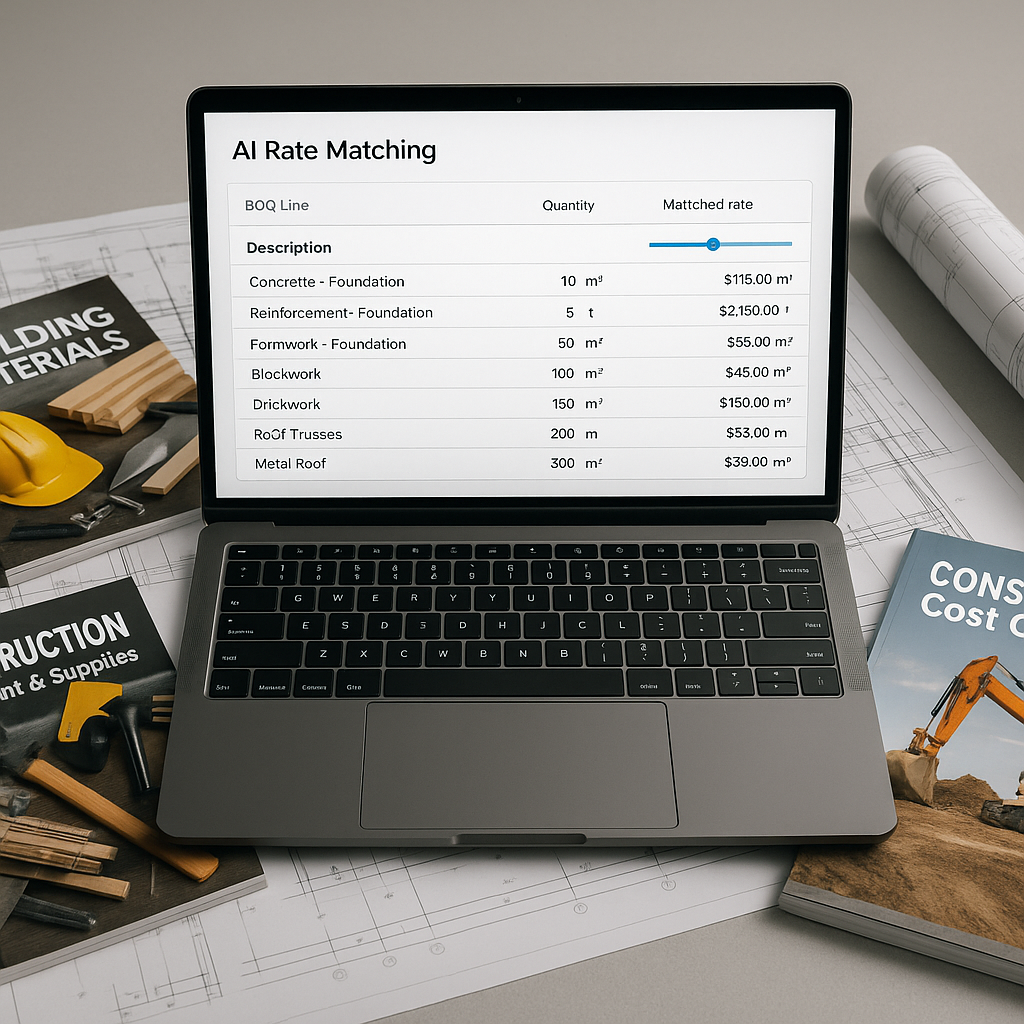
A: Yes. Most AI tools allow you to configure custom settings or upload your own rate catalogs to ensure estimates align with your specific project requirements.
Q: How steep is the learning curve?
A: Many AI tools are designed to be user-friendly, with most teams getting up to speed quickly.
Q: Can AI handle small projects or just big ones?
A: AI tools are scalable and can adapt to projects of varying sizes.
What to Watch For When Adopting AI Tools
- Input Quality Matters: Ensure your drawings are clean and well-labeled for the best results.
- Don’t Ignore Low-Confidence Flags: Use the system’s audit trail to double-check flagged items.
- Train Your Team: Pair junior estimators with AI platforms to maximize efficiency.
- Integrate with Existing Workflows: Look for tools that integrate seamlessly with software you already use, like Bluebeam or Procore.
The Bottom Line
AI-powered takeoff tools aren’t just a luxury—they’re quickly becoming a necessity. They save time, reduce errors, and let your team focus on what really matters: creating winning bids and delivering profitable projects.
If you’re still tracing PDFs by hand, it may be time to explore how AI can handle the repetitive tasks, allowing your team to focus on higher-value activities.