The Problem: Takeoffs Are a Massive Time Sink
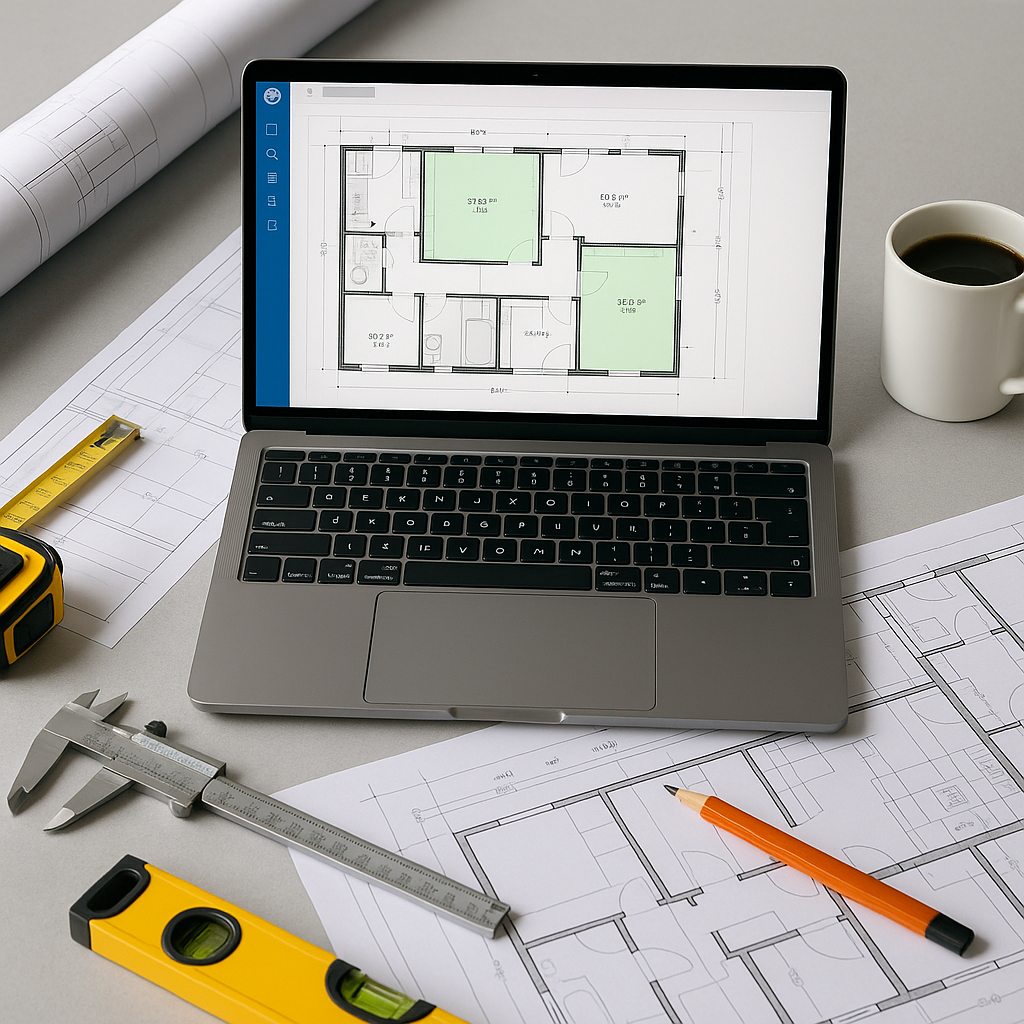
Let’s start with the obvious: manual drawing takeoffs are painfully slow. If you’ve ever spent hours tracing PDFs in Bluebeam for a mid-sized project, you know what I’m talking about. Multiply that across multiple pursuits per year, and you’re burning significant time on a task that doesn’t directly win work.
Why does it take so long? Because estimators need to measure every linear foot, area, and count on a drawing set. This process involves cross-referencing specifications, rechecking dimensions, and adjusting for revisions. Even the best teams struggle to get it right on the first pass.
The kicker? All this manual effort leaves room for errors. Missed measurements, overlooked revisions, or inconsistent standards can snowball into cost overruns or lost bids. It’s not just slow—it’s risky.
The AI Solution: Vision AI for Takeoffs
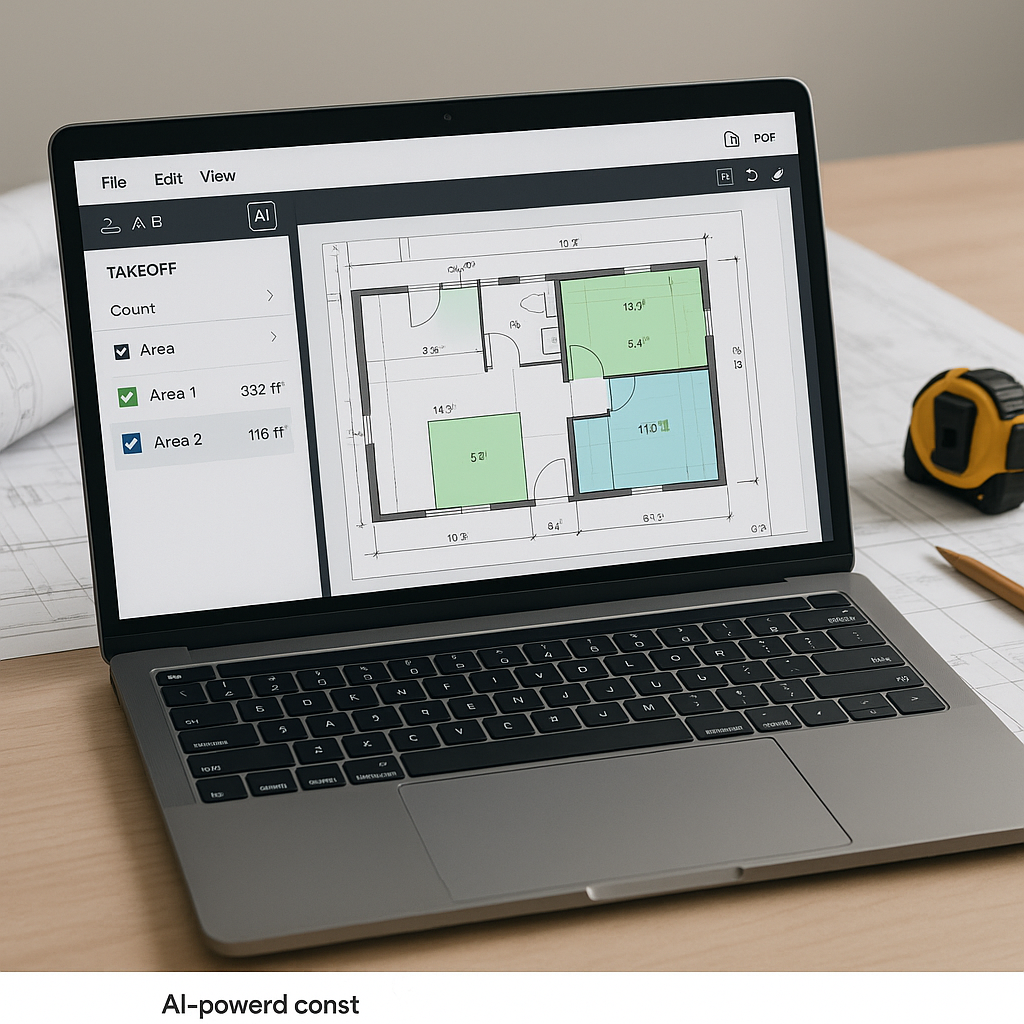
Here’s where AI steps in. Tools like EstimateNext’s Vision AI automate drawing takeoffs, significantly reducing the time required for this process.
How does it work? The system reads PDF drawings, automatically extracting quantities for walls, floors, doors, windows—whatever you need. It identifies room areas, linear measurements, and counts with remarkable accuracy. If something looks off, you can override it manually. Think of it as Bluebeam on steroids.
Illustrative example — A contractor using AI tools could potentially reduce the time spent on takeoffs from several days to a fraction of that time. This allows teams to focus on higher-value tasks like refining bids or coordinating with subcontractors.
What Makes AI Takeoffs Different?
AI-powered takeoffs aren’t just faster—they’re smarter. Here’s what sets them apart:
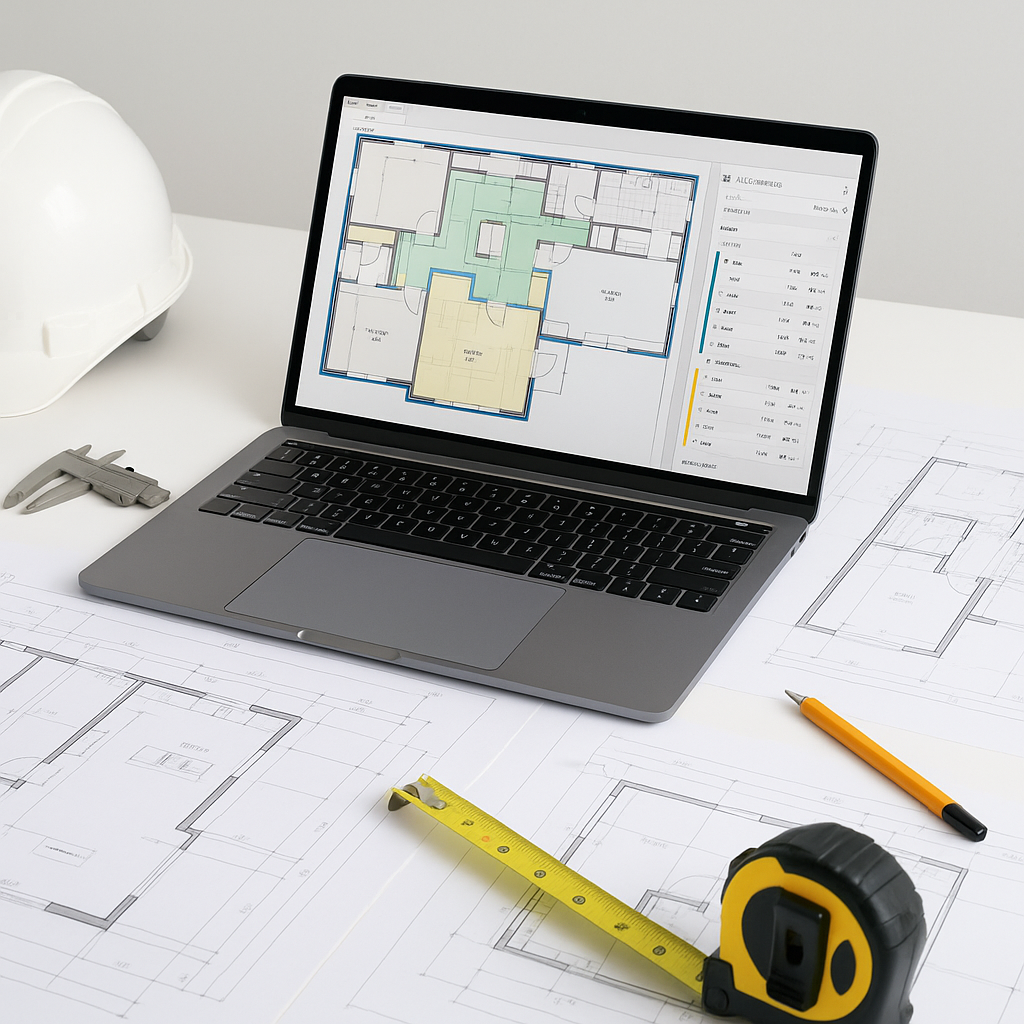
- Confidence Scoring: AI tools flag measurements with low confidence, so you know where to double-check. This improves quality control.
- Revision Handling: Upload new drawing sets, and the AI highlights changes. No need to start from scratch.
- Collaboration: Team members can review and adjust quantities in real-time, all within the same platform.
It’s not perfect—human oversight is still essential for edge cases and complex projects. But the productivity boost is undeniable.
The ROI: Time Saved, Money Earned
Illustrative example — If your team saves significant hours per estimate by using AI tools, those hours could be redirected toward refining bids, negotiating with subcontractors, or pursuing additional projects. AI doesn’t just save time; it helps you allocate it toward higher-value work.
Common Objections
“But AI can’t think like an estimator.”
True. AI doesn’t replace your expertise—it amplifies it. You’re still the one making judgment calls and finalizing numbers. AI handles the grunt work.
“What if my drawings are messy?”
AI tools can handle most imperfect PDFs, but the quality of input data matters. If your drawings are unreadable, no tool can fix that.
“Is it hard to learn?”
Not really. Platforms like EstimateNext are designed for ease of use. Most teams get up to speed in a short amount of time.
FAQ
Q: How accurate are AI-generated takeoffs?
AI tools reduce discrepancies significantly, but human review is still important for edge cases.
Q: Can AI handle complex projects?
Yes. AI scales to any project size, from small renovations to large infrastructure bids.
Q: What if my team uses Bluebeam or Procore?
Most AI tools integrate seamlessly, allowing you to export takeoffs directly into your existing workflow.
Call to Action
If manual takeoffs are slowing your team down, AI-powered tools like EstimateNext can help. Get started free →