The Hidden Time Sink in Construction Estimation
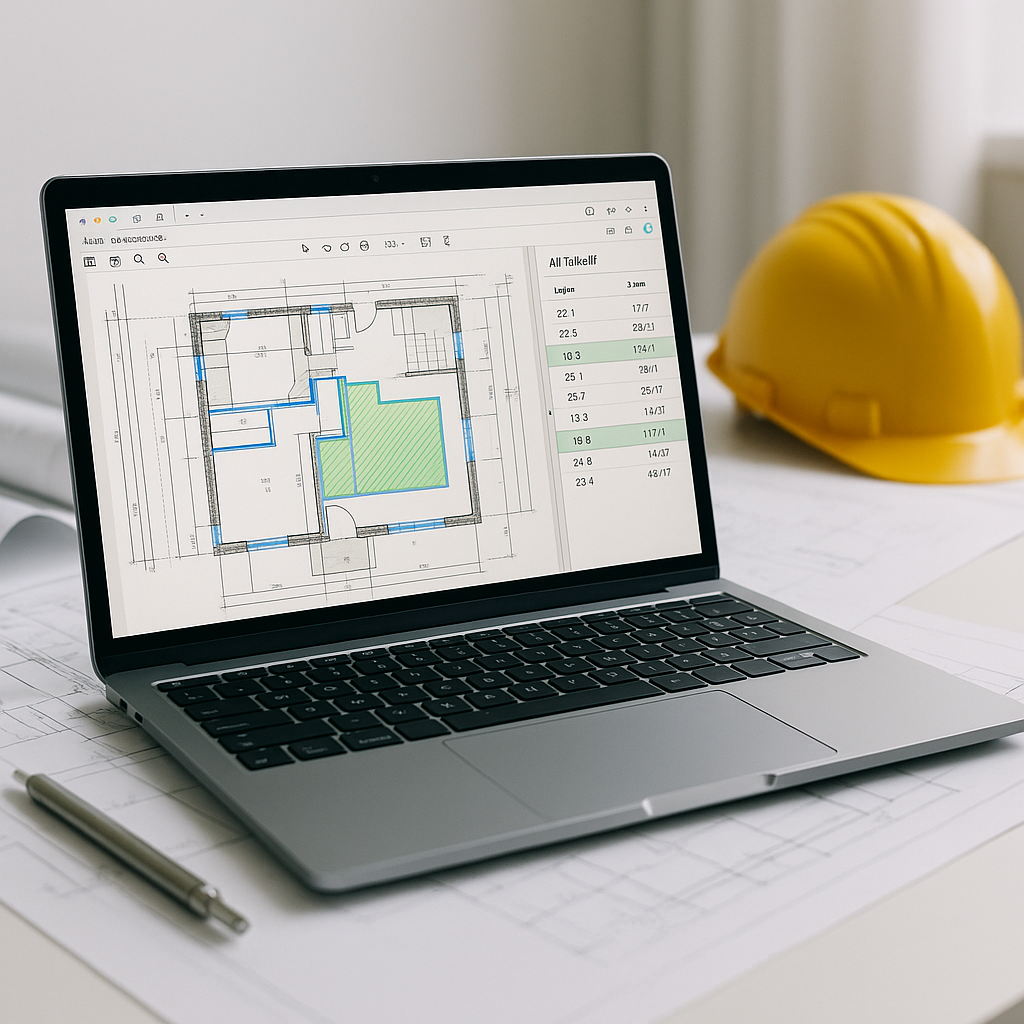
If you're an estimator, you know the drill. A bid lands on your desk, and one of your first tasks is matching rates from a sea of catalog items. Whether you're flipping through a 2,000-page RSMeans book, sorting CPWD DSR PDFs, or digging through your custom Excel sheets, this process is a grind. It’s manual, repetitive, and prone to human error.
Take a typical example: you're pricing a high-rise project, and the BOQ includes installing pre-stressed concrete girders. Finding the right labor rate for that one line item could take a significant amount of time if you're working the traditional way. Multiply that by dozens of line items, and you’ve spent hours just looking up rates.
Here’s the kicker: these delays ripple through the entire preconstruction timeline. The more time you spend on rate lookup, the less time you have for high-value tasks like negotiating with subs, refining your bid strategy, or assessing risk. Worst of all, manual errors in rate selection can throw off your bid entirely.
How AI Rate Matching Changes the Game
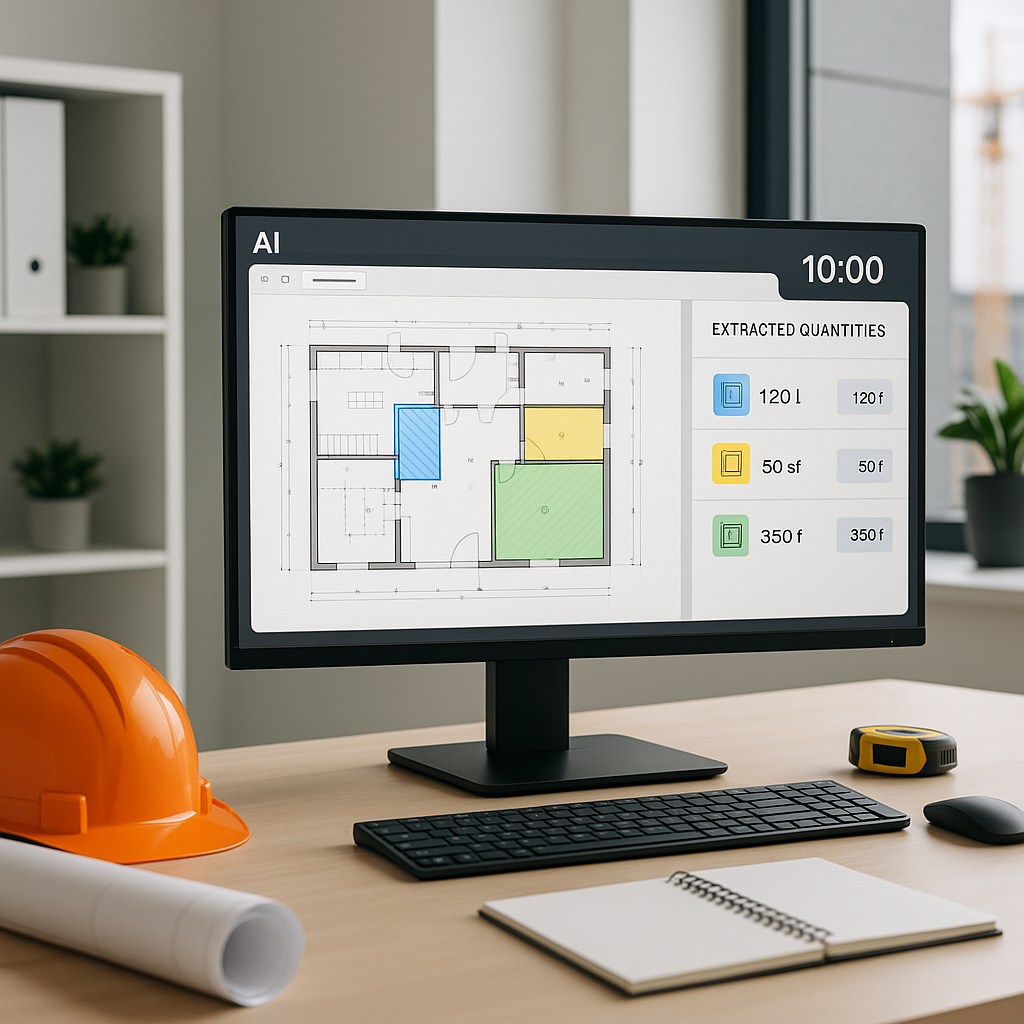
This is where AI steps in, and it’s not just hype. AI-powered tools like EstimateNext use semantic search to match BOQ items with the right rates quickly. Here’s how it works:
- BOQ Parsing: Upload your bill of quantities (Excel, CSV, or even PDFs). The AI automatically detects item hierarchies, section headers, and merged cells.
- Rate Matching: The system scans thousands of items across catalogs like RSMeans, CPWD DSR, and user-defined custom rates. It uses tenant history, country-level filters, and fallback algorithms to ensure accuracy.
- Custom Rates: Got unique materials or finishes? Add them to your catalog once, and the AI integrates them seamlessly for future projects.
- Audit Trail: Every match is logged, so you can review, override, or refine as needed.
For example, let’s say you need rates for structural steel installation on a rail bridge. Instead of flipping through DOT-approved catalogs manually, you type “structural steel installation” into the AI and get the approved rates quickly. Done. No more digging, no more guessing.
Real Benefits of AI Rate Matching
The time savings are significant. Automating rate matching allows estimators to focus on higher-value tasks instead of spending hours on manual lookups.
But it’s not just about speed. Accuracy improves too. AI tools minimize the risk of selecting the wrong rate—a mistake that can cost you the contract or squeeze your margins later.
And don’t assume this is only for mega-projects. Whether you’re handling a small renovation or a large infrastructure bid, AI scales to your needs. Early adopters of AI in construction estimation have reported measurable improvements in efficiency and cost management.
The Obvious Objection: “But AI Can’t Think Like an Estimator”
You might be thinking, “Sure, AI is fast, but it doesn’t understand the nuances of construction.” That’s partially true—but it’s also missing the point. AI doesn’t replace your expertise; it amplifies it.
You’re still the one making judgment calls, negotiating with subs, and deciding on markup. The AI just handles the grunt work—like rate matching, takeoffs, and what-if recalculations. It’s a tool, not a replacement.
Common Mistakes When Using AI Rate Matching
- Poor Input Data: Garbage in, garbage out. If your BOQ upload is messy or incomplete, the AI won’t deliver accurate matches.
- Ignoring Feedback Loops: AI systems get smarter with use. If you don’t provide feedback (accept/reject matches), you’re missing out on long-term accuracy.
- Over-Reliance on Automation: Always review high-value items manually. AI is precise, but human oversight ensures nothing gets missed.
FAQ: AI Rate Matching
Q: How long does it take to learn AI rate matching tools?
A: Most platforms are designed for ease of use, with training typically taking a short amount of time.
Q: Can I use AI tools with my existing software?
A: Yes. Many AI tools integrate with platforms like Procore, Autodesk Build, and Excel, so you can export estimates directly into your workflow.
Q: What if my rates are custom or project-specific?
A: You can upload your own rate catalogs or define custom rates for specific items. The AI ensures your estimates reflect actual costs.
Q: Does AI work for small projects?
A: Absolutely. AI tools scale to any project size—from residential renovations to large infrastructure builds.
Q: How reliable is AI rate matching over time?
A: Most users report significant accuracy improvements as the system learns from feedback and adjustments.
Final Thoughts
Rate matching shouldn’t be the bottleneck in your estimation process. AI tools like EstimateNext free up your time and reduce errors, so you can focus on what really matters—winning bids and delivering value.
If you're tired of wasting hours on manual rate lookup, AI-powered tools can help.