The Takeoff Problem in Preconstruction Estimation
Takeoff is the first and one of the most tedious steps in preconstruction estimation. You’re staring at a set of drawings—20, 50, sometimes over 100 sheets—and manually measuring every window, door, wall, or pipe. Even with tools like Bluebeam, it’s still a time-consuming process. Estimators often spend significant time completing the takeoff for a single bid. Multiply that by multiple projects a year, and it becomes a major resource drain.
Manual work also doesn’t guarantee accuracy. A missed line, a forgotten dimension, or a careless entry into Excel can throw off your entire estimate. And when the numbers don’t add up, the consequences can be costly.
Wouldn’t it be better to spend that time negotiating with subcontractors or refining your pricing strategy instead of remeasuring duct lengths? AI-powered takeoff tools are helping to make this possible.
How AI Takeoffs Work
At its core, an AI-powered takeoff tool uses machine learning to “read” your drawings the same way a human would—but much faster. Here’s a simple breakdown of how these tools handle takeoffs:
- Upload Your Drawings: Start by uploading your PDF or CAD files. No need to organize them; the AI can handle it.
- Calibration: The AI automatically detects the scale of the drawing. If it’s off, you can manually calibrate it in seconds.
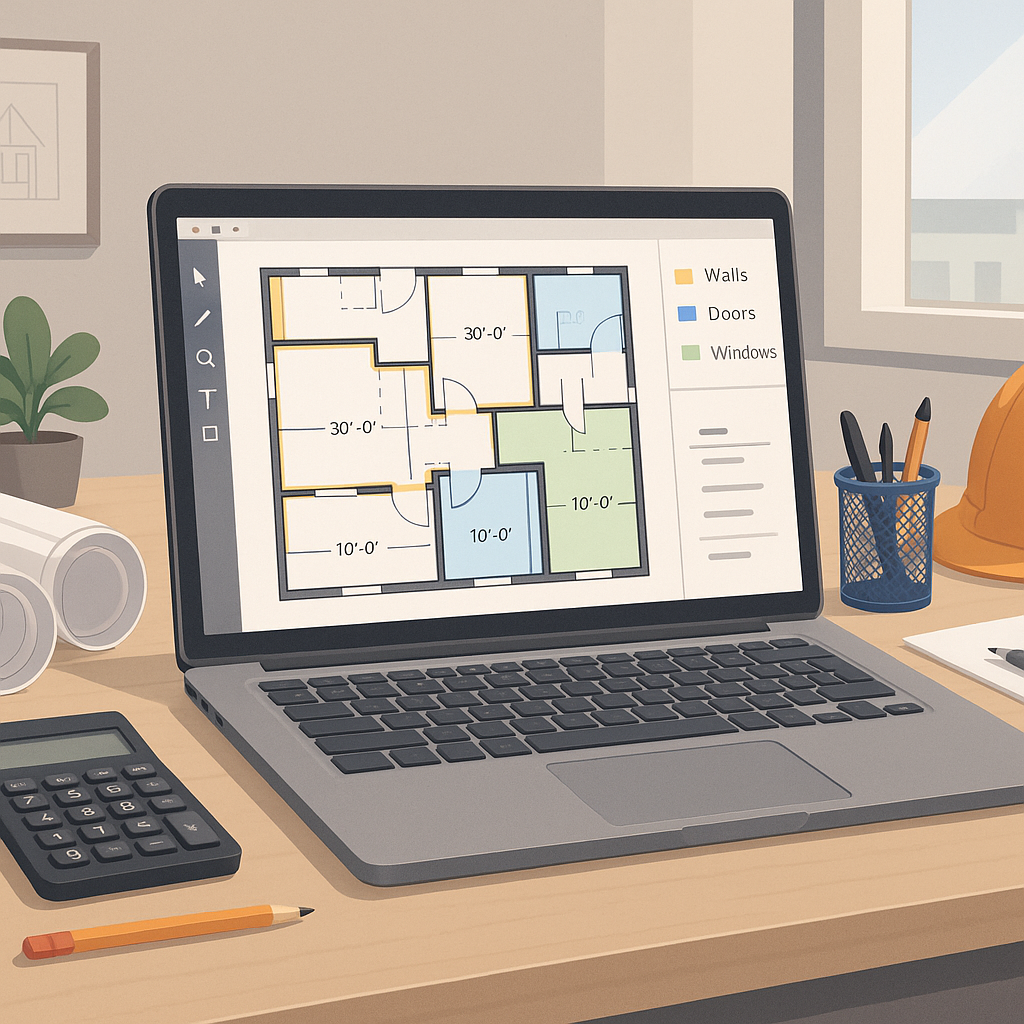
- Automated Quantity Extraction: The AI identifies and extracts quantities—areas, lengths, volumes, and counts—directly from the drawings. Doors, windows, walls, ductwork, and more.
- Confidence Scoring: The tool highlights any measurements it’s unsure about, so you can review and adjust them manually. This allows you to focus only on what matters.
This approach significantly reduces the time spent on takeoffs while improving consistency. The AI doesn’t miss a line because it’s tired or rushing to meet a deadline.
Practical Benefits of AI Takeoffs
AI-powered takeoff tools save time and free up estimators to focus on higher-value tasks like reviewing subcontractor quotes and fine-tuning bid strategies. They also reduce the likelihood of errors, which can lead to more accurate estimates and competitive bids.
While the exact time savings will vary depending on the project and team, the principle remains the same: automating repetitive tasks allows for more efficient workflows and better resource allocation.
The Obvious Objection: “But AI Can’t Think Like an Estimator”
It’s true—AI doesn’t replace your expertise; it amplifies it. The AI handles the repetitive, error-prone tasks like takeoffs and rate matching. You’re still the one making judgment calls, negotiating with subs, and deciding on markup. Think of it as hiring a junior estimator who works 24/7, never takes a coffee break, and never makes a careless mistake.
Common Mistakes When Using AI Takeoff Tools
If you’re new to AI-powered takeoffs, here’s what to watch out for:
- Garbage In, Garbage Out: The AI is only as good as your input. If your drawings are poorly scanned or lack clarity, the output will suffer.
- Skipping the Review: Confidence scoring is there for a reason. Always review low-confidence areas before finalizing your quantities.
- Ignoring Training: Most AI tools are intuitive, but a short training session can save you hours in the long run.
- Over-Reliance: AI is a tool, not a magic wand. Use it alongside your expertise, not as a replacement for quality control.
The Bottom Line
Manual takeoffs are a bottleneck. They consume time, drain resources, and leave room for costly errors. AI-powered tools change the game by automating the process, saving time, and improving accuracy.
If you’re ready to streamline your takeoff process, AI-powered tools can help you focus on what matters most: delivering accurate, competitive bids.


