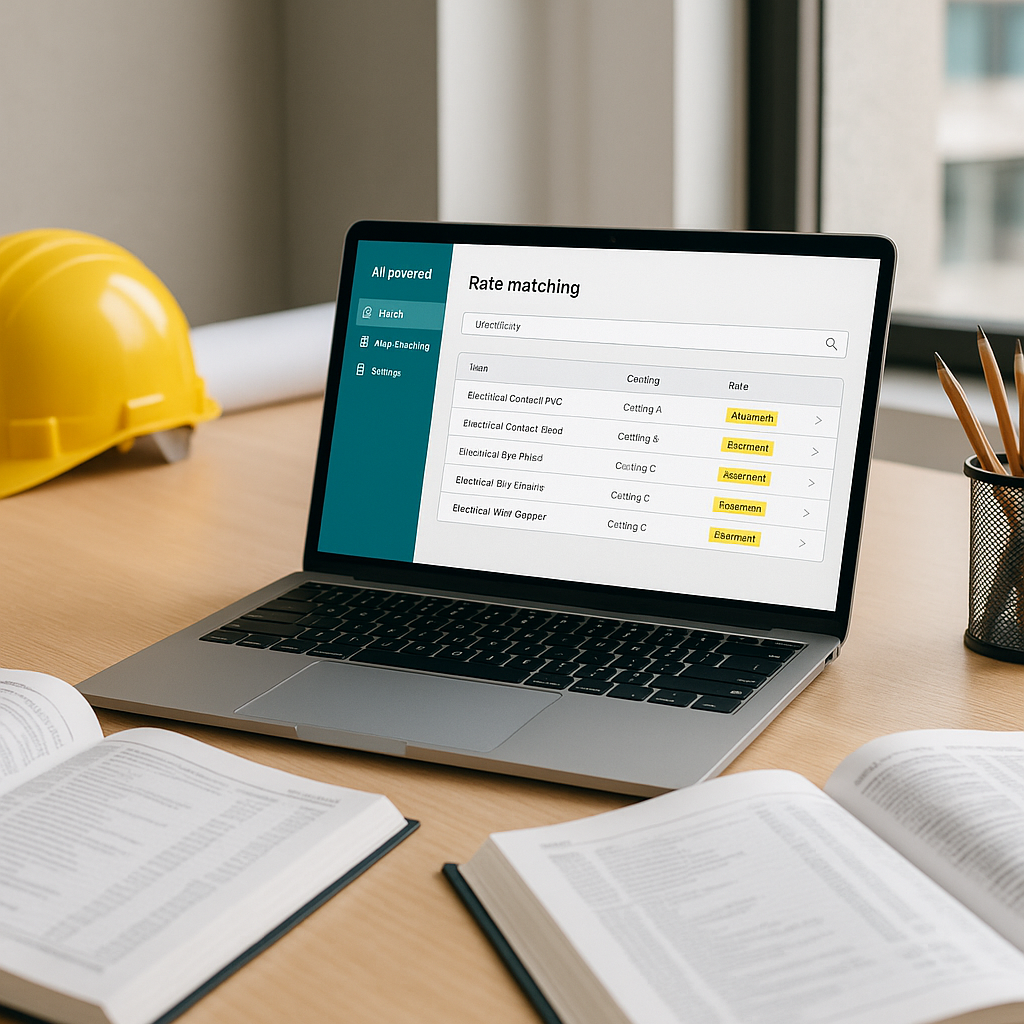
How AI-Powered Tools Simplify Rate Matching in Construction Estimation
Rate matching is tedious. If you've ever flipped through a 2,000-page rate book or scrolled endlessly through PDFs looking for one labor rate, you know exactly what I mean. It's not just time-consuming; it's risky. Mistakes in rate selection can tank an estimate and ruin a bid.
But here's the good news: AI-powered rate matching tools are changing the game. Instead of hours spent manually searching, semantic search algorithms return accurate matches in seconds. Let’s break down how this works and why it matters.
Why Manual Rate Matching Is a Problem
Rate matching has always been a pain point for estimators. Whether you're using RSMeans, CPWD DSR, or another standard, the process looks something like this:
- Identify the item to price (e.g., installing pre-stressed concrete girders).
- Search through catalogs, PDFs, or spreadsheets for the relevant material, labor, and equipment rates.
- Manually copy rates into your BOQ, often double-checking for errors.
Sounds straightforward, right? It’s not. Catalogs aren’t always organized intuitively, rates change every year, and specific items may not exist in prebuilt schedules. You might spend significant time piecing together rates for one line item. Multiply that across dozens or hundreds of items, and it’s easy to see why rate matching is a bottleneck.
On top of that, manual errors creep in. Misreading a page or selecting the wrong rate can lead to underpricing or overpricing — both disastrous for a bid.
How AI-Powered Rate Matching Solves This
AI tools use semantic search and historical project data to streamline rate matching. Here’s how it works:
- Upload BOQ: Start by uploading your bill of quantities (Excel, CSV, or ODS). The platform auto-detects headers, hierarchies, and merged cells.
- Search Across Catalogs: Instead of flipping through rate books, type what you need (e.g., "labor rate for installing concrete girders") into the search bar. AI scans thousands of items across multiple catalogs instantly.
- Match Rates: The AI returns matches with material, labor, and equipment breakdowns. If a match isn’t perfect, it widens the search to similar items or fallback rates.
- Real-Time Adjustments: Apply inflation factors, location-specific adjustments, or custom rates in seconds.
This isn’t just faster — it’s smarter. The AI gets better with every project you price, learning from previous matches and user feedback.
Common Questions About AI Rate Matching
Q: How does AI know which rates to match?
AI tools use semantic search algorithms to interpret natural language queries. They also rely on historical data, user feedback, and fallback logic to improve accuracy.
Q: What if my rates are custom?
Custom rates can be uploaded into the platform, and the AI integrates them for future use. This ensures estimates reflect actual costs, not generic catalog values.
Q: Can AI handle regional variations?
Yes. AI-powered tools apply location-specific adjustments like cost indices or regional labor rates automatically.
Q: How accurate are AI matches?
AI tools are designed to improve accuracy over time with user feedback. While human oversight is still important, the system becomes more reliable with continued use.
Mistakes to Watch For
- Skipping Manual Review: AI is fast, but it’s not perfect. Always double-check critical rates.
- Underusing Feedback Loops: Provide feedback on incorrect matches. This improves accuracy for future projects.
- Ignoring Regional Adjustments: Default rates might not account for local labor costs or inflation. Use built-in adjustment tools.
Conclusion
If you're tired of wasting hours on manual rate matching, AI-powered tools can simplify the process, saving time and reducing errors. By leveraging semantic search and real-time adjustments, these tools help estimators focus on what matters most: creating accurate and competitive bids.


