The Problem with Manual Takeoffs
Every estimator knows the challenges of manual takeoffs. You receive a PDF with numerous pages of drawings, and the process of measuring, noting, and calculating begins. This can take a significant amount of time and effort, often leading to delays and potential errors. A missed line or miscalculated measurement can result in underestimating material costs or losing bids due to inaccurate numbers. It’s a tedious process that consumes valuable time and talent.
Enter AI-Powered Takeoffs
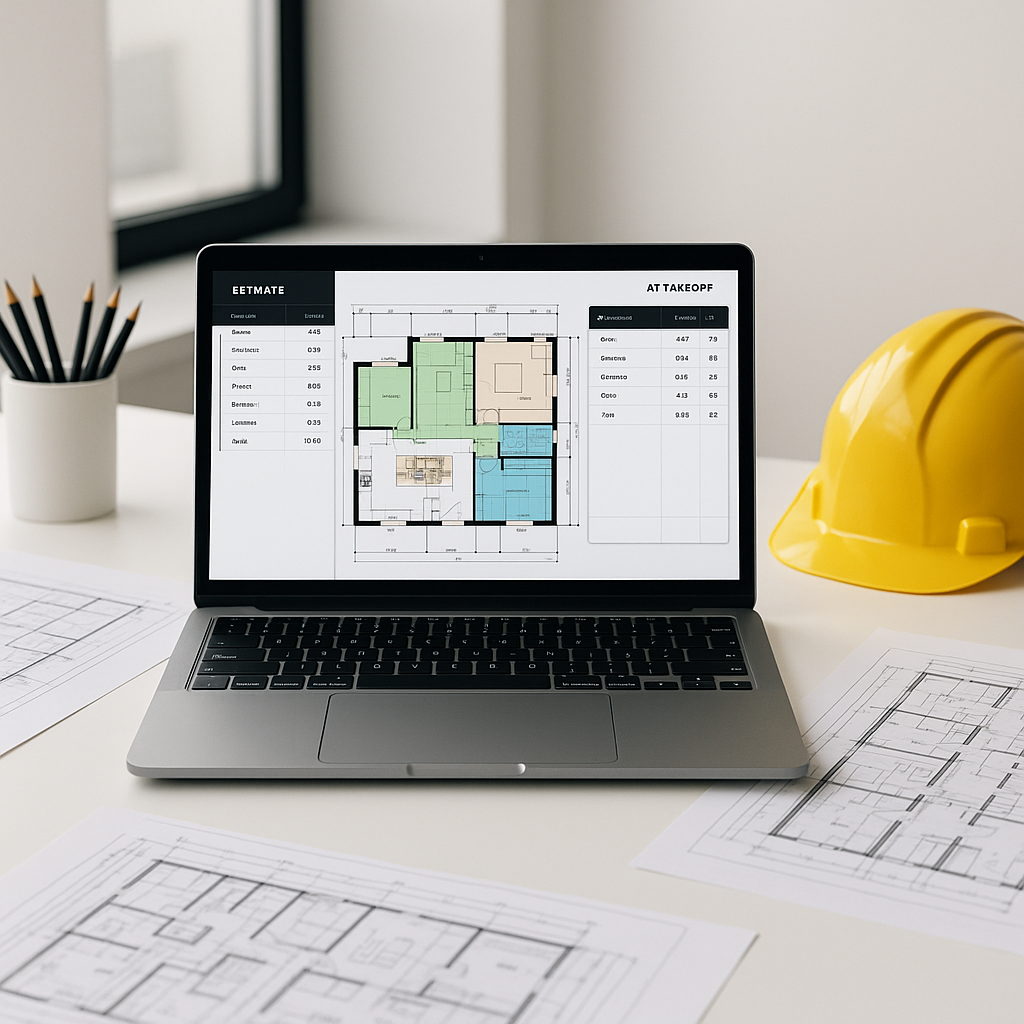
AI tools are transforming the takeoff process. Instead of manually measuring every line on a drawing, you can upload the PDF, and the software performs the analysis. Vision AI scans the document, extracts quantities, and delivers a detailed takeoff efficiently.
How does it work? The AI reads the drawing like a human would—but faster and without fatigue. It identifies lines, shapes, and annotations, then calculates areas, lengths, and counts. For example, it can distinguish between a wall and a door based on industry-standard symbols. It also flags uncertain measurements for review, ensuring accuracy while saving time.
This approach isn’t about cutting corners; it’s about eliminating wasted hours and focusing on higher-value tasks.
Benefits of AI Takeoffs
AI-powered takeoffs offer several advantages:
- Time Savings: Automating repetitive tasks allows estimators to focus on refining bids and other critical activities.
- Improved Accuracy: By reducing human error, AI tools help ensure more reliable estimates.
- Scalability: Whether for small renovations or large infrastructure projects, AI tools adapt to various project sizes.
- Integration: Many AI tools integrate seamlessly with existing workflows, exporting data into platforms like Excel, Procore, or Bluebeam.
What About Accuracy?
A common concern is whether AI can match the judgment of an experienced estimator. While AI doesn’t replace expertise, it enhances it. These tools often include features like manual overrides and flags for uncertain measurements, keeping you in control of the process.
Additionally, AI tools improve with use. Over time, they learn from feedback, resulting in fewer corrections and faster workflows.
Common Questions About AI Takeoffs
Q1: Does AI work for all project sizes?
Yes. AI tools are designed to handle projects of varying scales, from small renovations to large infrastructure developments.
Q2: What if my drawings are messy or inconsistent?
AI tools are built to handle real-world scenarios, including handwritten annotations or complex layouts. For edge cases, manual corrections can be made.
Q3: Does it integrate with other tools?
Most AI tools integrate with common platforms like Excel, Procore, and Bluebeam, ensuring a smooth workflow.
What to Watch Out For
Not all AI takeoff tools are created equal. Some may struggle with certain file types or require extensive training. When selecting a tool, prioritize those that support your existing workflows, offer an audit trail for accountability, and have a user-friendly interface.
It’s also important to remember that AI is a tool, not a magic solution. You’ll still need to review outputs and fine-tune processes. However, once optimized, the time savings and efficiency gains can be significant.
Why It Matters
Preconstruction often faces bottlenecks, and manual takeoffs are a major one. Automating this step allows teams to focus on critical tasks like competitive pricing, value engineering, and winning more bids. AI-powered tools are not just productivity boosters—they’re a competitive advantage in a demanding industry.
If you’re still relying on manual takeoffs, it may be time to explore how AI can transform your workflow.


