The Challenge of Manual Takeoffs
If you’re in preconstruction, you know the drill. A new bid comes in, and the clock starts ticking. Your team dives into the drawings, manually measuring areas, counting doors and windows, and scribbling down quantities. It’s meticulous, repetitive, and time-consuming. Manual takeoffs can take significant time and effort before you even start pricing.
But here’s the thing: it doesn’t have to be this way anymore. AI-powered takeoff tools are changing the game by automating much of this process. Let’s break down how.
How AI-Powered Takeoffs Work
AI takeoff tools use Vision AI to read and interpret PDF drawings. Forget the ruler and the highlighter—this is how it happens instead:
- Upload the Drawings: You drag and drop the PDF set into the platform. No fancy formatting or prep required.
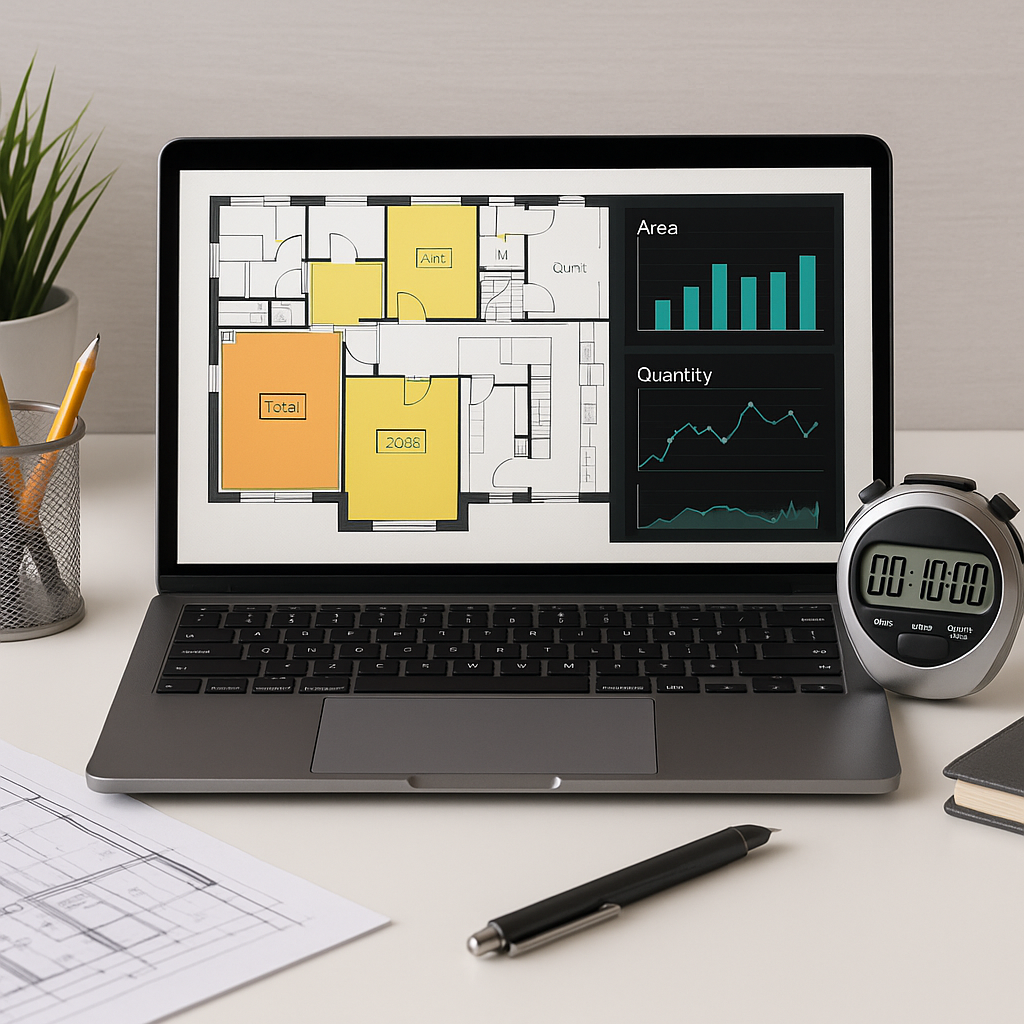
- AI Reads the Data: The system identifies walls, doors, windows, room areas, and more. It even flags low-confidence items for manual review.
- Quantities Extracted: Within minutes, you get a detailed quantity takeoff that’s exportable to Excel, Procore, or wherever you need it.
- Manual Override (If Needed): You can recalibrate or remeasure anything the AI got wrong. It’s fast, but it’s not infallible—human oversight still matters.
This isn’t just tech for tech’s sake. It’s practical. It’s efficient. And it frees you up for the work that actually moves the needle, like refining your bid strategy or assessing risks.
Benefits of AI-Powered Takeoffs
AI-powered tools can significantly reduce the time spent on manual takeoffs. By automating repetitive tasks, these tools allow teams to focus on higher-value activities such as bid strategy, subcontractor negotiations, and risk assessment.
Addressing Concerns: Does It Really Work?
You might be thinking, “Sure, AI is fast, but can it match the accuracy of manual takeoffs?” Accuracy depends on the quality of the input data—garbage in, garbage out. But AI tools often include features like confidence scoring and manual overrides, so you can double-check and adjust as needed.
And for those who worry about the learning curve, most platforms are built to be intuitive. Training typically takes a short amount of time, making it accessible for teams to adopt.
Common Mistakes When Using AI Takeoff Tools
- Blind Trust: Don’t assume the AI is perfect. Always review the results, especially for complex projects.
- Poor Input: Smudged or incomplete drawings can trip up even the smartest AI. Garbage in, garbage out.
- Ignoring Low Confidence Flags: The tool will tell you where it’s unsure. Use that feedback to make corrections.
- Not Updating Data: AI systems improve over time, but only if you provide feedback. Train the system as you go.
FAQ
Q: Can AI tools handle complex projects like hospitals or high-rises?
A: Yes. AI scales to any project size and complexity, provided the input data is clear and complete.
Q: Do I need special file formats?
A: No. Most tools work with standard PDFs and DWG files.
Q: What if the AI misses something?
A: You can manually override or remeasure anything the AI flags as low-confidence.
Final Thoughts
AI-powered takeoffs are becoming essential for staying competitive in today’s construction market. By automating repetitive tasks, these tools free up time for teams to focus on strategic activities that add value. The days of manual takeoffs are numbered, and adopting AI tools can help your team work smarter, not harder.