How AI-Powered Tools Streamline Preconstruction Takeoffs
Preconstruction can be a time-intensive process. If you’ve ever spent hours tracing drawings to pull quantities for a bid, you know how tedious and error-prone it can be. This manual work often takes up valuable time that could be better spent refining estimates or coordinating with subcontractors. Despite these challenges, many teams still rely on traditional methods.
AI-powered takeoff tools offer a solution by automating much of this repetitive work. But how do they work, and what benefits can they bring to your process? Let’s explore.
The Problem: Takeoffs Are a Time Sink
In a typical scenario, estimators manually trace walls, windows, doors, and floor areas from large drawing sets using software like Bluebeam. This process can take significant time and effort, especially for larger projects. Mistakes such as missed measurements or miscalculations can lead to inaccurate bids, and revisions or scope changes often require redoing hours of work.
For general contractors, this bottleneck can slow down GMP (Guaranteed Maximum Price) pursuits. For MEP (Mechanical, Electrical, and Plumbing) subcontractors, it can limit the number of bid packages they can respond to in a given timeframe. Either way, inefficiencies in the takeoff process can result in lost opportunities and increased costs.
The AI Solution: Vision AI for Takeoffs
AI-powered tools automate the quantity extraction process from PDF drawings, significantly reducing the time required for takeoffs. Here’s how these tools typically work:
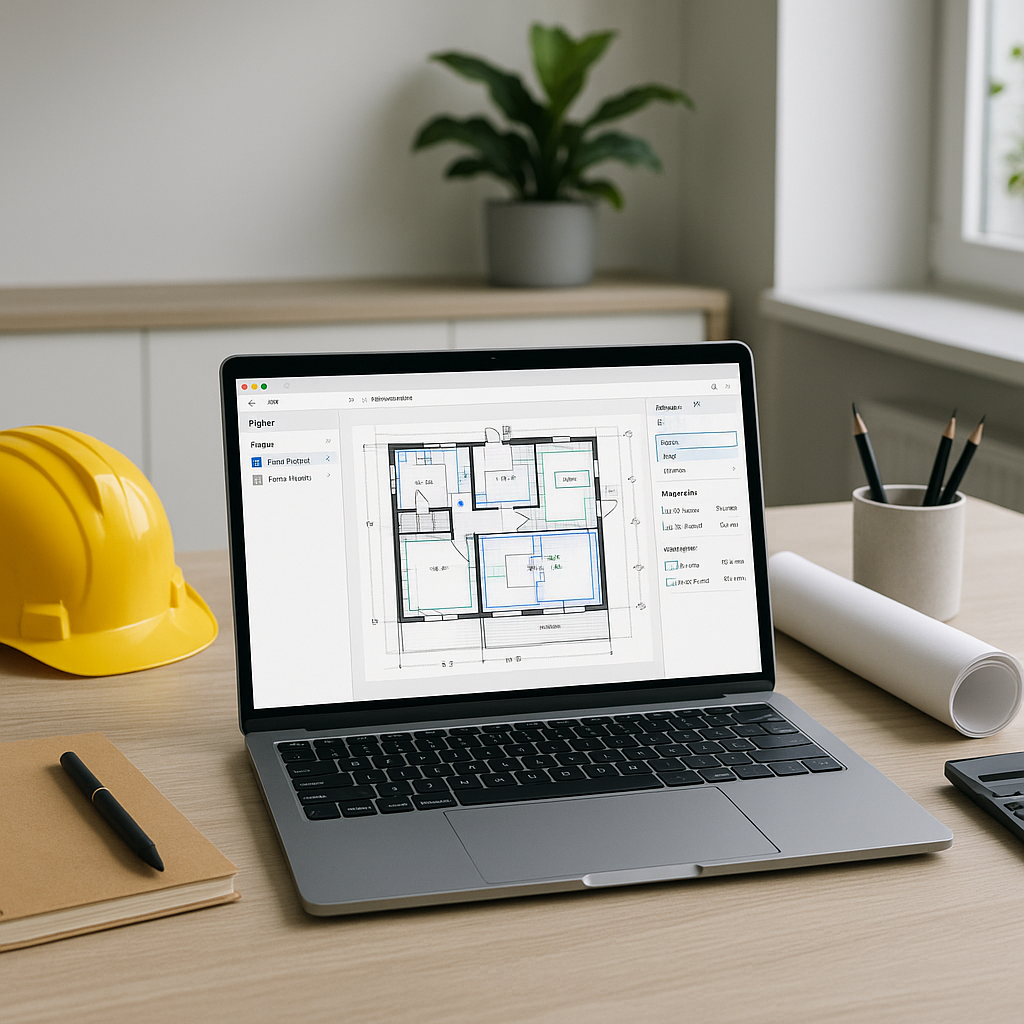
- Upload Your Drawings: Users upload PDF files into the platform, where the AI scans each page.
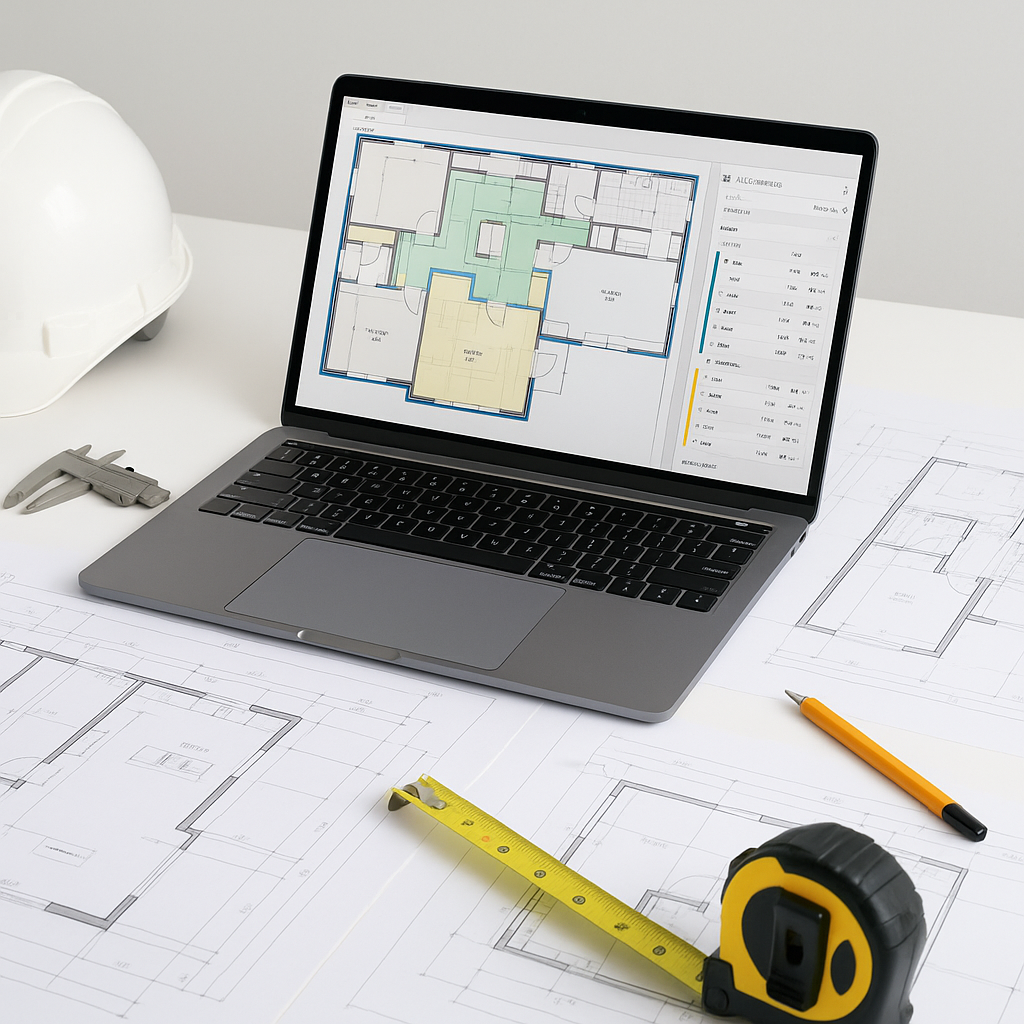
- Automatic Recognition: The system identifies elements such as room areas, wall lengths, and counts for openings like doors and windows.
- Flagging for Review: Measurements with low confidence are flagged for manual review to ensure accuracy.
- Audit Trail: The system logs every measurement, providing a clear record of how quantities were derived.
By automating these tasks, AI tools allow estimators to focus on higher-value activities, such as refining bids and strategizing for project execution.
Why Accuracy Matters
While AI tools can automate repetitive tasks, they don’t replace the expertise of experienced estimators. Human oversight remains essential to ensure accuracy, particularly in cases where the AI might misinterpret unclear or low-quality drawings.
Features like confidence scoring and manual overrides allow users to review flagged measurements and make corrections as needed. This combination of automation and human expertise helps reduce errors and ensures that bids are as accurate as possible.
Benefits of AI-Powered Takeoffs
AI-powered tools can bring several advantages to the preconstruction process:
- Time Savings: Automating takeoffs reduces the time spent on manual measurements, allowing teams to complete estimates faster.
- Improved Accuracy: By minimizing human error, AI tools help produce more reliable quantity estimates.
- Scalability: These tools can handle projects of varying sizes, from small renovations to large infrastructure bids.
- Increased Productivity: Faster takeoffs enable teams to respond to more bid opportunities without adding staff.
Common Mistakes (and How to Avoid Them)
- Skipping Training: Even intuitive AI tools require some onboarding. Ensure your team is properly trained to use the software effectively.
- Ignoring Low-Confidence Flags: Always review flagged measurements to catch potential errors.
- Over-Reliance on Defaults: Customize settings to align with your specific trade or regional requirements for better results.
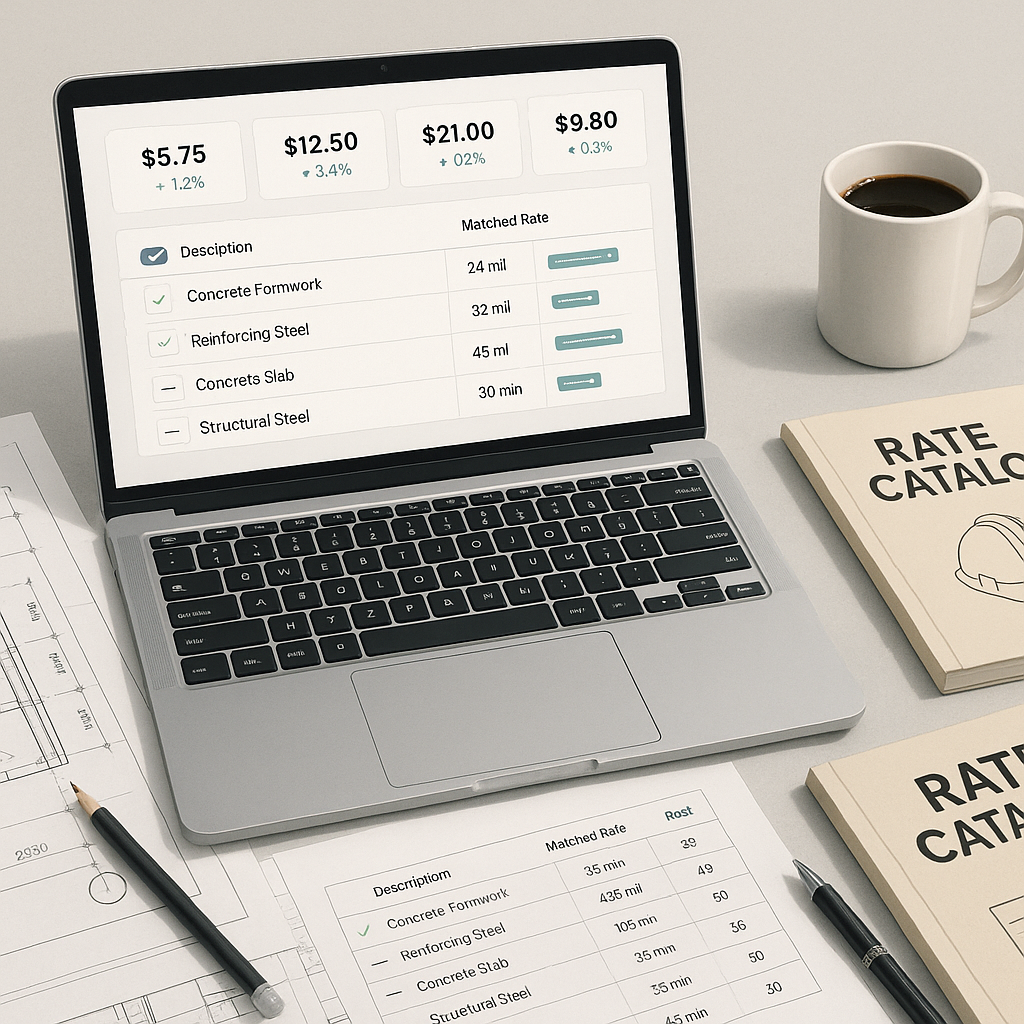
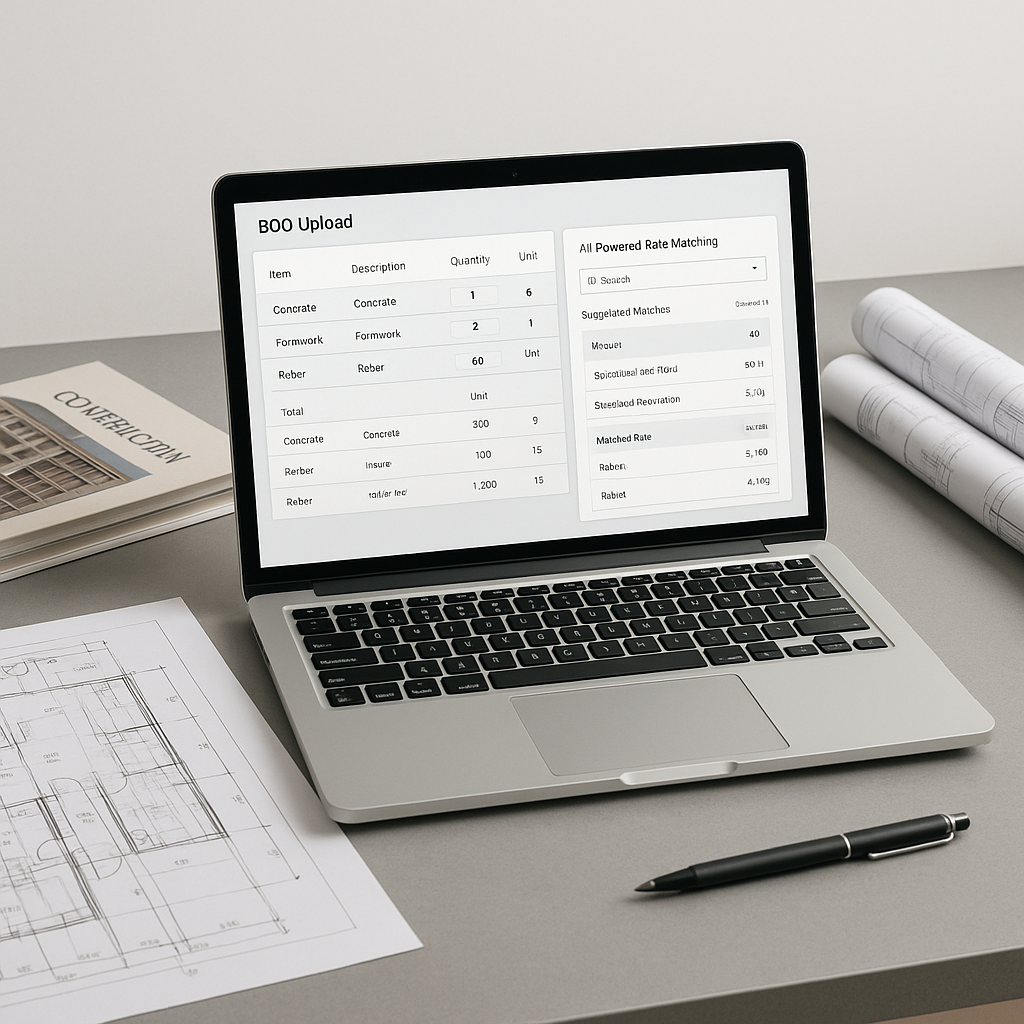
- Failing to Update Rates: Keep your rate catalogs current to ensure accurate cost estimates.
FAQ
Q: How accurate are AI-generated takeoffs?
AI tools are designed to be highly accurate but include features like confidence scoring and manual overrides to address edge cases.
Q: Can I use AI tools with my current software stack?
Yes. Many AI tools integrate seamlessly with platforms like Bluebeam, Procore, and Excel.
Q: Do AI tools work for smaller projects?
Absolutely. These tools are scalable and can be used for projects of all sizes.
Q: What happens with revised drawings?
Revised drawings can be uploaded, and the system automatically compares changes, eliminating the need to start from scratch.
The Bottom Line
AI-powered takeoff tools are transforming the preconstruction process by automating repetitive tasks and improving efficiency. By adopting these tools, contractors and subcontractors can save time, reduce errors, and focus on the strategic aspects of their work.
If your team is still relying on manual takeoffs, it may be time to explore how AI can streamline your workflow and enhance your competitive edge.