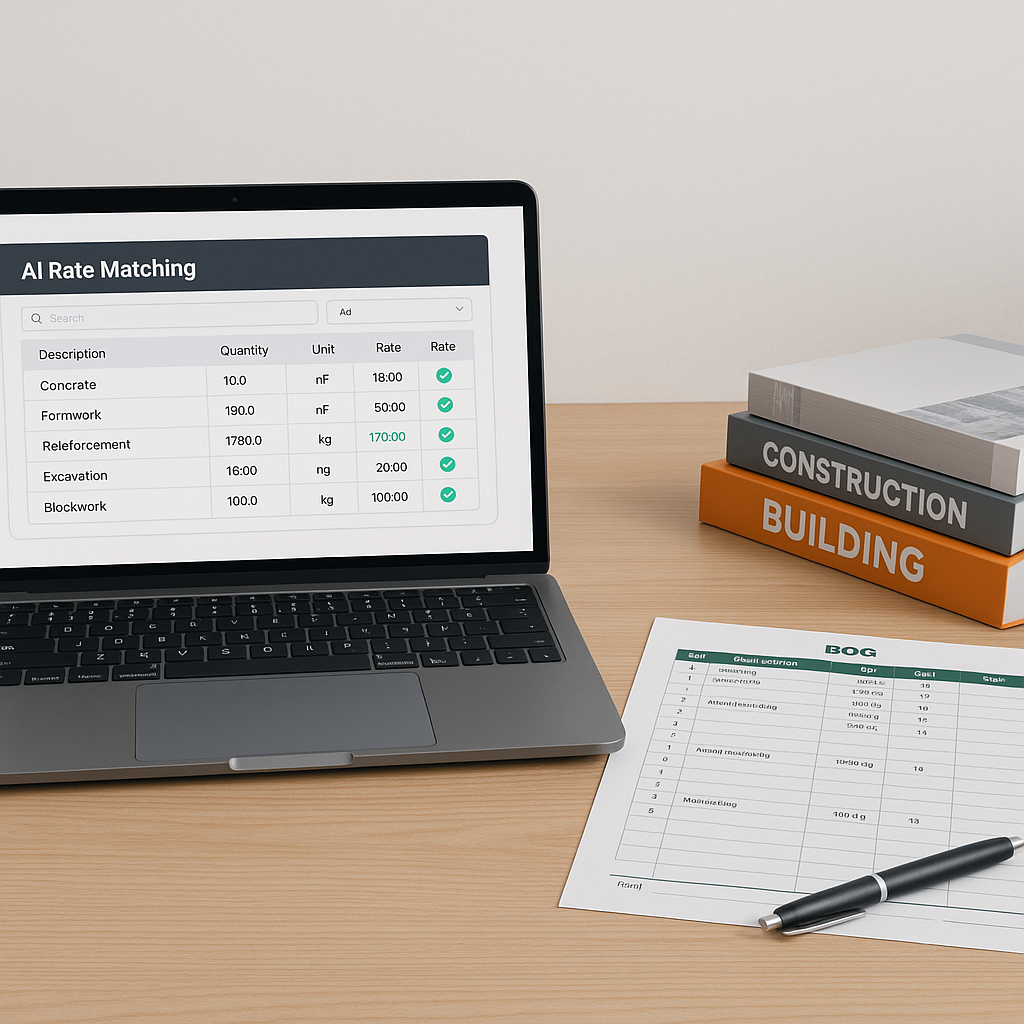
How AI Simplifies Preconstruction Rate Matching
Manual rate matching is one of the most frustrating parts of preconstruction estimation. You spend hours flipping through rate books or PDFs, cross-checking labor, material, and equipment costs. If you’re lucky, the rates are searchable. If not, you’re stuck scrolling through hundreds of pages until you find what you need.
Let’s be honest: it’s a terrible use of your time. General contractors, subcontractors, and quantity surveyors all face this bottleneck, no matter the project size. The good news? AI-powered tools are finally making rate matching faster, more accurate, and less painful.
What’s Wrong With Manual Rate Matching?
If you’ve ever had to price a BOQ, you know the drill. You open the CPWD DSR for India or RSMeans for the U.S., search for the right category, check the specifications, and copy the rate into your Excel sheet. Then repeat for every line item. On a mid-sized project, this can easily take hours.
Here’s what makes it worse:
- Human Error: Miss one page, and your estimate is off. Misinterpret a spec, and you’re underbidding.
- Rate Variability: What happens when the rate isn’t a perfect match? You either pick the closest one or spend more time tweaking it manually.
- Custom Rates: Many projects don’t use standard rates. You’re stuck building custom ones from scratch.
In my view, manual rate matching is a relic of a pre-digital era. It’s just not scalable for modern projects.
How AI Rate Matching Fixes the Problem
AI-powered rate matching tools are designed to automate this process. Instead of flipping through catalogs, you upload your BOQ, and the AI scans it for matching rates across thousands of items.
Here’s how it works:
- Semantic Search: AI matches BOQ items to rates using keywords, specifications, and descriptions. For example, if you need a labor rate for installing curtain walls, you type it in, and the AI finds the closest match in seconds.
- Custom Catalog Integration: Have project-specific rates? You can upload them into the system, and the AI will prioritize those matches.
- Fallback Mechanism: If no perfect match exists, the AI suggests alternatives based on historical data or similar projects.
- Audit Trail: Every matched rate includes a detailed breakdown (material, labor, equipment). You can adjust it manually and save the changes for future use.
Common Objections
“AI can’t think like an estimator.”
True, AI doesn’t know your project’s nuances. It won’t replace your judgment. But it doesn’t need to. AI handles grunt work—finding rates, filling gaps, and suggesting alternatives—so you can focus on higher-value tasks like pricing strategy and bid decisions.
“What if my rates are completely custom?”
This is a valid concern, but most AI tools let you upload custom catalogs. Once the rates are integrated, the system treats them as primary matches for future projects.
Practical Steps to Start Using AI Rate Matching
Ready to ditch manual rate lookup? Here’s how to get started:
- Upload Your BOQ: Start with a simple Excel file. Make sure it’s clean—no merged cells or unorganized headers.
- Review Matches: Check the AI’s suggestions. Adjust rates where necessary.
- Add Custom Rates: If your project uses non-standard rates, upload them into the tool.
- Run a Test Project: Try AI rate matching on a smaller bid first. See how much time it saves.


