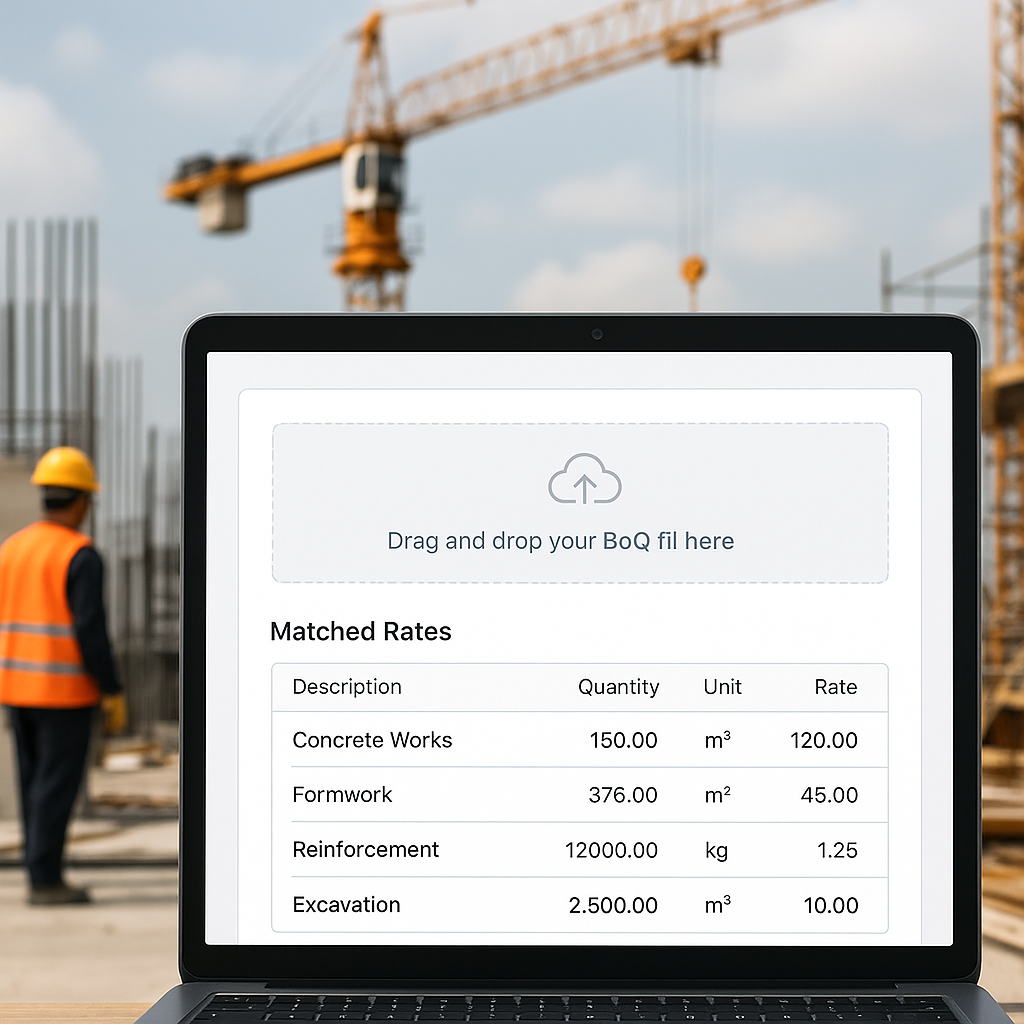
The Rate Lookup Challenge
If you're an estimator, you know the drill. You’ve got a Bill of Quantities (BOQ) with hundreds of items. Each one needs a rate. What happens next? You spend hours flipping through RSMeans, CPWD DSR, or your own outdated catalogs—if you even have the right data.
And that’s just for one project. Rate matching is often a time-consuming and error-prone process. One missed line item or wrong rate can significantly impact your margins.
Traditional tools like Excel, while great for number crunching, are not optimized for rate search, comparison, and validation. This is where AI steps in.
What AI Rate Matching Actually Does
AI-powered rate matching tools change the game. Here’s how:
-
Semantic Search: Instead of manually searching for “concrete slab, 6-inch, reinforced,” you type it into the AI. The system scans thousands of items across catalogs like RSMeans, CPWD DSR, and more. Results show up in seconds.
-
Custom Catalogs: Got your own rates? No problem. AI tools let you upload and integrate custom catalogs. Rates for niche items or project-specific materials can be saved for future use.
-
AI Fallbacks: What if the exact match doesn’t exist? The AI suggests the closest alternatives, factoring in region, labor costs, and material specs. You still make the final call.
-
Audit Trail: Every matched rate comes with a source and calculation breakdown. No more guessing where a number came from when your client asks.
Illustrative example — A contractor working on a mid-sized project used semantic search to match rates and significantly reduced the time spent on this task. This allowed the team to focus on refining their bid strategy.
Why This Matters
Time Saved: AI tools can significantly reduce the time spent on repetitive tasks like rate matching, allowing teams to focus on higher-value activities such as improving bid accuracy or client relationships.
Fewer Errors: Manual rate matching is prone to mistakes. Misreading a line or selecting the wrong unit rate can lead to costly errors. AI reduces this risk by surfacing exact matches with clear documentation.
Cost Efficiency: Traditional tools and manual processes can be expensive when factoring in both subscription costs and labor. AI tools offer a more efficient and often cost-effective alternative.
Common Pushbacks
“AI Can’t Think Like Me.”
You’re not wrong. AI won’t replace your expertise; it’ll amplify it. You’ll still decide which rates to use, but now you’ll do it faster and with better data.
“What If My Rates Aren’t in the System?”
That’s where custom catalogs shine. Upload your own rates, and the AI learns them for future projects. It’s like building a personalized rate library.
“Is It Hard to Learn?”
Most AI tools are designed to be intuitive. Training takes minimal time. If you can use Excel, you can use AI rate matching.
What to Watch For
-
Bad Input Data: AI is only as good as the data it’s fed. Double-check your BOQ formatting before uploading.
-
Over-Reliance: Use the AI as a tool, not a crutch. Always review the rates it suggests, especially for high-stakes items.
-
Learning Curve: The first few projects might feel clunky as the AI adjusts to your preferences. With continued use, most users report significant time savings.
If rate matching is eating up your time, AI tools can help streamline the process and improve efficiency.


