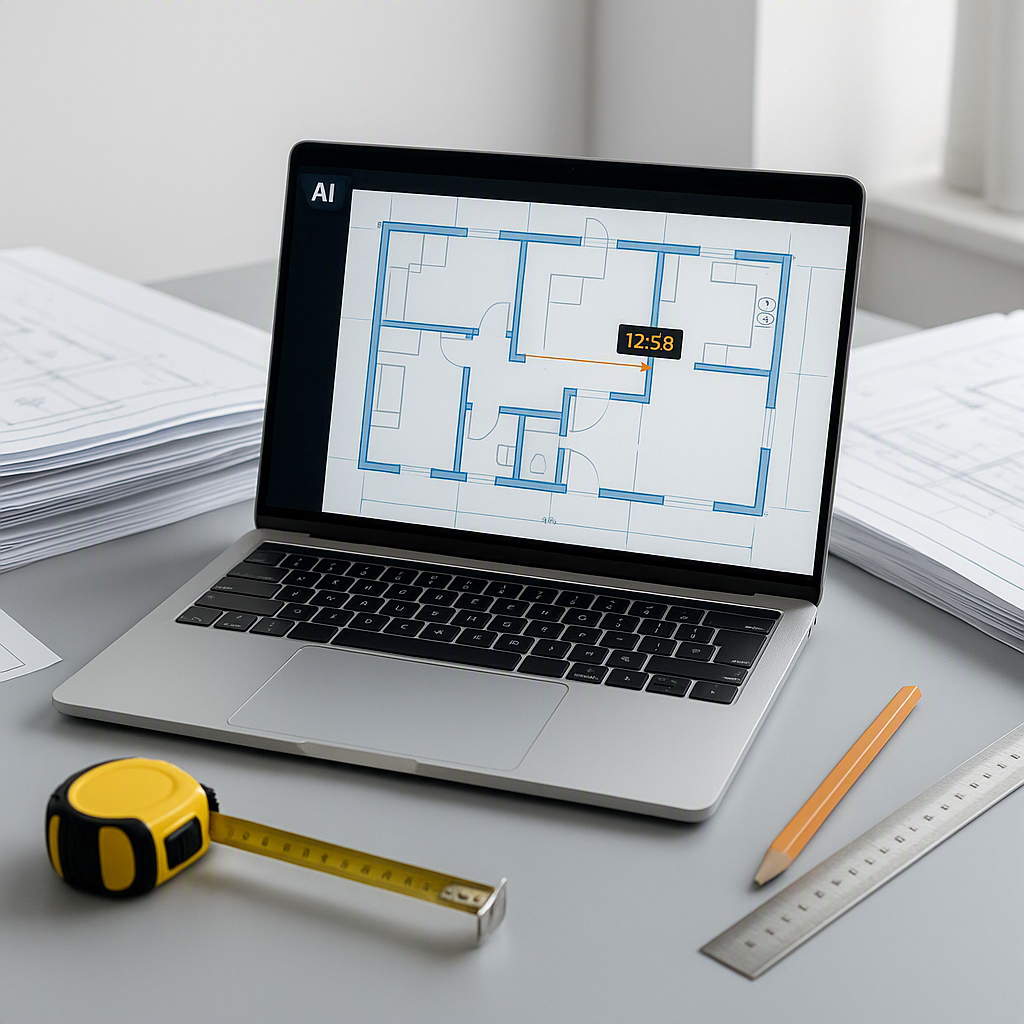
How AI Takeoff Tools Enhance Preconstruction Estimation
Preconstruction teams often face tight deadlines and complex workflows. Manual takeoffs, a critical step in the estimation process, can be a significant bottleneck. The process of tracing architectural drawings to calculate quantities is time-consuming and prone to errors. However, AI-powered takeoff tools are transforming this landscape by automating much of the manual effort.
The Challenges of Manual Takeoffs
Estimators know the painstaking process of manual takeoffs: opening large PDF drawings, calibrating scales, and tracing every element such as walls, windows, and columns. Each revision requires starting over, and the risk of errors can impact project credibility. As projects grow in complexity, the workload increases exponentially, often leading to long hours and rushed results.
How AI Tools Streamline Takeoffs
AI-powered tools simplify this process by automating quantity extraction from architectural drawings. Instead of manually tracing lines, users upload PDFs, and the system identifies and calculates quantities such as room areas, wall lengths, and door counts. This automation reduces the time spent on repetitive tasks, allowing teams to focus on higher-value activities like pricing strategies and subcontractor negotiations.
Illustrative example — Consider a scenario where a manual takeoff process for a mid-sized project might take two estimators several days to complete. With an AI tool, this process could be completed in a fraction of the time, freeing up resources for other critical tasks.
Beyond Speed: The Importance of Accuracy
While speed is a significant advantage, accuracy is equally critical. AI tools use advanced algorithms to detect patterns in drawings, minimizing errors. For ambiguous areas, the system flags items for human review, ensuring a balance between automation and expert oversight. This hybrid approach enhances both efficiency and reliability.
Addressing Common Concerns
“AI Can’t Replace Human Expertise”
AI tools are not designed to replace human judgment but to complement it. By automating repetitive tasks, these tools allow estimators to focus on strategic decisions, such as applying markups or negotiating with subcontractors.
“It’s Too Expensive”
While there is an upfront cost to adopting AI tools, the time savings and efficiency gains often result in a strong return on investment. Teams can complete more estimates in less time, reducing labor costs and improving overall productivity.
“It Won’t Work for My Projects”
AI tools are versatile and can handle a wide range of project types and sizes. They are designed to process data efficiently, regardless of the complexity of the drawings or the scale of the project.
Getting Started with AI Takeoff Tools
For teams new to AI-powered takeoff tools, it’s best to start with a low-stakes project. Upload your PDFs, compare the AI-generated results with your manual process, and evaluate the tool’s performance. Many platforms offer free trials, making it easier to test the technology without a significant initial investment.
Once you’re comfortable, integrate the tool into your workflow. Provide training for your team to ensure effective use. Pairing junior estimators with the software can free up senior staff for more strategic tasks, amplifying overall team capacity.
Final Thoughts
AI-powered takeoff tools are revolutionizing preconstruction estimation by automating manual processes, improving accuracy, and freeing up teams to focus on strategic tasks. By adopting these tools, preconstruction teams can enhance their efficiency and deliver better results for their clients. If you’re ready to explore the benefits of AI in your workflow, consider starting with a trial to see the impact firsthand.


