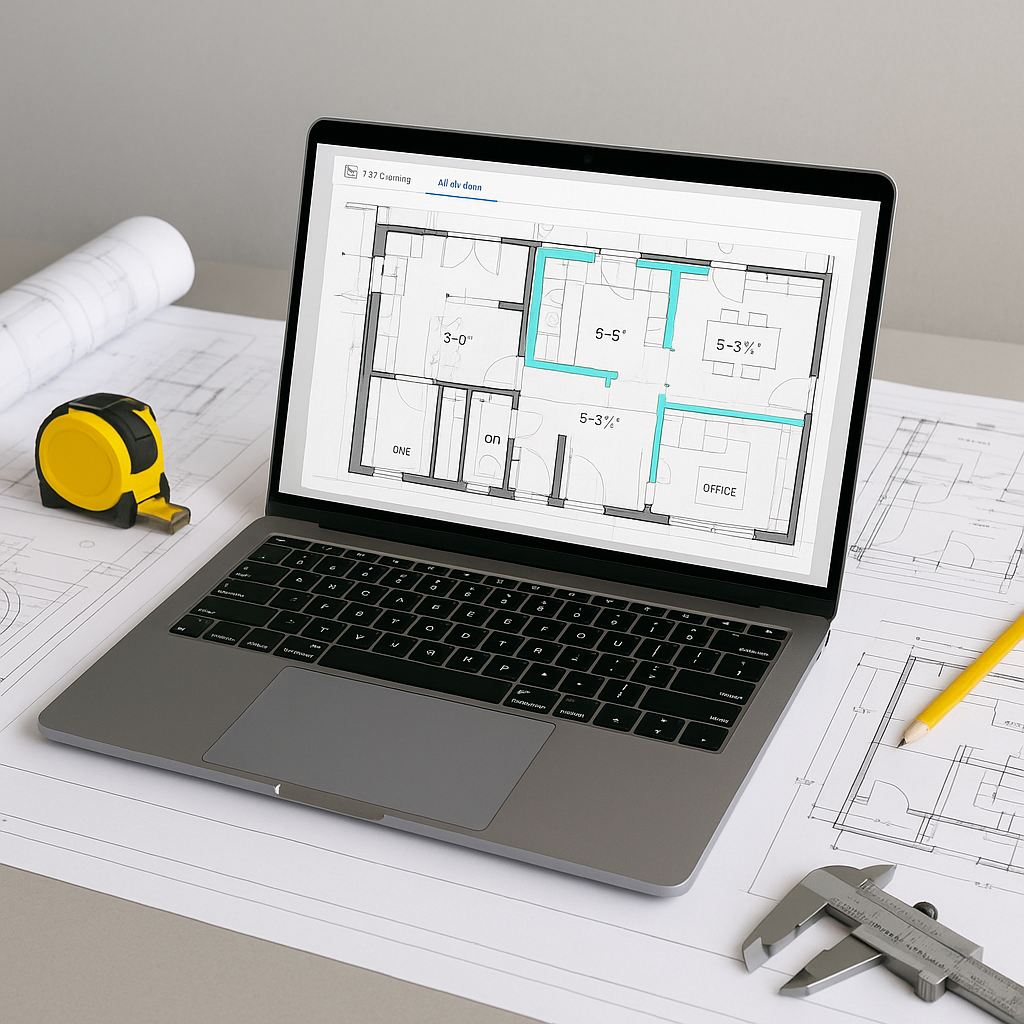
The Problem: Manual Takeoffs Are a Productivity Challenge
Manual quantity takeoffs are slow, tedious, and prone to errors. Estimators often spend significant time tracing walls and beams on PDF drawings, measuring dimensions, and counting items. This process can consume valuable hours of skilled labor that could be better spent on higher-value tasks.
Additionally, manual takeoffs are susceptible to discrepancies. Missed measurements or overlooked revisions can lead to costly errors, such as underestimating material quantities or overordering supplies. These mistakes can impact both project costs and the competitiveness of bids.
The AI Solution: Vision AI Takeoffs
AI-powered tools like EstimateNext’s Vision AI are changing the way takeoffs are performed. Instead of manually tracing drawings, you can upload a PDF, and the software extracts quantities automatically. This automation reduces the time spent on repetitive tasks and allows estimators to focus on strategic decision-making.
Here’s how it works:
- Upload Your Drawings: Drop your PDF plans into the platform.
- AI Extraction: The tool identifies room areas, wall lengths, and item counts automatically.
- Flagging for Review: Low-certainty measurements are flagged for manual review to ensure accuracy.
- Audit Trail: Every adjustment is logged, providing a clear record for tracking changes and avoiding disputes.
Illustrative example — Imagine a scenario where a mid-sized contractor uses AI to perform takeoffs for a commercial project. The tool automates the extraction of quantities, significantly reducing the time required compared to manual methods. This allows the team to allocate more resources to tasks like subcontractor negotiations or refining bid strategies.
Why Accuracy Matters
AI tools are designed to enhance accuracy in takeoffs, reducing the likelihood of discrepancies. However, the quality of the input data plays a critical role. Poorly organized drawings or inconsistent BOQs can affect the results, making human oversight essential for ensuring reliability.
What About Smaller Projects?
AI-powered takeoff tools are versatile and can be applied to projects of various sizes. Whether it’s a small renovation or a large-scale commercial build, the benefits of time savings, reduced errors, and improved margins remain consistent.
Common Objections
“But AI Can’t Think Like an Estimator!”
That’s true—AI doesn’t replace expertise. Instead, it complements it by handling repetitive tasks, allowing estimators to focus on judgment calls, negotiations, and strategic decisions.
“What if My Drawings Are Too Complicated?”
AI tools are designed to handle complexity, including multi-layered PDF sets, revision comparisons, and custom annotations. If something is unclear, the tool flags it for review rather than making assumptions.
“Doesn’t This Take Forever to Learn?”
Most AI platforms are user-friendly, with training typically taking a short amount of time. The return on investment becomes evident as teams quickly adapt to the new workflow.
Common Mistakes to Avoid
- Ignoring Low-Confidence Flags: Always review flagged items to ensure accuracy.
- Relying on AI Alone: Combine AI efficiency with human expertise for the best results.
- Skipping Training: Invest time in learning the tool to maximize its potential.
Call to Action
If manual takeoffs are consuming too much of your team’s time, consider exploring AI-powered tools like EstimateNext to streamline your workflow. Learn more →


