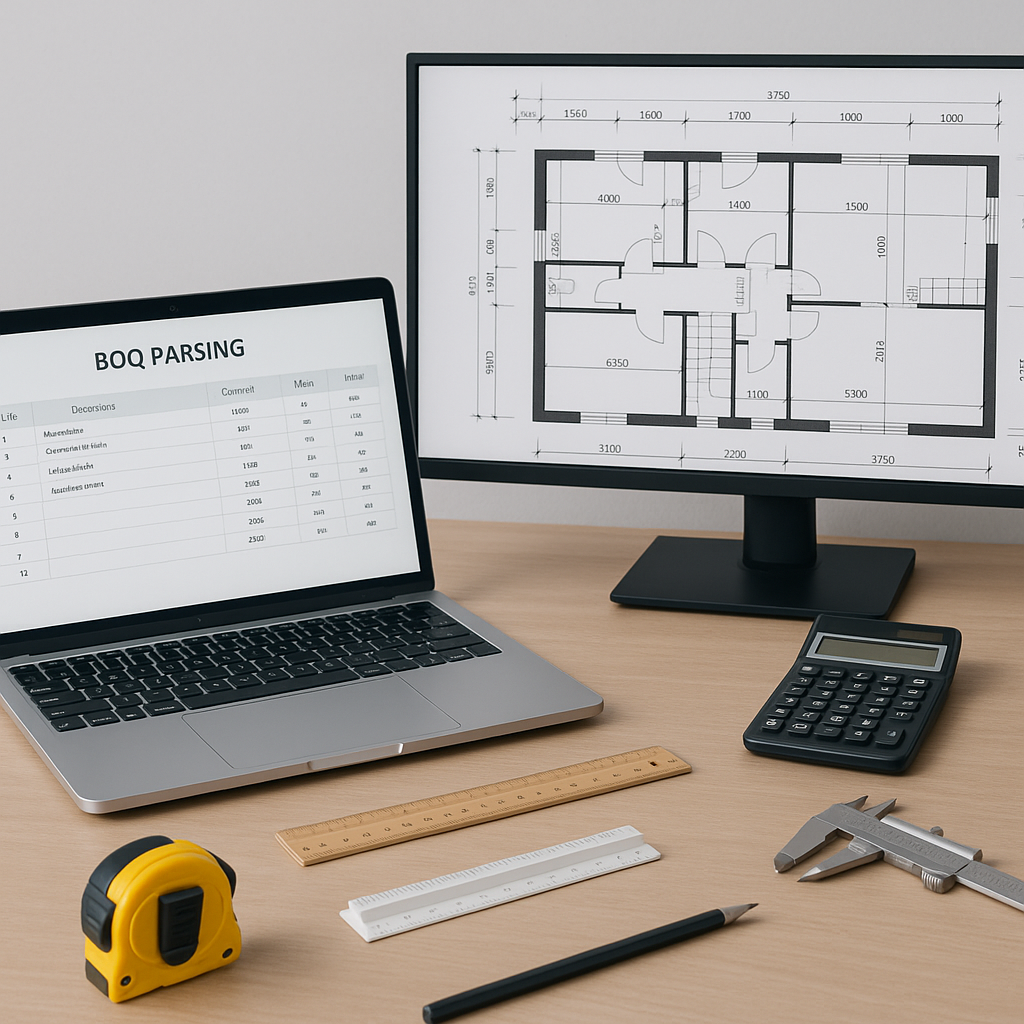
The Problem: When Project Data Slows You Down
Let’s face it—project data is supposed to help teams make better decisions, not bog them down in endless manual work. But if you’ve ever dealt with a messy Bill of Quantities (BOQ) spreadsheet, you know the drill. You spend hours deciphering merged cells, hunting for missing section headers, and trying to make sense of inconsistent hierarchies.
It’s frustrating, isn’t it? And it’s not just the time wasted—it’s the ripple effect. Slow BOQ processing means delayed takeoffs, slower rate matching, and ultimately, missed bid deadlines. When the clock is ticking, even small inefficiencies compound into big problems.
Common Bottlenecks in BOQ Processing
- Merged Cells: Ever tried making sense of a BOQ where half the data is merged into unreadable blocks? You end up manually splitting cells for hours.
- Missing Headers: Without clear section or hierarchy markers, you’re left guessing what connects to what.
- Inconsistent Formats: Some BOQs come formatted like a proper database, while others look like someone copied and pasted random tables from Word.
- Version Confusion: What happens when your BOQ file gets updated mid-process? You’re stuck cross-checking two (or more) versions side-by-side.
These issues aren’t just annoying—they’re costly. A slow BOQ process eats into your team’s bandwidth and delays everything downstream, from takeoffs to bid submissions.
The Fix: AI-Powered BOQ Parsing
AI-powered tools can help streamline BOQ processing by automating repetitive tasks and organizing data into a structured format. These tools can detect merged cells, section headers, and hierarchies, reducing the need for manual intervention.
Illustrative example — Imagine uploading a BOQ for a mid-sized office fit-out. The parser scans the file, identifies structural inconsistencies, and organizes everything into a clean, usable format. What might take a team several hours manually could be completed in a fraction of the time with automation.
How It Works
- Upload the File: Drop your Excel, CSV, or ODS file into the parser.
- Automatic Format Detection: The system identifies merged cells, missing headers, and inconsistent hierarchies.
- Structured Output: You get a clean, readable BOQ with section hierarchies, ready for rate matching and takeoffs.
The key benefit isn’t just time savings but enabling your team to focus on higher-value tasks. Faster BOQ processing means faster everything—takeoffs, rate matching, scenario planning. Your team isn’t stuck cleaning data; they’re making decisions.
Why Speed Matters
Speed isn’t just a convenience in construction—it’s a competitive edge. According to a McKinsey report, construction companies that adopt faster, tech-enabled processes see significant improvements in productivity and competitiveness.
If your team spends a large portion of their time manually fixing BOQs, automation can free up resources for more strategic activities. Faster workflows can lead to more timely bids and better project outcomes.
What To Watch For
Every tool has limitations, and AI-powered parsers are no exception. Here’s what you need to keep in mind:
- Low Confidence Areas: Some BOQs with extremely inconsistent formatting may require manual review, even after parsing.
- Learning Curve: While AI tools are often intuitive, your team may need a few projects to fully trust the output.
- Data Overload: Faster BOQ processing means you’ll need to make decisions faster too. Ensure your decision-making framework is ready to handle it.
Conclusion
Structured project data and AI-powered tools can significantly improve efficiency in construction workflows. By automating repetitive tasks like BOQ parsing, teams can save time, reduce errors, and focus on strategic decision-making. If your team is stuck wasting hours on manual BOQ fixes, consider exploring automation tools to streamline your processes.


