How to Create a BOQ: A Step-by-Step Guide That Saves You Hours
Creating a Bill of Quantities (BOQ) might be the most tedious task in preconstruction. You’re combing through drawings, cross-referencing rate books, and building a spreadsheet that’s supposed to answer every pricing question. It’s slow, repetitive, and prone to errors. But what if there were tools and techniques that could make this process faster, more accurate, and a lot less painful?
Here’s how to create a BOQ the right way—whether you’re still using Excel or ready to try AI-powered estimation tools.
Step 1: Understand the Scope
Before you even open a spreadsheet, the first step is to clearly understand the project scope. A BOQ isn’t just a list of quantities—it’s the foundation of your project’s cost estimate and aligns the client’s expectations with what is actually being built. Missing a single detail in the scope can lead to inaccurate pricing, disputes, and unnecessary rework later.
Key Documents You Need:
- Drawings: Gather all relevant drawings, including architectural, structural, and MEP (mechanical, electrical, plumbing) plans. These are your primary sources for measurements.
- Specifications: Specifications document the type of materials, workmanship standards, exclusions, and any special instructions. Without these, your BOQ may miss critical details.
- Tender Documents: These outline the terms and conditions of the contract, any assumptions, and constraints you must consider when preparing the BOQ.
Actionable Steps:
- Create a checklist of required documents to ensure nothing is missed.
- Highlight revisions in drawings or specifications. If you’re dealing with multiple versions, use tools like EstimateNext’s Vision AI, which can automatically compare revisions and flag changes. This eliminates the need to manually cross-check drawings.
- Confirm with stakeholders that there are no missing details or ambiguities in the tender documents before proceeding.
Why This Matters: Clarifying scope upfront saves hours of rework caused by misaligned expectations or overlooked details.
Step 2: Break Down Work Items
A BOQ is typically organized into work items, each representing a specific part of the project. Breaking down work items correctly ensures that your BOQ is detailed enough for accurate pricing while remaining manageable for reporting and analysis.
Standard BOQ Formats:
- CSI MasterFormat: A widely used standard in the U.S. that organizes work items hierarchically into divisions (e.g., Division 03 for Concrete, Division 09 for Finishes).
- CPWD DSR: A format commonly used in India, based on the Central Public Works Department’s standard schedule of rates.
- NRM2: The UK’s New Rules of Measurement for building works.
Each work item should include:
- Description: A concise but clear explanation of the task (e.g., "Interior wall painting, two coats").
- Unit of Measurement: Specify whether quantities are measured in square meters, cubic yards, kilograms, etc.
- Quantity: Calculate the exact quantity required for each item.
Common Pitfall to Avoid:
- Combining unrelated tasks into one line item: For example, grouping "Concrete + Reinforcement" under one rate may save time during preparation but will complicate rate analysis and adjustments later. Keep each element separate for better transparency and flexibility.
Pro Tip:
Use templates based on your region’s standard BOQ format to save time. Many AI tools, including EstimateNext, offer pre-built templates aligned with these standards.
Step 3: Quantity Takeoff
Quantity takeoff is the process of measuring dimensions from drawings to calculate the quantities of materials and labor required for each work item. This step is often the most labor-intensive part of BOQ preparation.
Manual Takeoff Process:
- Print drawings or open them in software like Bluebeam.
- Use a scale ruler or digital measurement tools to measure dimensions.
- Record measurements in a spreadsheet manually.
Problems with Manual Takeoff:
- It’s time-consuming, especially for large projects.
- Errors are common, particularly when transferring data from drawings to spreadsheets.
- It’s difficult to manage revisions or updates efficiently.
Modern Approach: AI-Powered Takeoff Tools
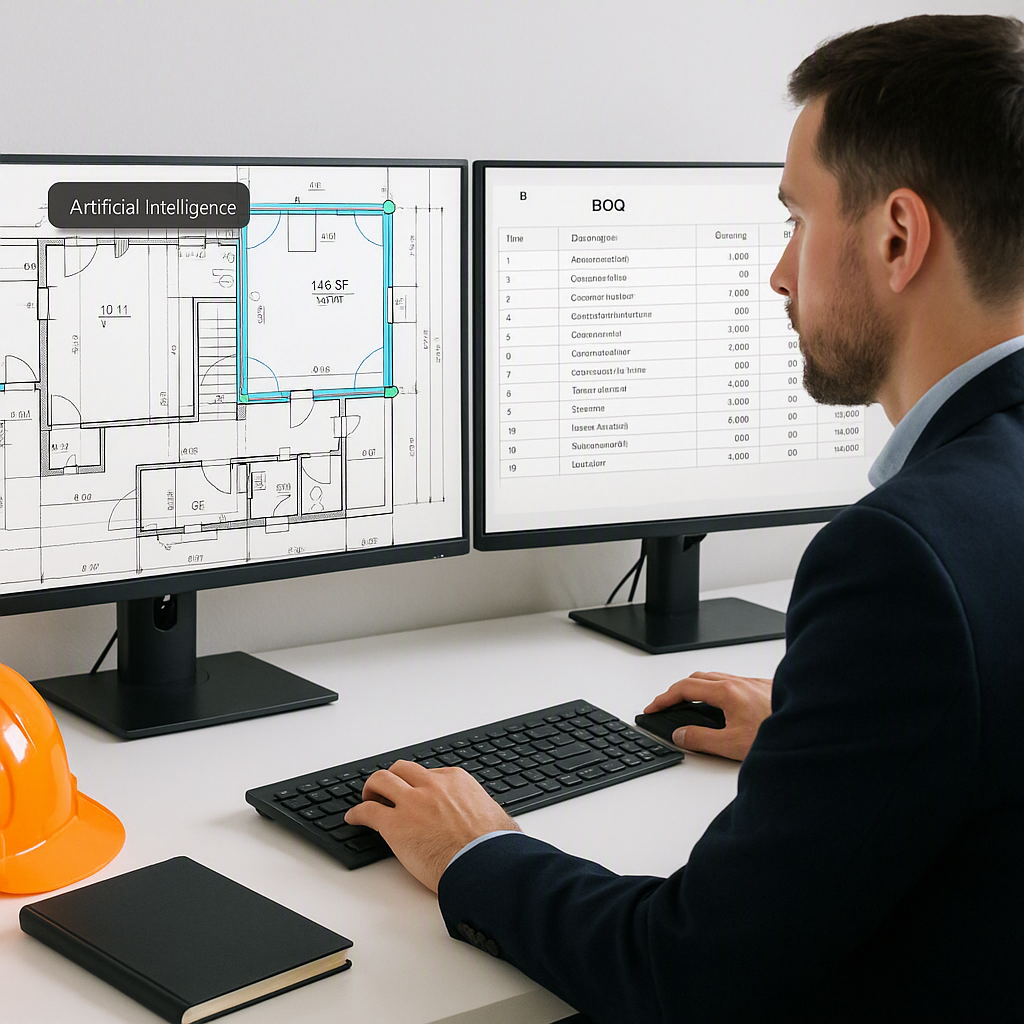
AI tools like EstimateNext can automate large portions of the quantity takeoff process. Here’s how it works:
- Upload your PDF or CAD drawings to the platform.
- Use the software to automatically identify and measure elements like wall areas, door counts, or concrete volumes.
- Export the quantities directly into your BOQ template.
Example: If you need the total wall area for painting, instead of manually measuring each section, AI software can scan the drawing, identify walls, and calculate the total area in seconds.
Actionable Steps:
- If you’re new to AI tools, start with a free trial of platforms like EstimateNext or Planswift to see how much time you can save.
- For manual takeoff, double-check your measurements with a second person to reduce errors.
Step 4: Match Rates to Quantities
Once quantities are determined, the next step is to assign the appropriate rates to each item. This can be a challenging task, especially if you’re working with a large rate book or need to customize rates for your region.
Matching Rates Manually:
- Use standard rate books like RSMeans or CPWD DSR.
- Look up the relevant rate for each work item and enter it into your BOQ.
Using AI Tools for Rate Matching:
AI tools like EstimateNext simplify this process with features like:
- Smart Search: Instantly find the most relevant rate item from a database of 78,000+ entries.
- Customizable Rates: Adjust default rates to account for local market conditions or inflation.
Example Table:
| Work Item | Quantity | Unit Rate ($/m²) | Total Cost ($) |
|---|---|---|---|
| Wall Painting | 500 m² | 4.50 | 2,250 |
| Concrete Slab | 120 m³ | 110.00 | 13,200 |
Actionable Steps:
- Verify rates against recent projects or market data to ensure accuracy.
- For region-specific adjustments, consult local construction cost indices.
Step 5: Factor Overheads and Margins
A BOQ is not just a list of raw costs—it’s also the foundation for your profitability. Once you’ve matched rates to quantities, apply the following:
- Overheads: General costs like site office setup, utilities, and equipment rental.
- Profit Margins: Your markup, typically a percentage of the total cost.
- Contingencies: A buffer for unforeseen costs (usually 5–10%).
Tools to Simplify This Step:
EstimateNext offers configurable Cost Factor Profiles, which allow you to apply overheads, profit margins, and contingencies automatically. This ensures consistency and saves time.
Step 6: Format Your BOQ for Submission
Clients typically expect BOQs in specific formats, such as Excel, PDF, or standardized templates like AIA G703. Formatting your BOQ professionally is crucial for clear communication and avoiding disputes.
Checklist for BOQ Formatting:
- Use clear section headers and consistent formatting.
- Include an audit trail for all measurements and calculations.
- Double-check quantities and rates for accuracy.
Pro Tip: AI tools like EstimateNext can export BOQs directly into client-preferred formats, eliminating the need for manual reformatting.
Common Mistakes and How to Avoid Them
| Mistake | How to Fix |
|---|---|
| Skipping scope reviews | Spend extra time clarifying the scope upfront. |
| Using outdated rates | Regularly update rates to account for inflation. |
| Overcomplicating items | Keep descriptions clear and concise. |
| Forgetting overheads | Use tools that automate overhead and margin factors. |
Conclusion
Creating a BOQ doesn’t have to be a slow, painful process. By following a structured workflow and leveraging modern tools like AI-powered platforms, you can save hours of work while improving accuracy and professionalism. Platforms like EstimateNext are designed to handle everything from takeoff to rate matching in minutes, giving you more time to focus on strategy.
If you’re ready to transform your BOQ process, try EstimateNext for free →


