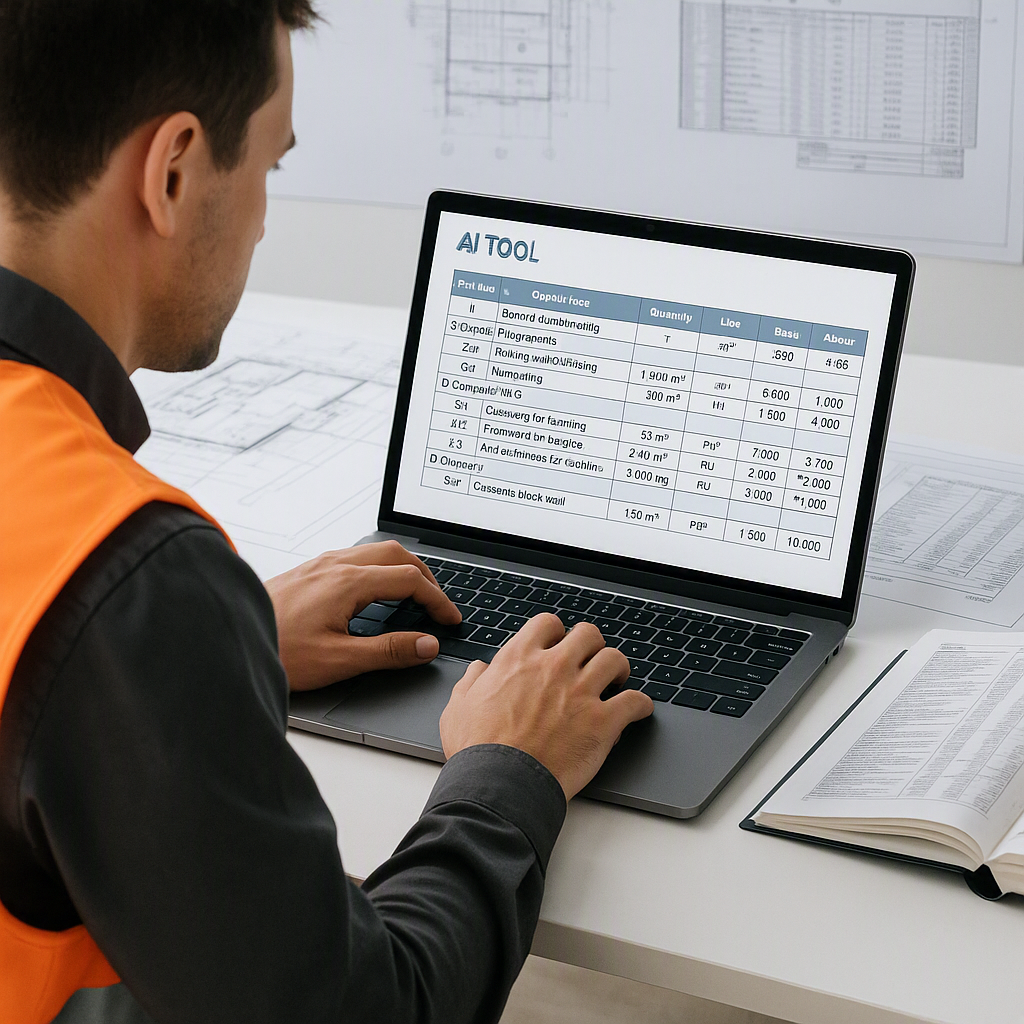
How to Create a BOQ Template for Construction Using AI Tools
Creating a Bill of Quantities (BOQ) template is often a challenging task. If you’ve ever spent hours flipping through rate books or retyping formulas in Excel, you know it can be a slow, error-prone process. When deadlines are looming, every extra hour feels critical.
AI tools are now helping to make this process faster, smarter, and more efficient. Here’s how you can create a BOQ template with fewer headaches.
The Traditional Way: Slow and Fragile
Let’s start with the basics. A BOQ is essentially a detailed breakdown of the materials, labor, and equipment needed for a construction project. It’s the backbone of any bid package.
Traditionally, creating a BOQ involves:
- Manual Takeoffs: Measuring quantities directly from drawings, often using tools like Bluebeam or even physical rulers.
- Rate Lookup: Searching through massive rate books like RSMeans or CPWD DSR for applicable unit rates.
- Spreadsheet Setup: Manually inputting formulas, adjusting cost factors, and organizing sections.
The problem? Each step is time-consuming. Takeoffs, rate lookups, and spreadsheet adjustments can add up to significant delays. If a client changes scope midway, the entire workbook can become difficult to manage due to broken formulas or outdated data.
How AI Tools Change the Game
AI-powered tools streamline this process by automating the most time-consuming parts. Let’s break it down:
1. Smart BOQ Parsing
Uploading a BOQ into an AI tool can help organize the data. AI can detect merged cells, section headers, and hierarchies without requiring manual cleanup of messy Excel files. This reduces the time spent on formatting.
2. Rate Matching Across Catalogs
Instead of flipping through thousands of pages in rate books like RSMeans or CPWD DSR, AI tools provide semantic search capabilities. These tools can match BOQ line items to rates across various entries in seconds, adapting to regional catalogs such as India’s CPWD or the GCC’s FIDIC-compliant schedules.
Illustrative example — Say you need rates for “Class B concrete.” A semantic search pulls the closest matches from your catalog, ranked by relevance, saving you from manually scrolling through PDFs.
3. Dynamic Templates
AI-enabled BOQ templates are dynamic. They adjust in real-time based on changes to scope or rates. You can tweak overhead percentages, inflation factors, or labor costs, and the tool propagates updates across the workbook instantly.
This eliminates the need to rebuild formulas every time a client requests changes, such as adding a mezzanine floor.
Step-by-Step: How to Create a BOQ Template Using AI Tools
Here’s how you can build a professional BOQ template:
Step 1: Gather Project Inputs
Start with the basics:
- Drawings (PDF or CAD files)
- Specifications
- Local rate catalogs (e.g., CPWD DSR, RSMeans)
Upload these into your AI tool.
Step 2: Let AI Handle Takeoffs
Some AI tools use Vision AI to extract quantities from drawings. By uploading PDFs, the system can calculate room areas, wall lengths, and fixture counts, significantly reducing manual effort.
Step 3: Match Rates Automatically
Use the semantic search feature to assign rates to your BOQ items. For example:
- Concrete (Class B)
- Rebar (TMT)
The tool pulls these rates from your selected catalogs, ensuring compliance and accuracy.
Step 4: Apply Cost Factors
Customize your cost profile:
- Overhead (% OH)
- Profit margin (% P)
- Waste and escalation factors
AI tools apply these across the BOQ, saving you from manual adjustments.
Step 5: Generate Reports
Export your BOQ in formats like Excel, CSI MasterFormat, or CPWD-compliant templates. AI tools ensure professional formatting with detailed audit trails.
Common Mistakes to Avoid
Even with AI tools, there are pitfalls:
- Ignoring Audit Trails: Always review rate matches to ensure accuracy. AI is fast, but human oversight is critical.
- Overcomplicating Templates: Stick to clear, client-friendly formats. Too many formulas or sections can confuse stakeholders.
- Skipping Regional Compliance: Ensure your BOQ aligns with local standards like CESMM3 or CPWD DSR.
The Bottom Line
A good BOQ template saves time, reduces errors, and increases client trust. AI tools make the process faster and smarter, from takeoffs to rate matching. By leveraging these tools, you can focus more on strategic decisions and less on repetitive tasks.


