Why Manual Takeoffs Are a Time Sink
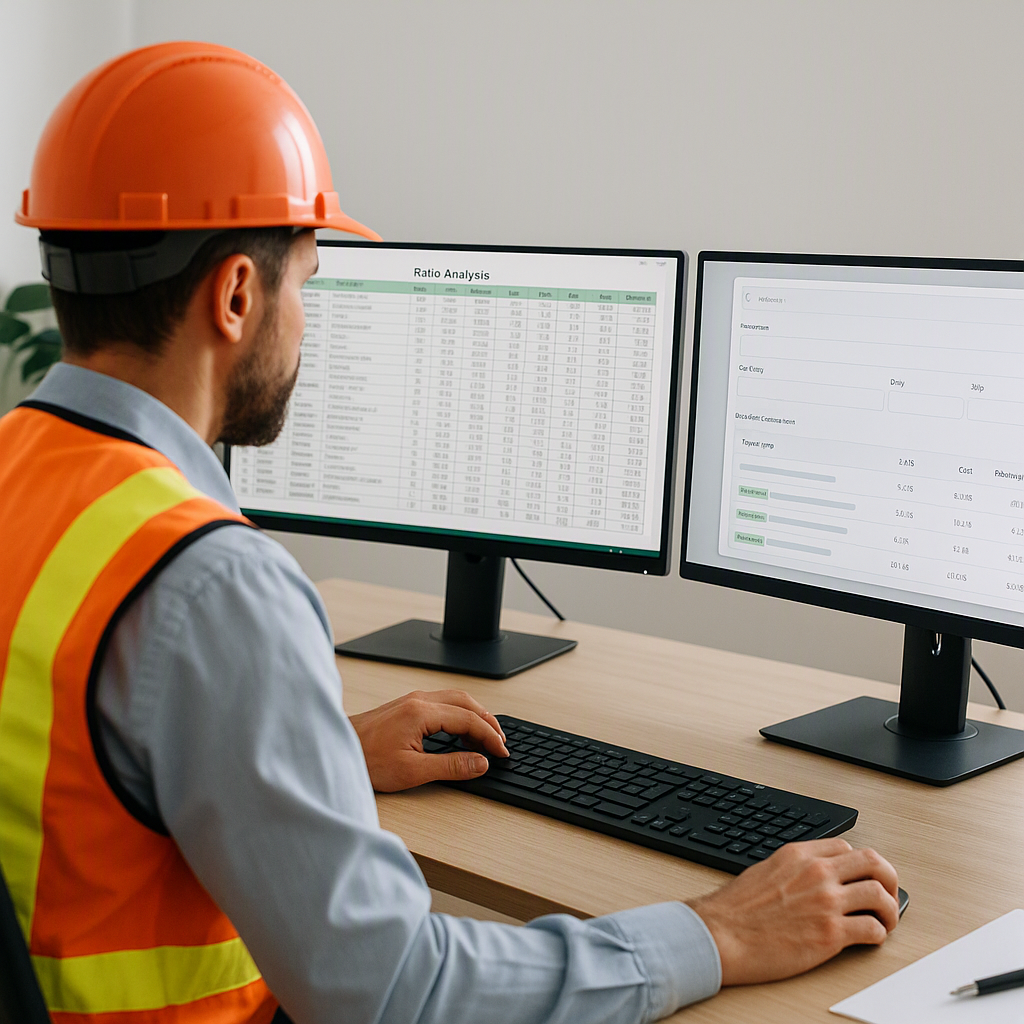
Let’s be honest — manual takeoffs are brutal. You’re flipping between 50-page drawing sets, calibrating scales, and manually measuring dimensions with a mouse. It’s 40 hours of work just to get basic quantities. Two estimators on it for two days. And let’s not even talk about the errors that creep in when you’re rushing to meet a bid deadline.
That’s why AI-powered takeoffs are blowing up. Instead of staring at drawings for hours, you upload a PDF, and the software gives you quantities in minutes. But not all tools are created equal. Some overpromise and underdeliver. Others give you half-baked results, leaving you to clean up the mess.
We’ve tested a lot of them, and here’s what works. Let’s walk through how to do AI takeoff from PDF drawings in 10 minutes using EstimateNext.
Step 1: Upload Your Drawings
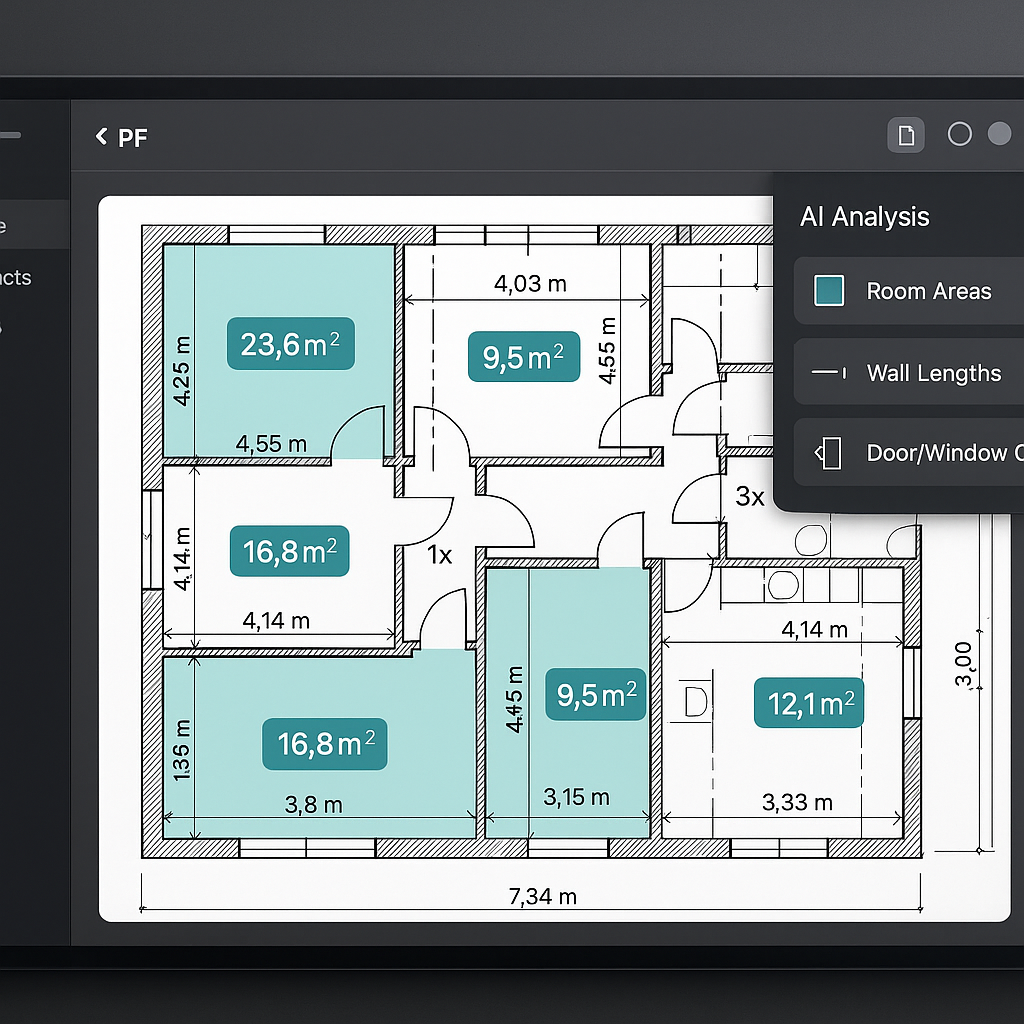
Start by uploading your PDF drawing set. The key here is how the tool processes the file. EstimateNext uses Vision AI, which doesn’t just scan for lines and boxes — it actually understands the drawing context. Room areas, wall lengths, door/window counts — all auto-detected in seconds.
Pro Tip: If you’ve got a revision set, upload that too. EstimateNext can compare the two versions and highlight changes. No more combing through revision clouds manually.
Step 2: Calibrate and Verify
Even with AI, calibration matters. You’ll be prompted to set the scale if it’s not embedded in the PDF. This takes less than a minute. Use the calibrate tool to check one or two known dimensions (e.g., a gridline spacing or a labeled wall length).
Why bother? Because garbage in = garbage out. Calibration ensures your quantities are spot-on.
Step 3: Let the AI Extract Quantities
This is where the magic happens. Vision AI scans the drawings and extracts:
- Room areas (SF or SM)
- Wall lengths (linear FT or M)
- Counts for fixtures like doors and windows
- Specialty measurements (pipe runs, duct lengths, sprinkler spacing)
The whole process takes about 10 minutes for a standard 15-page drawing set. For larger sets, maybe 15 minutes tops. Compare that to 8 hours of manual work.
Edge Case: What if the AI misses something? No problem. EstimateNext flags low-confidence lines for review. You can remeasure manually, and the tool keeps an audit trail of your overrides.
Step 4: Export and Use the Data
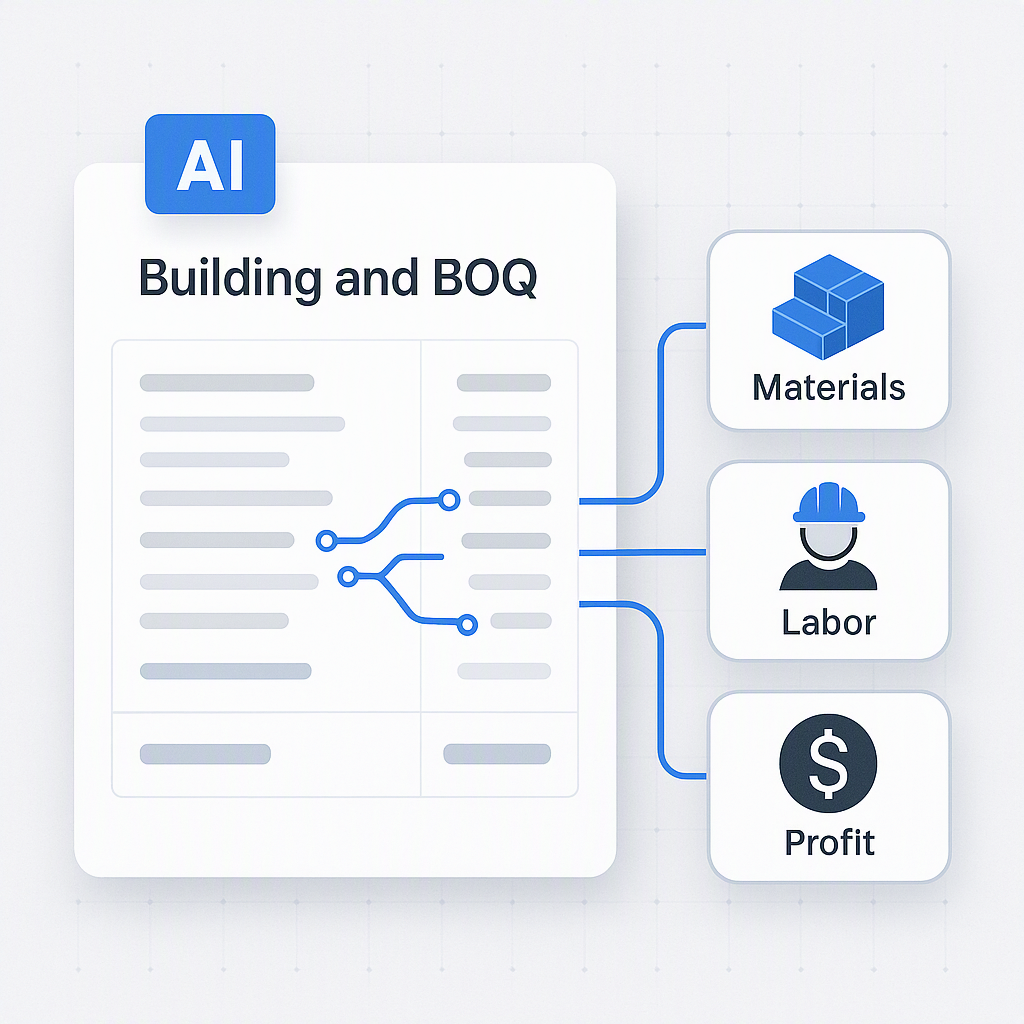
Once the takeoff is complete, you can export the quantities directly into a BOQ format of your choice — Excel, CSI MasterFormat, CPWD DSR, NRM2, CESMM3, you name it.
Need to hand it off to someone else? The PDF overlay feature shows all takeoff lines on the original drawing. Perfect for team reviews or client presentations.
Why It’s a Game-Changer
Using AI for takeoffs isn’t just about saving time. It’s about accuracy and scalability. With manual methods, you’re limited by how many hours you can throw at a project. But with AI, you can process multiple drawing sets simultaneously.
Think about it: A GC preconstruction team chasing five GMP pursuits can save 200 hours per week just by automating takeoffs. At $130/hour for an estimator, that’s $26,000 saved per week. Source.
What’s the Catch?
You might be thinking: “Does AI really get everything right?”
In our experience, it’s 90-95% accurate on the first pass. For complex drawings (think MEP-heavy layouts), you’ll still need to review and tweak. But even spending 30 minutes cleaning up is a far cry from 40 hours.
Ready to Try It?
If you’re still stuck in the manual takeoff grind, it’s time to test out AI. Tools like EstimateNext aren’t just faster — they’re smarter. Want to see it in action? Sign up for a free trial here.