Manual Estimation Wastes Time. AI Fixes That.
If you’re in preconstruction, you already know the pain of manual takeoffs. Two estimators can spend 40 hours just pulling quantities from drawings. That’s an entire workweek gone — before you’ve even started pricing. And let’s be honest, manual processes aren’t exactly error-proof. Miss a room or mismeasure a wall, and you’re scrambling to fix it after the bid goes out. Not ideal.
Here’s the thing: this isn’t just a one-off problem. For a general contractor pursuing 8 GMP projects a year, that’s 320 hours wasted. Multiply that by an average loaded rate of $130/hour, and you’re looking at a $41,600 annual cost. Per estimator.
What if you could cut that time by 90%? That’s where AI-powered preconstruction estimation tools like EstimateNext come in.
How AI Slashes Takeoff Time
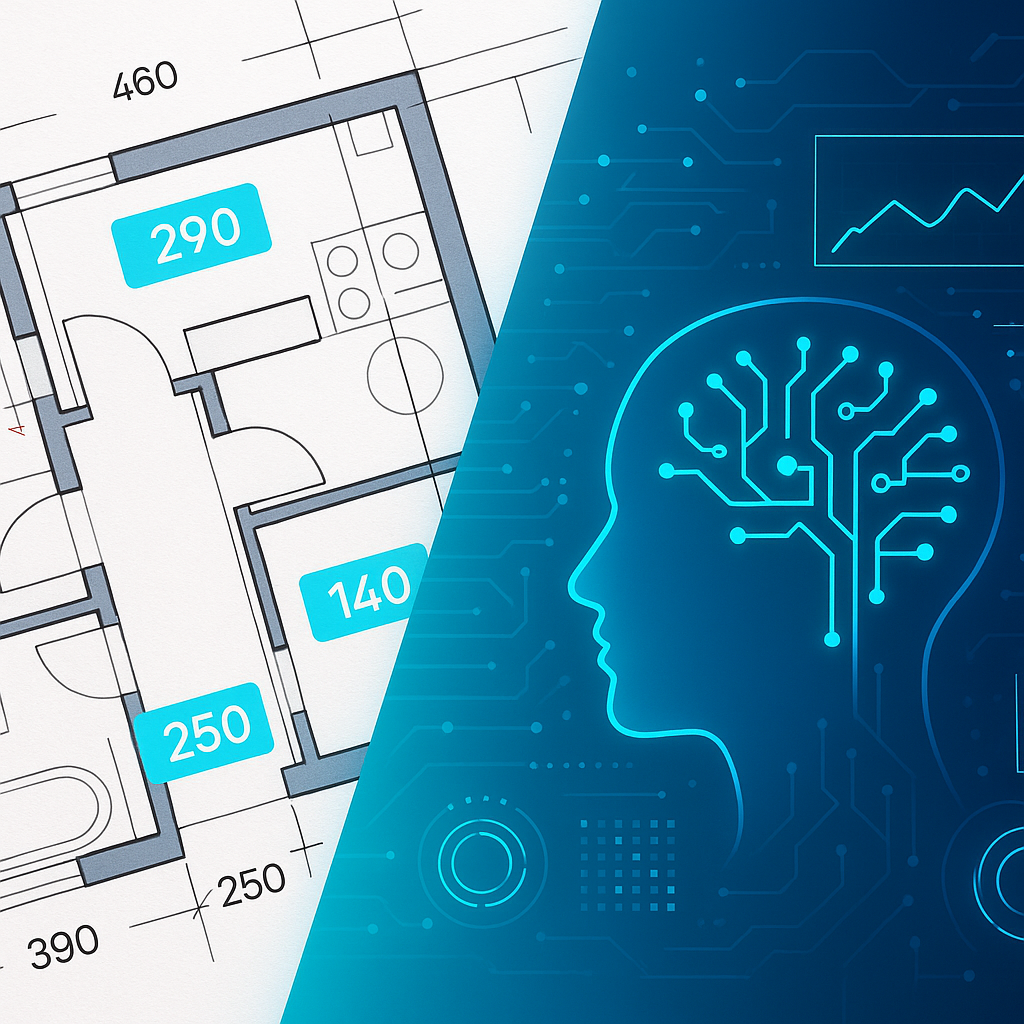
EstimateNext’s Vision AI can process drawing sets in 10 minutes. That’s not a typo — 10 minutes. You upload your PDFs, and the platform extracts quantities like room areas, wall lengths, and even door/window counts. It’s like hiring a superhuman estimator who never sleeps.
Here’s a real example: one of our users, a regional contractor in Texas, uploaded a 60-page drawing set for a school renovation project. Vision AI extracted all room areas and linear measurements in under 12 minutes. No missed details. No manual rechecks. And when the architect issued a revised set mid-bid? They uploaded it, ran a comparison, and had updated quantities in under 5 minutes. Try doing that with a ruler and highlighter.
But What About Accuracy?
You might be thinking, “Sure, it’s fast, but can it match human accuracy?” Fair question. The short answer: yes, and often it’s better. Vision AI flags low-confidence areas for review, so you can double-check anything that looks off. It also allows manual overrides with a full audit trail — meaning you’re never locked into what the AI spits out.
For the skeptics out there, here’s another stat: 98.6% of quantities extracted by Vision AI matched third-party remeasurements in a recent benchmark. That’s better than most manual workflows, which often hover around 95% accuracy (if you’re lucky).
Why Speed Matters (Beyond Winning Bids)
Speed isn’t just about getting bids out faster. It’s also about freeing up your team to focus on higher-value tasks. Instead of burning hours on repetitive takeoff work, your estimators can analyze subcontractor quotes, run what-if scenarios, or refine cost factors.
One MEP subcontractor we worked with saw an immediate impact. They went from a 72-hour quote cycle to just 4 hours using EstimateNext. That speed bump meant they could respond to 50% more bid packages annually. More bids = more wins. Simple math.
The Cost Argument
Let’s not ignore the elephant in the room: budget. Traditional takeoff software like CostX or ProEst can cost $5,000-$15,000 per year. That’s a hard pill to swallow for small-to-midsize firms.
EstimateNext? $39-$99/month. Less than your monthly coffee habit. And no, it’s not a watered-down product — it handles multi-market complexities (like CSI, CPWD, and CESMM3 standards) and even offers trade-specific tools for HVAC, electrical, plumbing, and more.
Is AI Replacing Estimators?
Not at all. AI isn’t here to steal your job; it’s here to make it easier. Think of it as your assistant. You still control the final numbers, but now you’re working smarter, not harder.
The obvious objection is, “What about edge cases?” That’s valid. No software is perfect, and you’ll still need human judgment for complex projects or unusual specs. But for 80-90% of the work, AI does the heavy lifting. The ROI speaks for itself.
Ready to Stop Wasting Time?
If you’re tired of manual takeoff eating into your schedule (and your sanity), it’s time to try AI-powered estimation. Tools like EstimateNext aren’t just faster — they’re better. Whether you’re a general contractor, an MEP sub, or a QS firm, the math adds up: 40 hours saved per project = $5,200 saved per pursuit for most GCs.
Still not convinced? Try uploading your next BOQ or drawing set into an AI tool and see the difference for yourself. You’ll wonder why you didn’t do it sooner.
Ready to see EstimateNext in action?
AI-powered preconstruction estimation platform — from BOQ upload to priced bid package in minutes. 78K+ SOR items, 7 specialist trade tools, bid intelligence, and a procurement network.
Get Started Free →

